
Epic tournament.
Iconic ride.
Your team. Your car. Your match.
Where will you be cheering for your team?
Browse cars in Los Angeles
Average daily prices for a 3-day trip
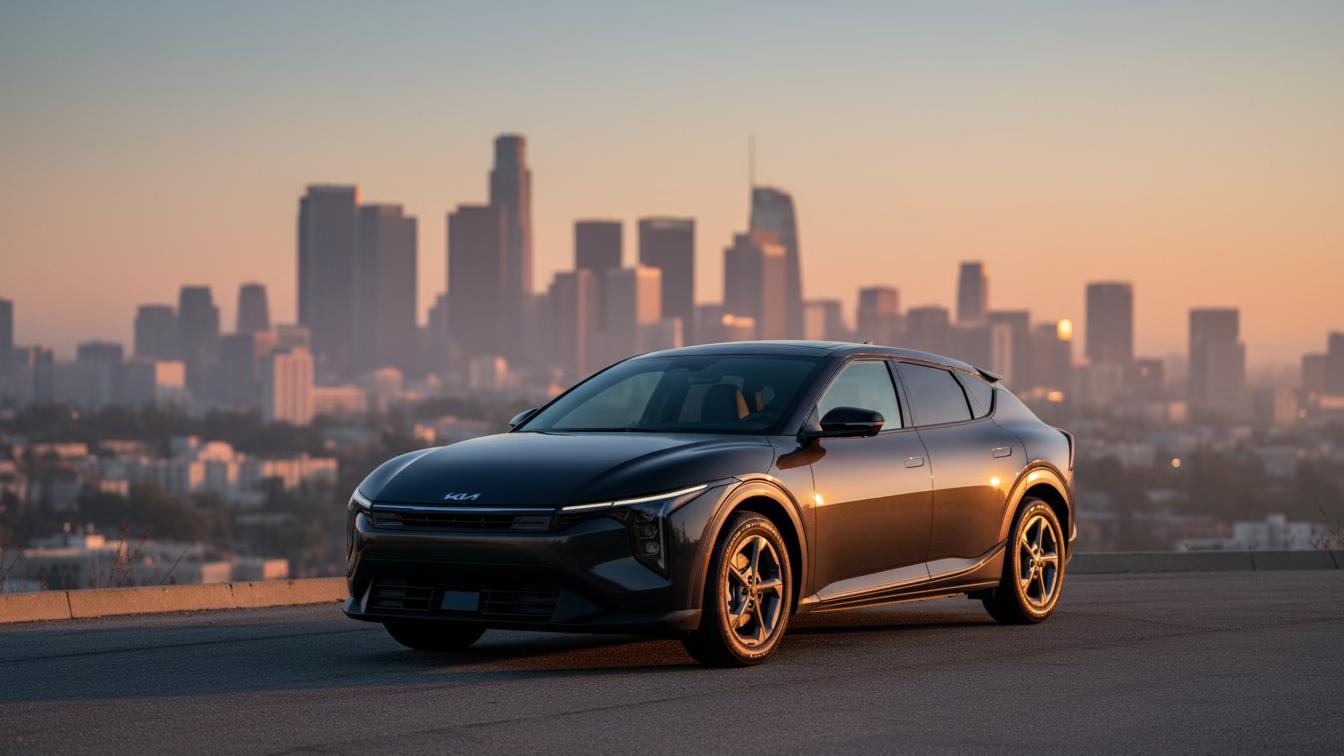
Kia K4
2026
•4.85
(31)
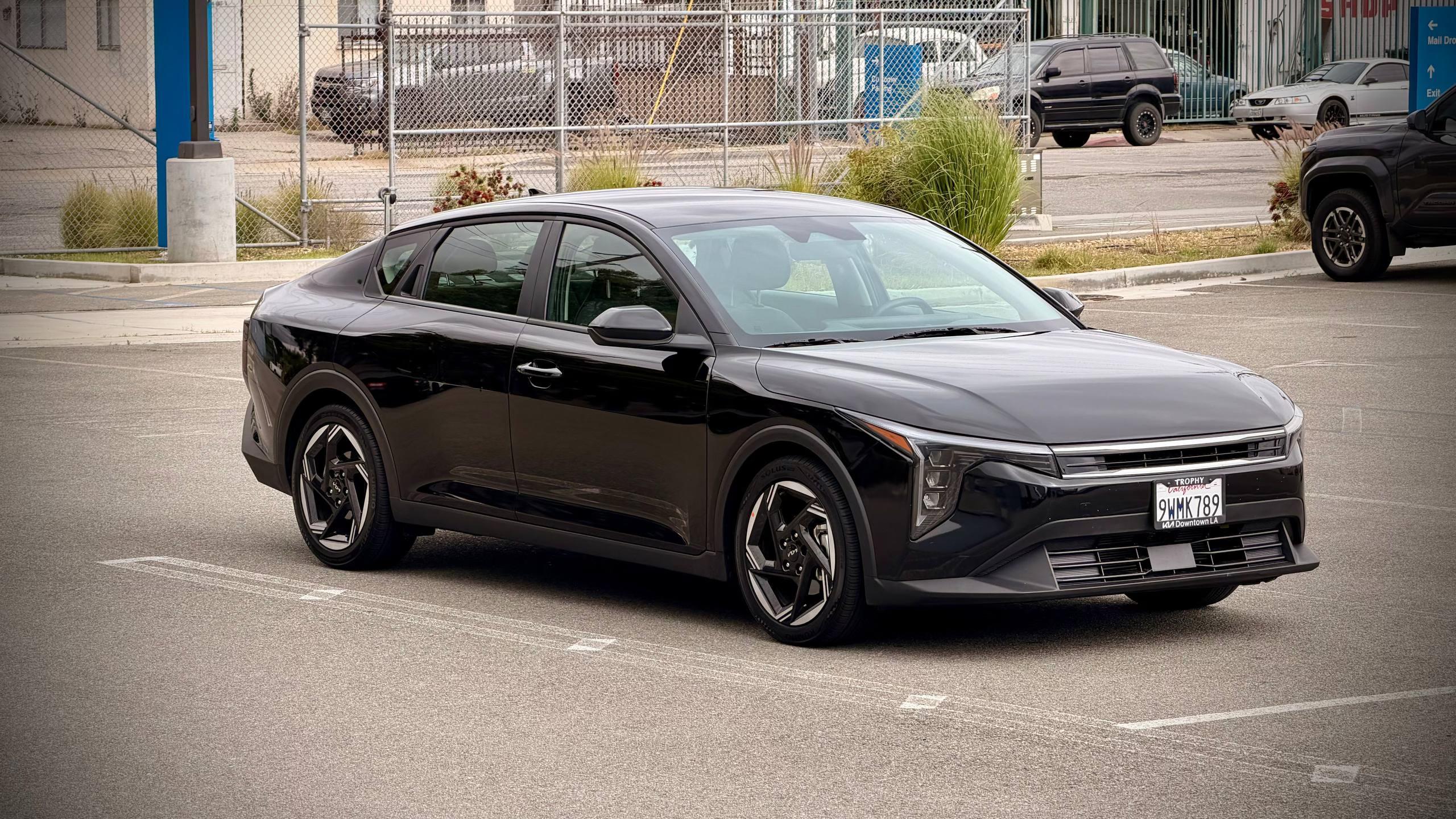
Kia K4
2025
•5.0
(9)
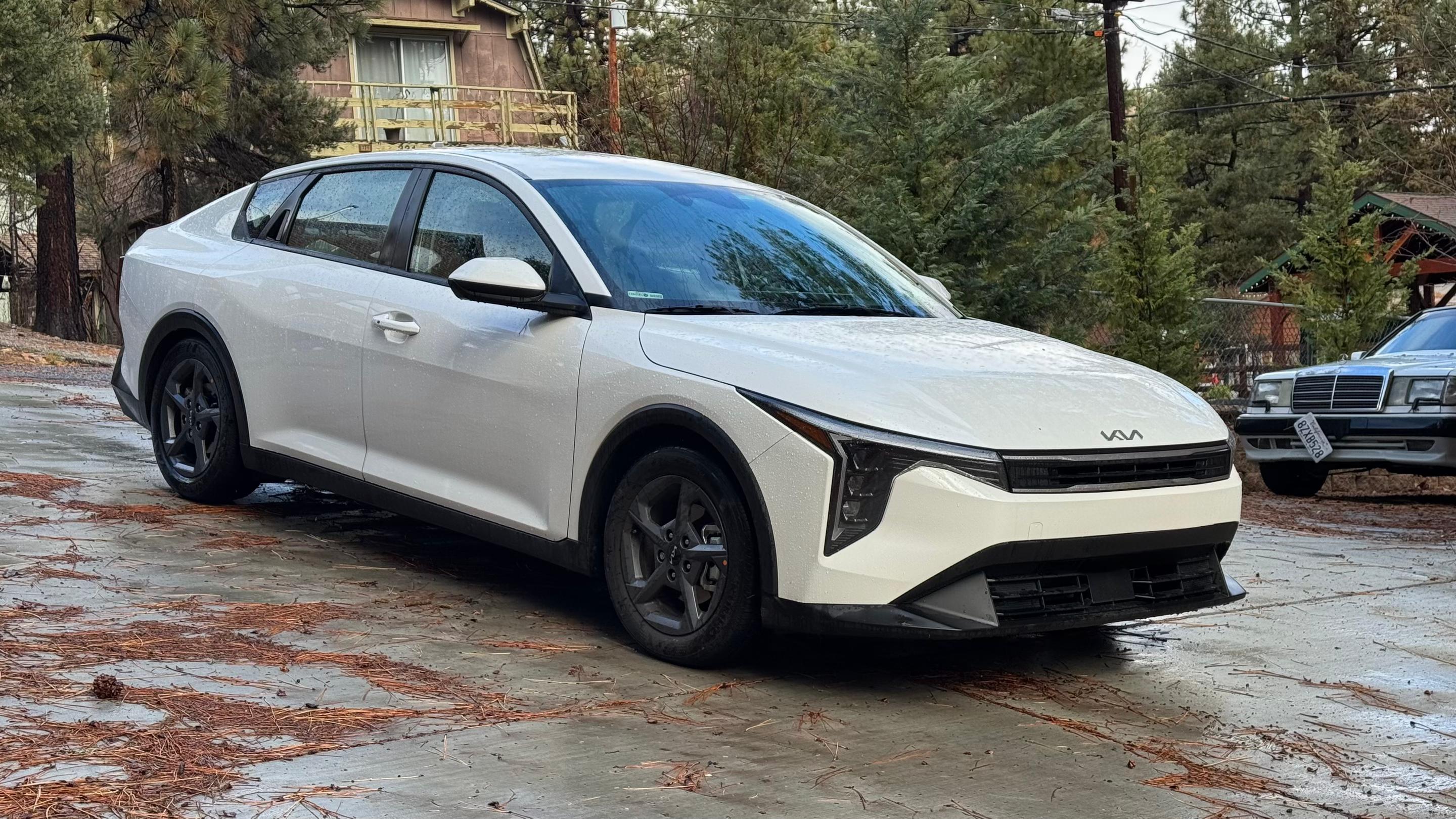
Kia K4
2025
•4.89
(19)
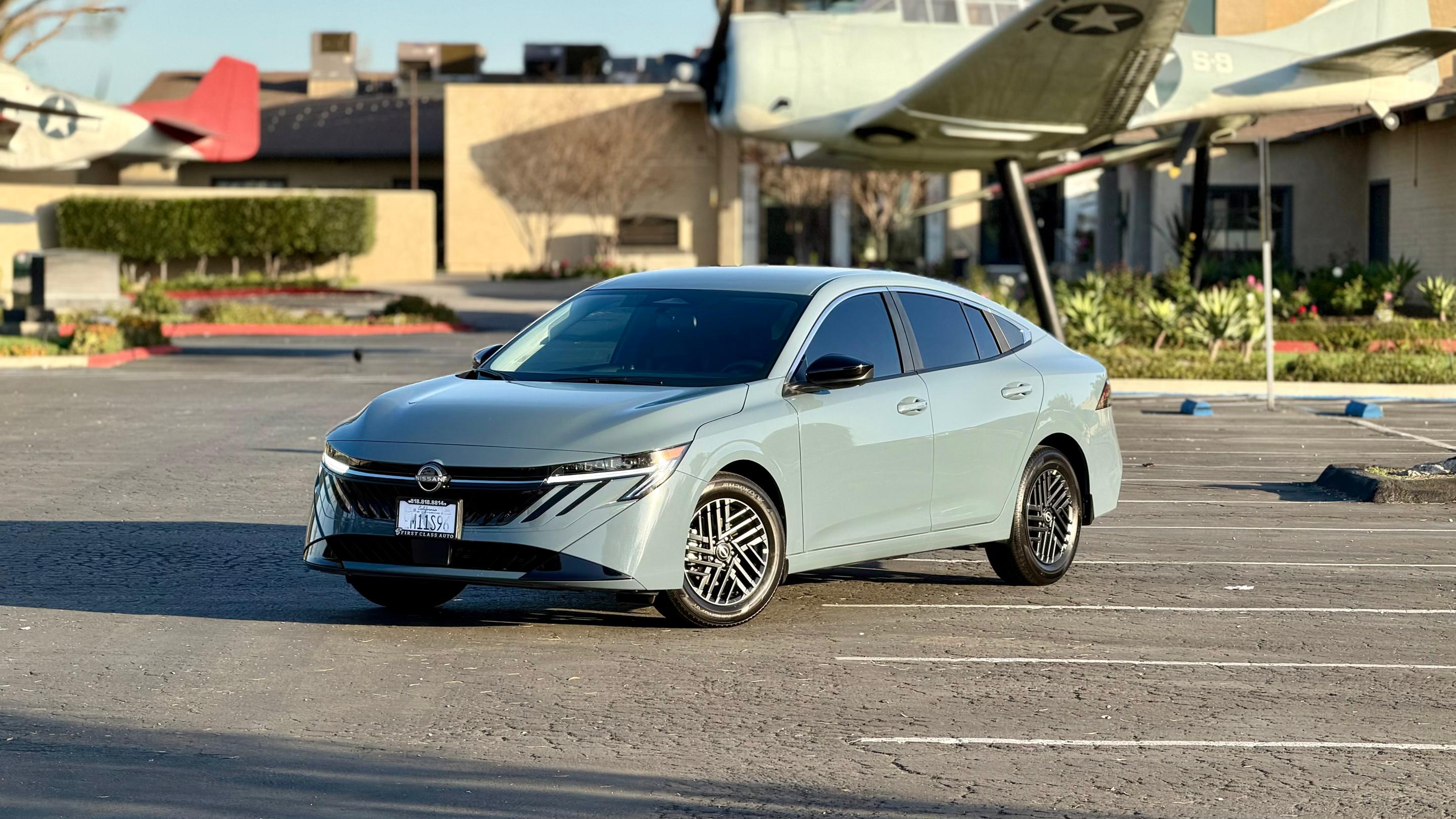
Nissan Sentra
2026
•5.0
(35)
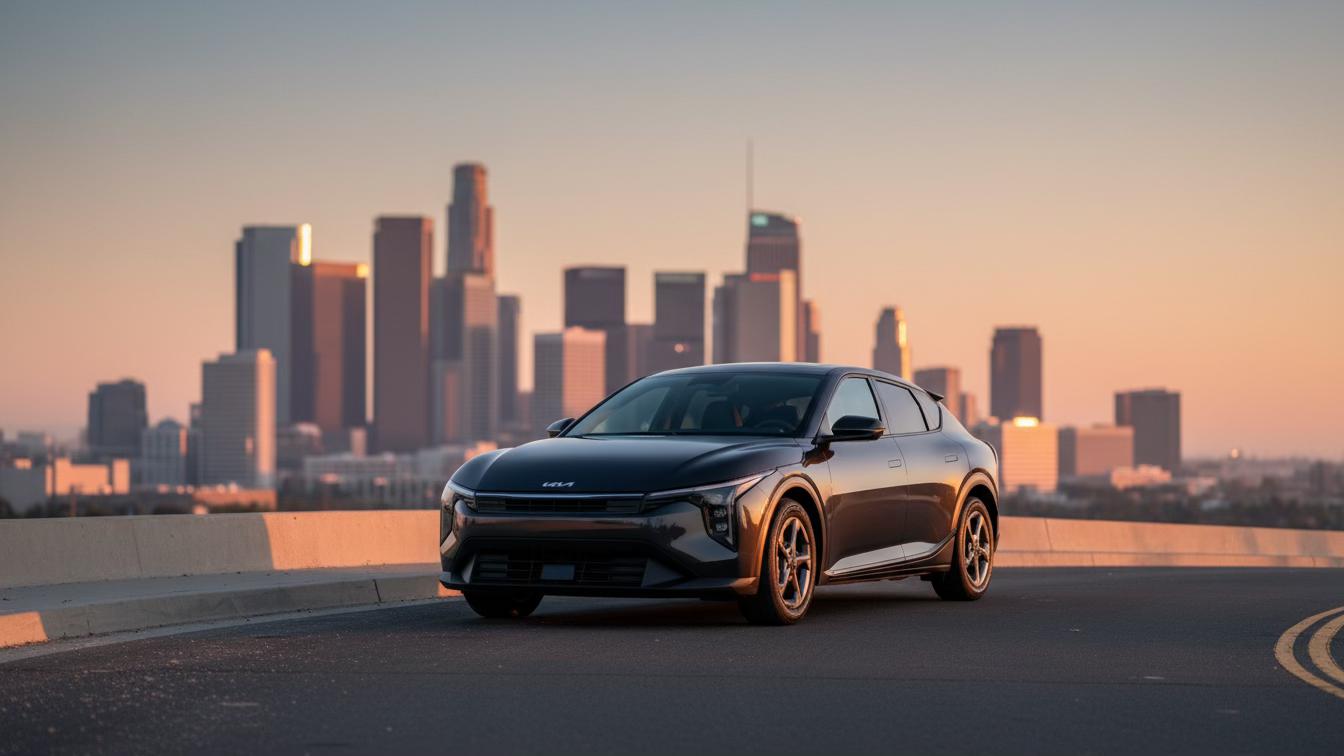
Kia K4
2025
•5.0
(27)
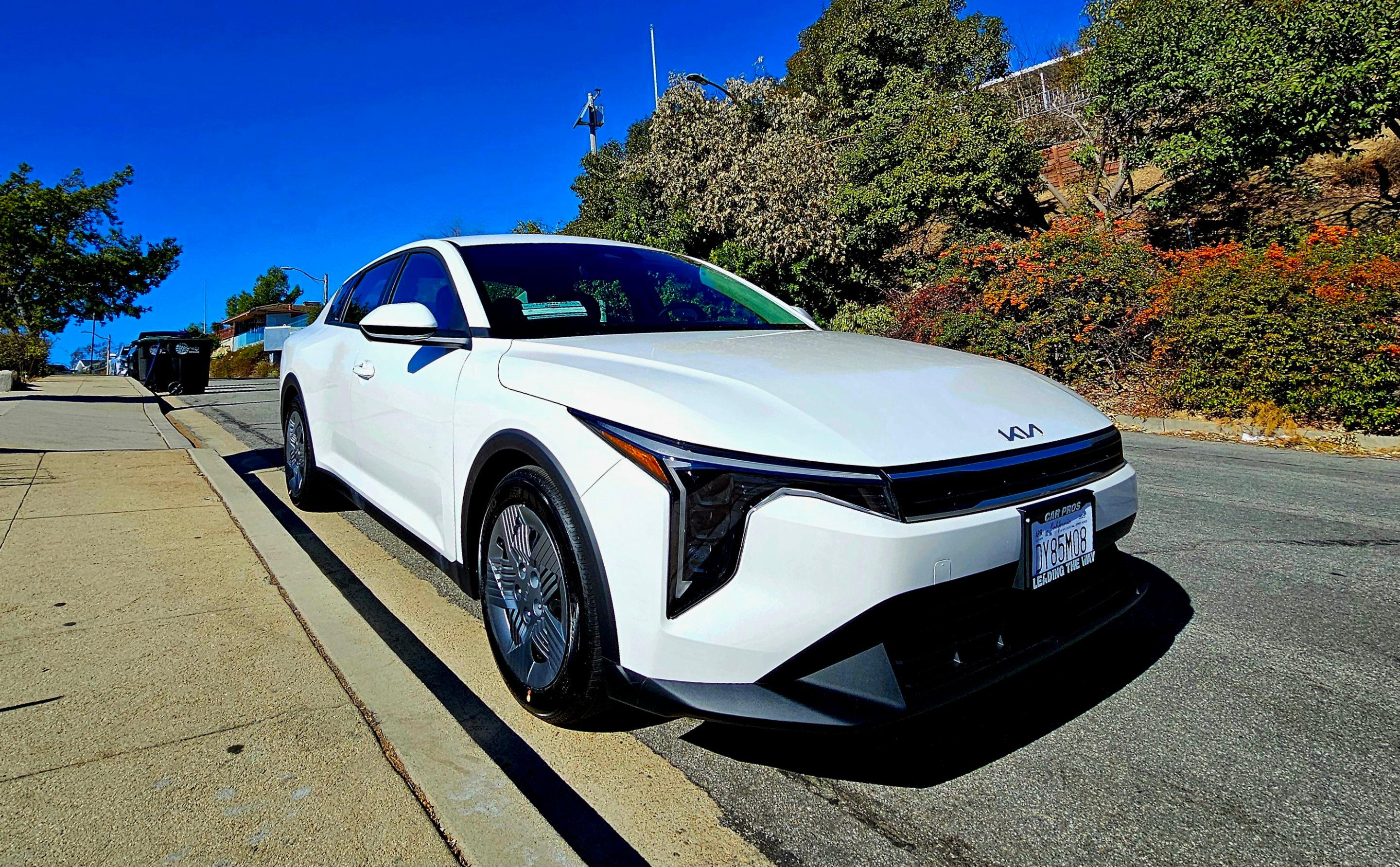
Kia K4
2025
•4.99
(78)
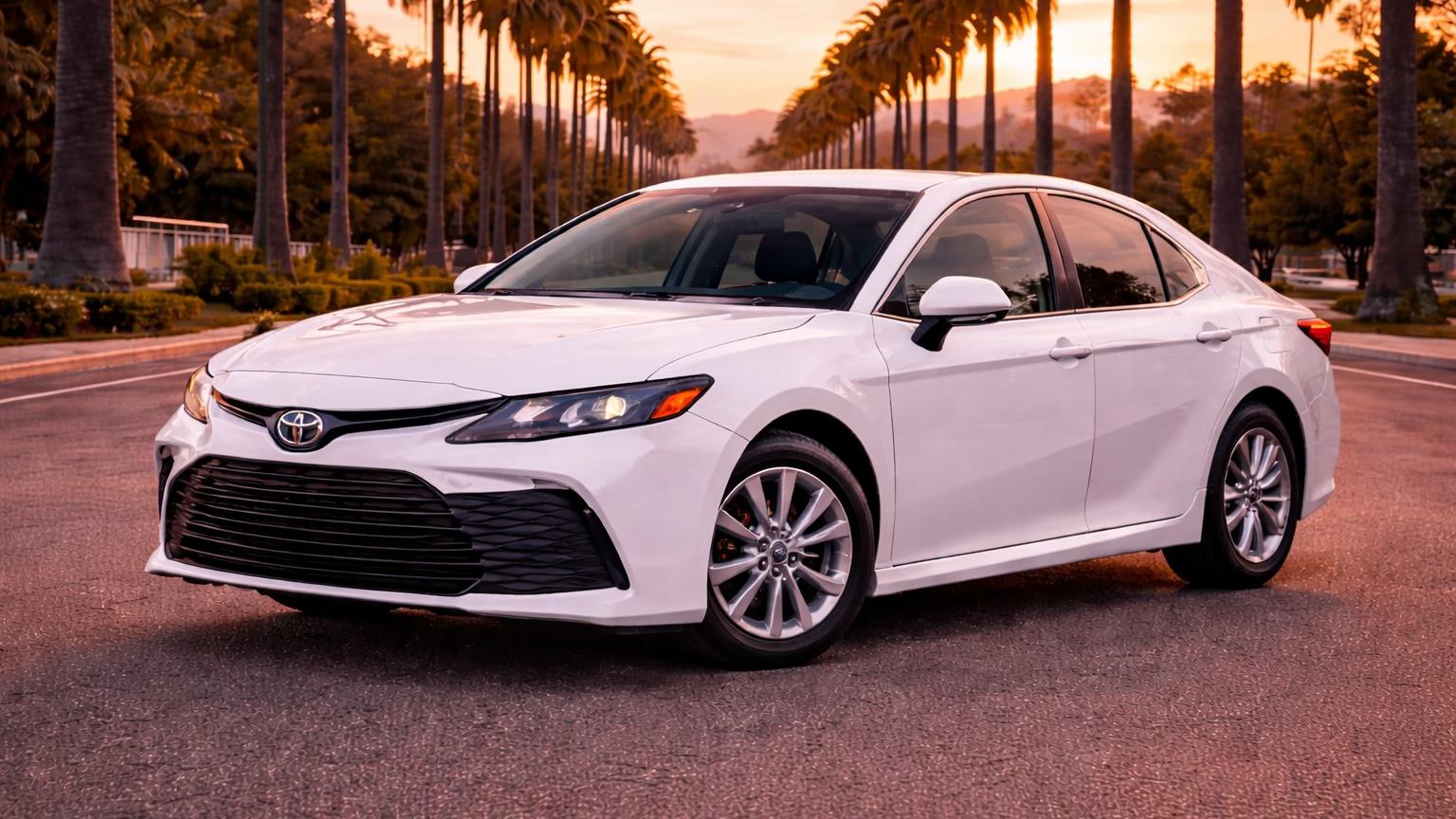
Toyota Camry Hybrid
2025
•4.97
(82)
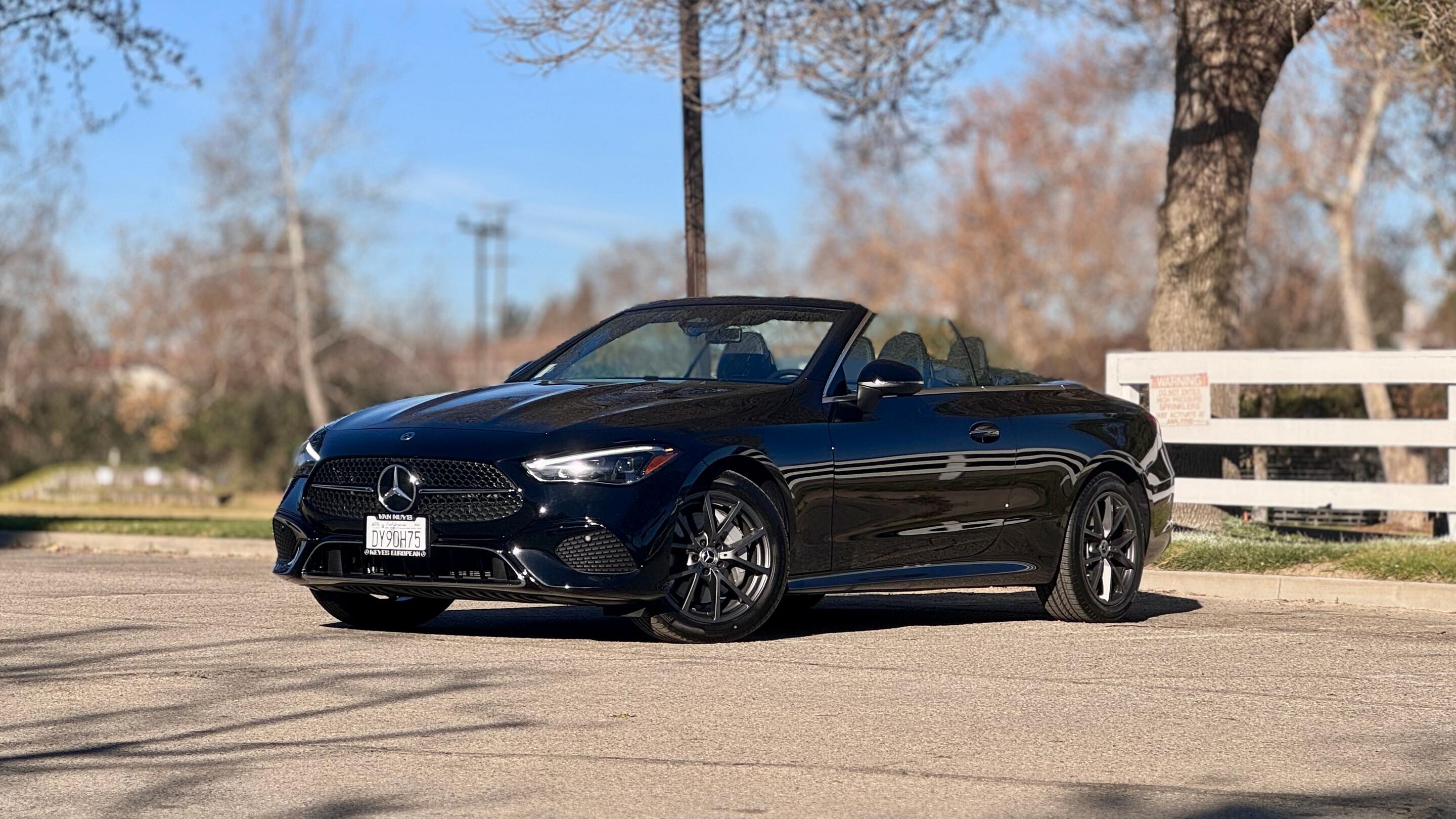
Mercedes-Benz CLE
2024
•4.99
(93)
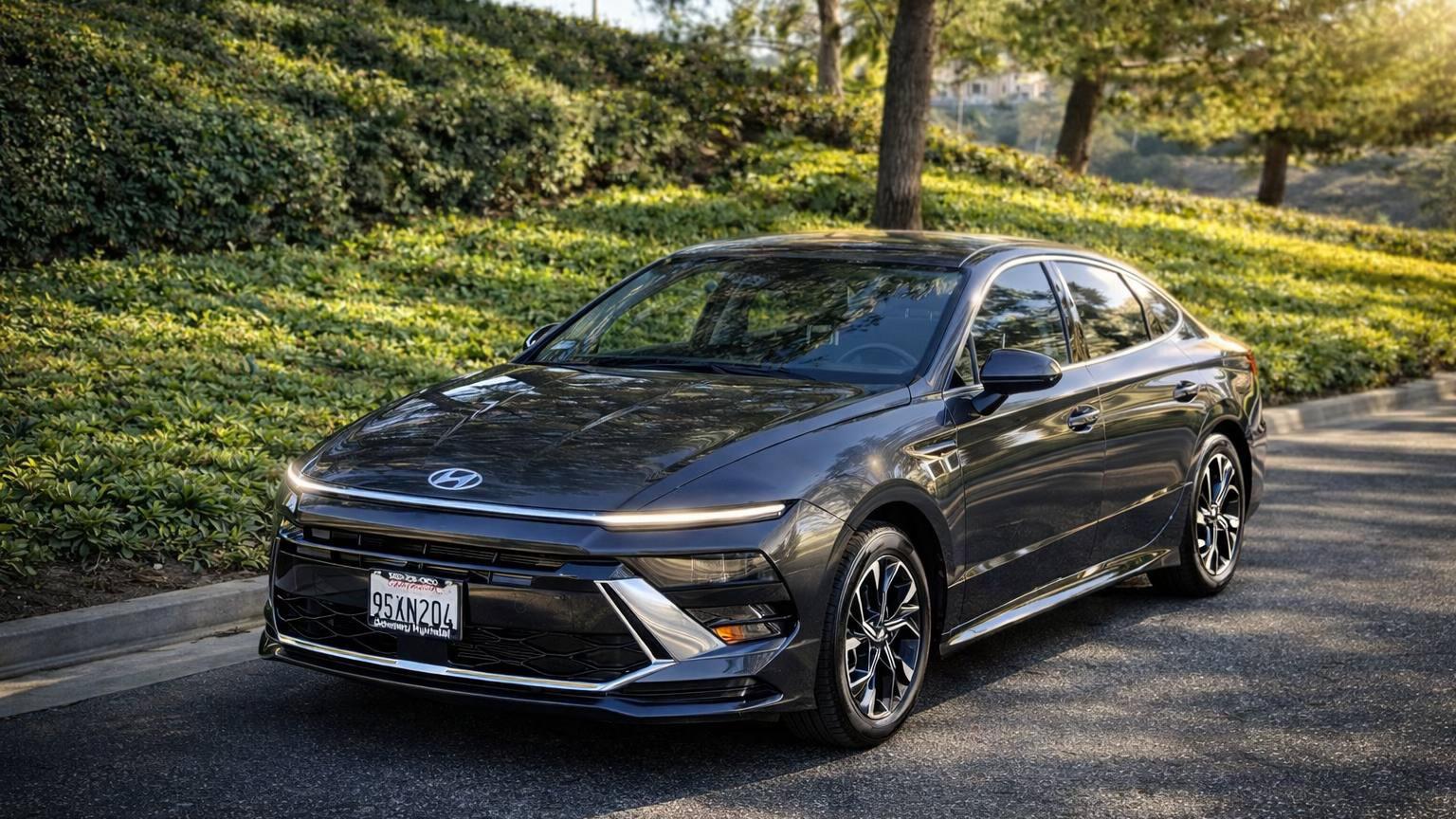
Hyundai Sonata
2025
•5.0
(28)


Why Turo for the world’s
biggest tournament?

Easy pickup
Skip the lines and get on the road faster between matches. Grab your keys in person, via lockbox, or by remote app unlock, with pickup at parking lots and garages at 170+ airports across the US and Canada.

Every car for every fan
Unlike traditional rental services, there’s no “or similar” with Turo. Choose from 1,600+ unique makes and models, and get the exact car you picked from a local host.

Support for every mile
From 24/7 support and roadside assistance to personalized help from your local host, you’re taken care of every step of the way so you can focus on the action, not the what-ifs.
How to book

Find the perfect car
Enter your trip details, use filters to find a car that’s got what you need and read reviews from previous renters.

Select a pickup location
Book from a local host nearby or get one delivered to various destinations, including airports, train stations, hotels, and even your home.

Unlock your epic trip
Once your host sends you the pickup details, you’re all set for game day! Chat with your host or contact 24/7 support if you need a hand.
Turo vs. ‘Big Rental’

 Watch our 'How You Get There' video
Turo
App-based experience
No waiting in line
1,600+ unique makes & models
Get the exact car you choose
Delivery options & thousands of pickup locations
Cars rented out by local small businesses
Vehicles and hosts rated by guests
“Big Rental”
Standard rental counter experience
Waiting in line
Limited car selection
Get one type of car “or similar”
Pickup only at retail locations
Cars owned by large corporations
No vehicle ratings
Earn like a champ
by hosting on Turo
The biggest sports event of the year will bring a surge in demand for rental cars – and higher earning potential for Turo hosts. Whether you’re new to hosting or already sharing your car, now’s the time to make the most of every trip and keep your car earning when you’re not using it.
Follow @turo


Frequently asked questions
Where is Turo available?
You can book a car with a Turo host in the United States, Canada, Australia, France, and the United Kingdom.
You can also book a car in the Canadian provinces of Alberta, British Columbia, New Brunswick, Newfoundland and Labrador, Nova Scotia, Ontario, Prince Edward Island, and Quebec, as well as Yukon territory.
When you rent a car on Turo, you can drive anywhere within the country where your trip originated — hosts can’t place restrictions on driving across state lines or provincial borders. Turo does have guidelines and restrictions in place for travel across country borders. Learn more about driving across borders.
What do I need to book a car on Turo?
To book a car on Turo, you must create a Turo account, have a valid driver’s license, get approved to drive on Turo, and be 18 years old or older in the US, 21 years old or older in Australia, or 23 years old or older in Canada.
In the UK, you must be 21 years old or older and have held a UK or EU license for at least one year, or another driver’s license for at least two years. In France, you must be 18 years old or older and have held a driver’s license for at least two years, longer for certain makes and models of vehicles.
When you’re booking your first trip, you’ll go through a quick approval process by entering your driver’s license and some other information. In most cases, you’ll get approved immediately, and you’ll be set for all future road trips, day trips, and business trips!
Do I need my own insurance?
No, you don’t need personal insurance coverage to book a car on Turo.
In the US, any personal insurance you may have that covers damage to the host’s vehicle would kick in before your Turo protection plan. When booking a car in the US, you’ll choose between three protection plans — Premier (eligibility requirements apply), Standard, or Minimum — to get the level of protection that’s right for you. On each trip, you’re covered with third-party automobile liability insurance provided under a policy issued to Turo by Travelers Excess and Surplus Lines Company.**
In New York state, you’ll also choose between Premier (if available), Standard, or Minimum. With each plan, you’re covered with liability insurance of $1,250,000. Protection plans for New York trips also include access to roadside assistance, priority phone support, and 24/7 customer assistance.
Can other people drive the car that I booked?
Yes, multiple guests can drive the car you book on Turo, as long as they are all approved to drive. The primary driver (whoever booked the car) can add additional drivers with no fees or additional charges. Only the primary driver can request to add drivers; Turo hosts cannot do it for you. We encourage you to request to add additional drivers before your trip starts, though guests in the US and Canada can request to add a driver while a trip is in progress.
To speed up the process, have your additional driver create a Turo account and get approved to drive before you request to add them. All drivers must have a valid driver’s license and meet the age requirements for the car you’ve booked. You can request to add drivers via the “Trips” tab in the Turo app without additional driver charges or extra costs.
What is the cancellation policy on Turo?
You can cancel and get a full refund up to 24 hours before your trip starts, unless you opt to receive a non-refundable trip discount when you book. If you book a trip with less than 24 hours’ notice, you have one hour after booking to cancel free of charge. If you cancel after the free cancellation period ends, you will be charged a cancellation fee.
In the rare event a host cancels, you’ll be notified immediately so you can book another car, or we’ll help you find one. Your refund can be temporarily held to expedite rebooking, or the funds can be returned to your bank account — your choice.
What happens if I have an emergency or issue with the car?
If there’s an emergency or an issue with the car, call our emergency roadside assistance provider, available 24/7. They’ll help you get back on your way.
Can I get my car delivered to me?
Yes, many hosts offer delivery to travel hubs like airports, train stations, and hotels, or to custom delivery locations. There are cars available on Turo at convenient locations near hundreds of airports. Skip the rental counter and have your car delivered for pickup and return at your hotel or vacation rental, or nearby location, to save time and hassle on your weekend getaway or family vacation. Some hosts offer free delivery, while others set their own delivery fee.
How do I get discounts when booking a car?
Many Turo hosts offer discounted prices for weekly and monthly trips so you can get the best deals and lowest rates possible by booking longer trips. See more about promotions & discounts.
On your Account page, make sure you’ve checked the box to receive email notifications, and enable push notifications from the Turo app in your phone settings — we’ll send you occasional promo codes, discounts, and deals.
Additionally, frequent travelers on Turo can get rewarded with the loyalty bonus — earn a promo code for one bonus day when you take trips totaling 10 days in a 90-day period. Learn how the loyalty bonus works.