
now live
Delivery, on your terms
Hosts in the U.S. who offered delivery earned 66% more on average per vehicle.¹
Build delivery zones around the areas you want to serve and set custom fees for each.
Draw your zones. Set your price.
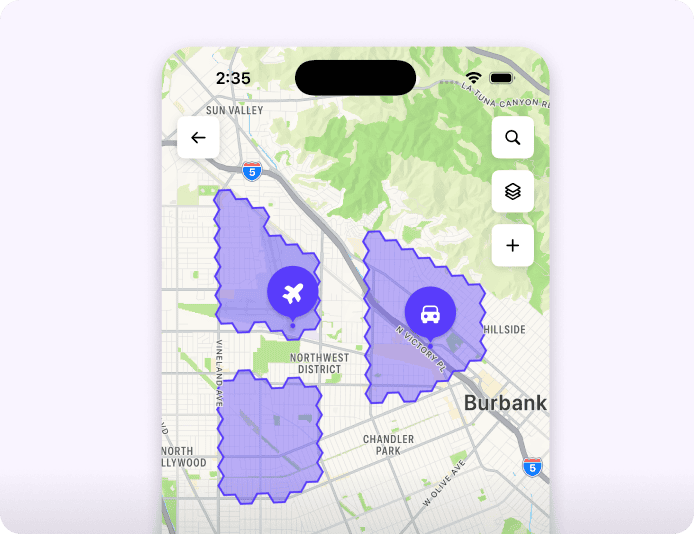
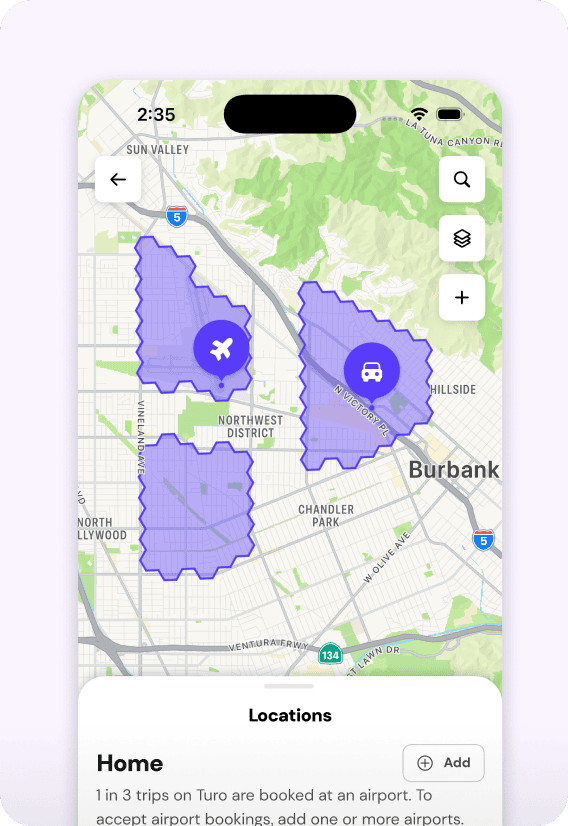
Cover entire neighborhoods and districts, including the hotels, resorts, homes, and vacation rentals within them.
Choose where you deliver
Customize your delivery zones. Set up airports separately.
Pricing that fits each area
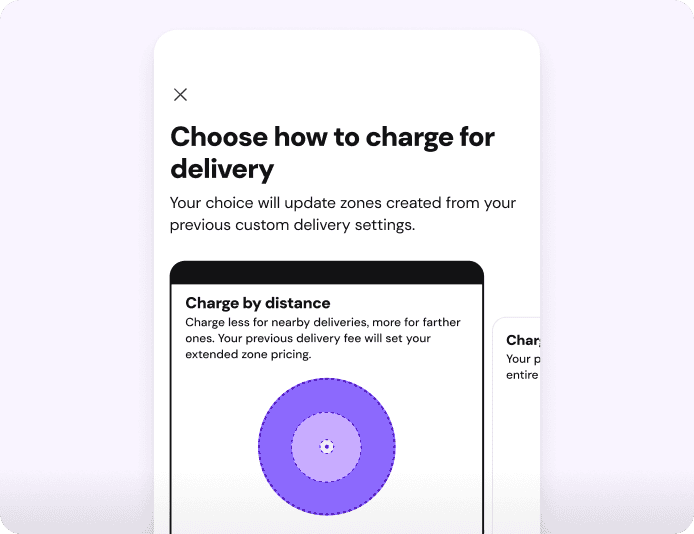
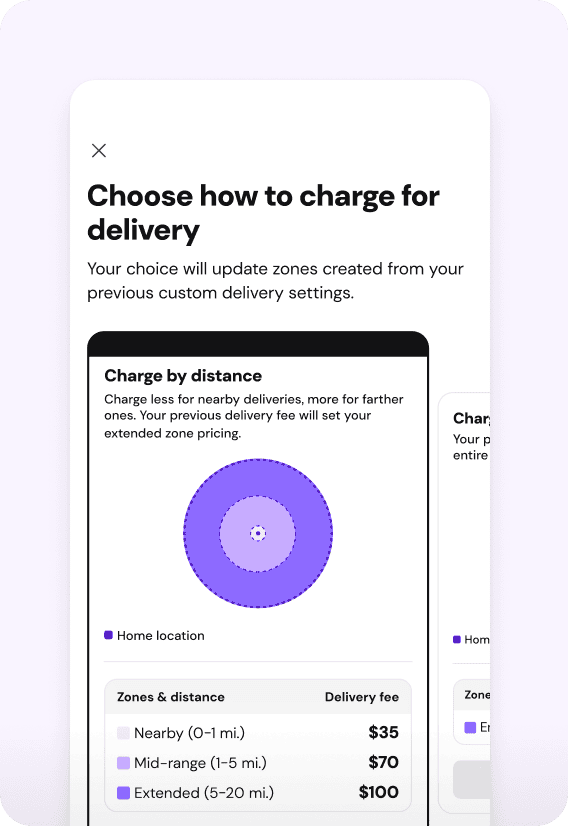
Set a different delivery fee for each zone based on what works best for you.
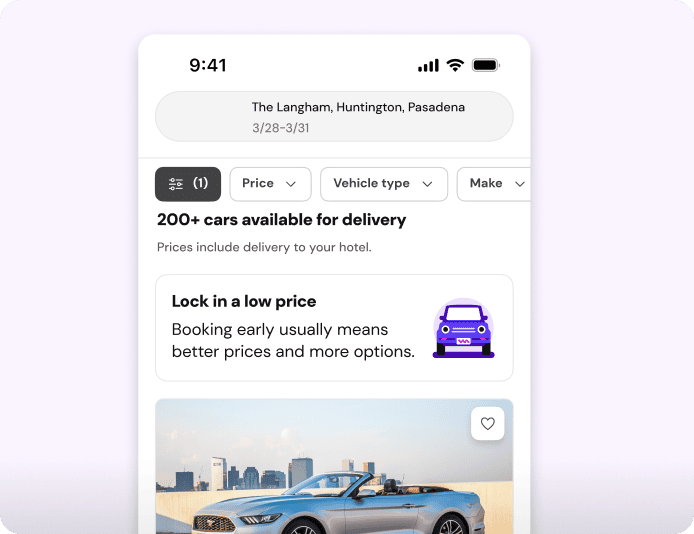
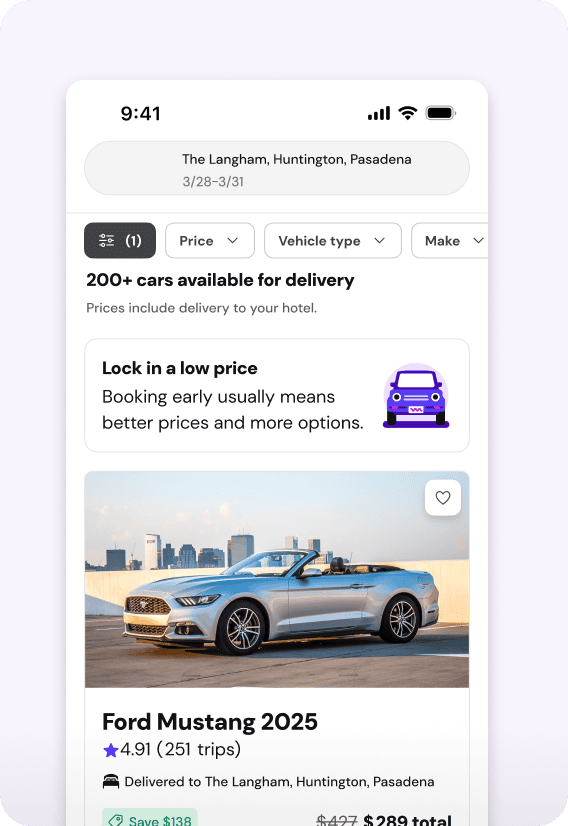
Show up in more searches
Expand your delivery reach to appear in more guest searches.
Set up your zones, step by step.
Watch how to choose your coverage, set fees by zone and review Turo’s recommended pricing.

 Watch how it works

Create your first delivery zone or review the zones that carried over from your existing setup.

Use the map to build zones around the areas you want to serve. Create separate zones where you want different fees.

Choose a delivery fee for each zone. Review Turo’s recommended pricing and decide whether to use it.
FOR EXISTING DELIVERY HOSTS
Your fees stayed.
Your options grow.
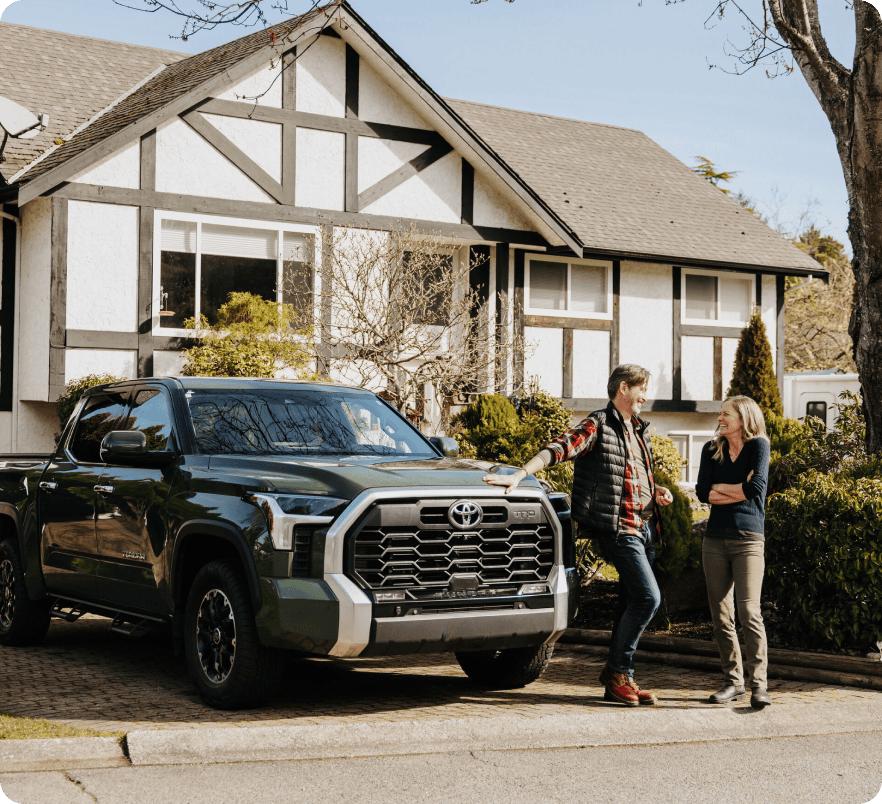
Existing non-airport delivery settings have converted automatically. Custom radius settings have moved to zones, and each individual non-airport delivery location is now a single hexagonal tile on the map. Current delivery fees carried over unchanged.
Use familiar locations as a starting point to build larger zones in nearby areas you want to serve.
Make delivery work for your business
Think through pickup, return and the time and costs in between.

Parking and access:
Check access and parking availability. Consider parking fees, restrictions and how guests will find the car.

Pickup and return:
Plan where guests will pick up and return the car, and how you’ll get to and from each delivery.

Handoff and communication:
Choose an in-person or secure remote handoff where permitted. Upload pre-trip photos before giving access. Share clear pickup and return instructions in Turo messaging.

Time and costs:
Factor travel time, transportation and parking at both ends of the trip into where you deliver and what you charge.
The difference delivery makes
“Car drop-off and pickup was a breeze. It was delivered to our hotel which was amazing since all the traditional rental counters were closed at the airport when we arrived. The car was clean and in great working order. Thank you for such a stress-free experience.”

Vincent

“- […] having it delivered and picked up is such a perk over renting from car rental companies. […] On time delivery and pickup made my flight stress-free. First time to use Turo and won’t be my last!”

Lisa
“Perfect car, delivered to your door!? Sounds too good to be true but Jim delivers better than the Postmaster General! Amazing communication as well.”

Howard
“Car drop-off and pickup was a breeze. It was delivered to our hotel which was amazing since all the traditional rental counters were closed at the airport when we arrived. The car was clean and in great working order. Thank you for such a stress-free experience.”
Vincent
“- […] having it delivered and picked up is such a perk over renting from car rental companies. […] On time delivery and pickup made my flight stress-free. First time to use Turo and won’t be my last!”
Lisa
“Perfect car, delivered to your door!? Sounds too good to be true but Jim delivers better than the Postmaster General! Amazing communication as well.”
Howard
Frequently asked questions
What is Turo Delivered?
Turo Delivered is a new way to offer delivery. Create multiple delivery zones and set a different fee for each, giving you more control over where you deliver and what you charge.
How are my delivery settings changing, and when?
As of November 10, your custom delivery radius and individual non-airport delivery locations have automatically converted into zones. Your current delivery fees have carried over, and your airport settings remain unchanged.
How do delivery zones work?
A zone is an area where you offer delivery at a fee you choose. You can create multiple zones and adjust their coverage, so you can serve different areas at different prices.
Can guests search for delivery anywhere within my zone?
Guests can search for non-airport delivery locations within your zone, which can show up as addresses or names of popular locations. You’ll need to check access and parking at the address and coordinate pickup and return with your guest. Airports must be added separately as delivery locations.
Can I change my zones or fees later?
Yes. You can adjust your delivery zones and fees in Location settings anytime.
How should I think about setting my delivery fees?
Choose fees that cover your costs while staying competitive in each zone. Consider travel time, transportation costs, local demand, and what other hosts charge, alongside the guest’s total trip price. Turo’s pricing recommendations can offer a starting point when available. You decide whether they fit your business. If you aren’t seeing traction right away, consider reducing your delivery fee.
What should I consider when offering delivery?
Choose areas you can reliably serve, considering your schedule and costs. Think through how you’ll get to and from the car, parking and access at pickup and return, and how you’ll handle the handoff. Clear instructions help guests know where to go and what to expect.
Do I have to meet the guest in person?
Not necessarily. Where permitted, you can arrange a remote handoff using a secure lockbox or remote-unlock technology. Follow Turo’s check-in steps, confirm the primary guest’s license and upload photos documenting the car’s condition before giving them access.
Why is airport delivery set up separately from zones?
Airports have specific pickup, return, and parking rules. Setting up each airport individually lets you manage its delivery fee and instructions separately from your zones. Airport delivery is still part of Turo Delivered.
Where do I set up airport delivery?
Go to Location settings and add each airport as a separate delivery location, even if it falls within a zone you’ve drawn. If you already offer airport delivery, your existing settings won’t change.
¹ Based on Turo data from July 1, 2025 through June 30, 2026, among vehicles available for trips, those whose hosts offered delivery in the U.S. earned an average of 66% more per vehicle than those whose hosts did not.
Results vary and are not a guarantee of future earnings. Differences may reflect factors other than delivery, such as availability, location, and vehicle type.