- Car hire
- Ute rental
- Canyon

Extraordinary selection
From standard cars to supercars, find the perfect car for any occasion or budget.

Protection plans
Choose from a range of protection plans to get the level of protection that's right for you.*

Easy airport pickup
You can skip the rental counter at 20+ airports across Australia.
Top-rated Canyon rental
Average daily prices for a 3-day trip


Browse Canyon rentals by destination


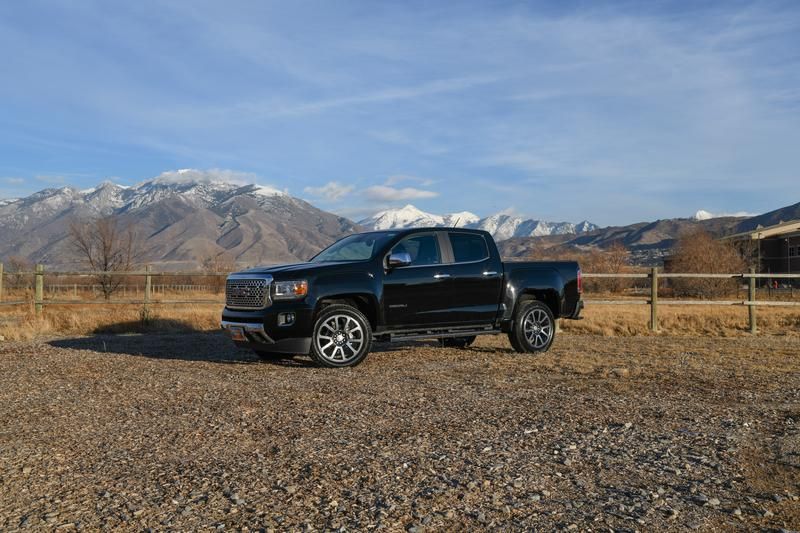
A midsize truck with full-size confidence
Drive a Canyon
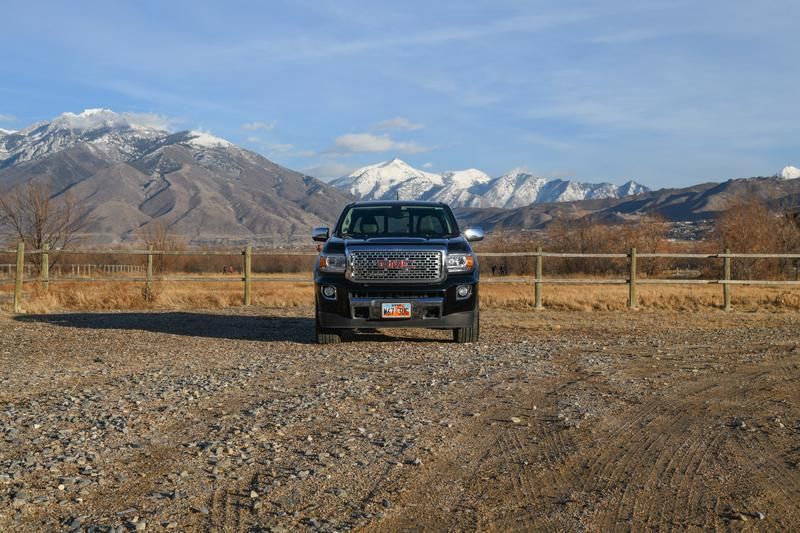
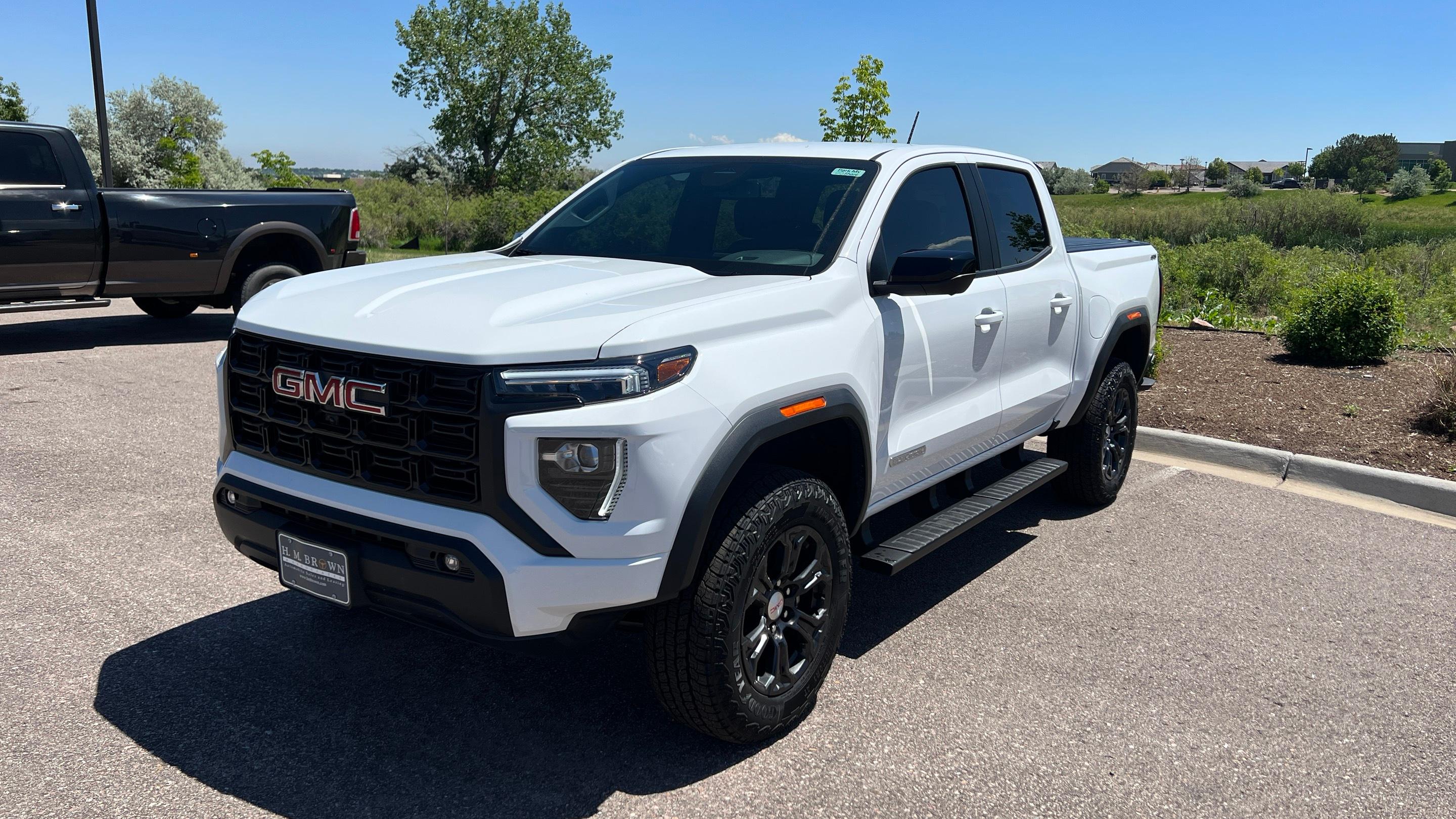
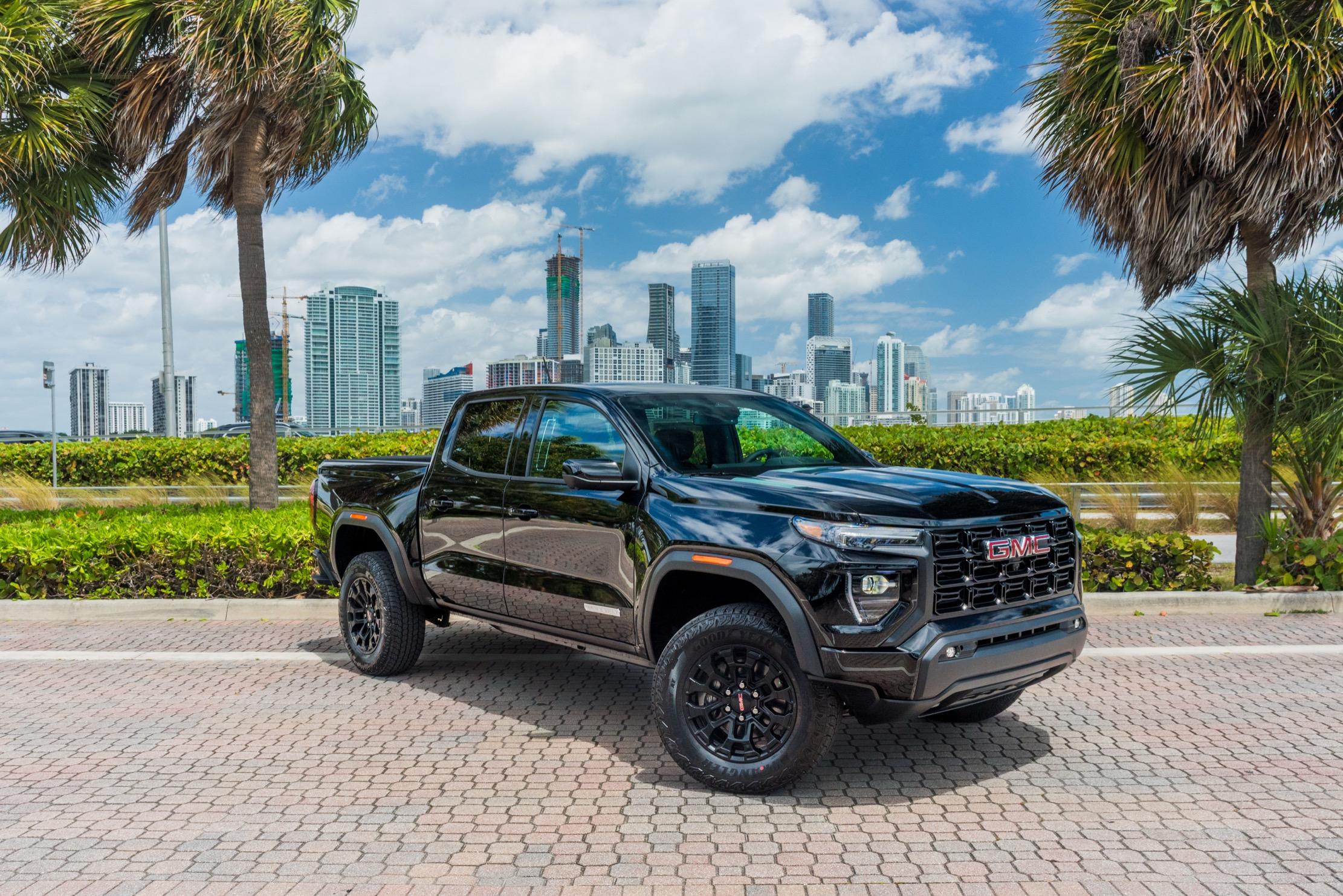
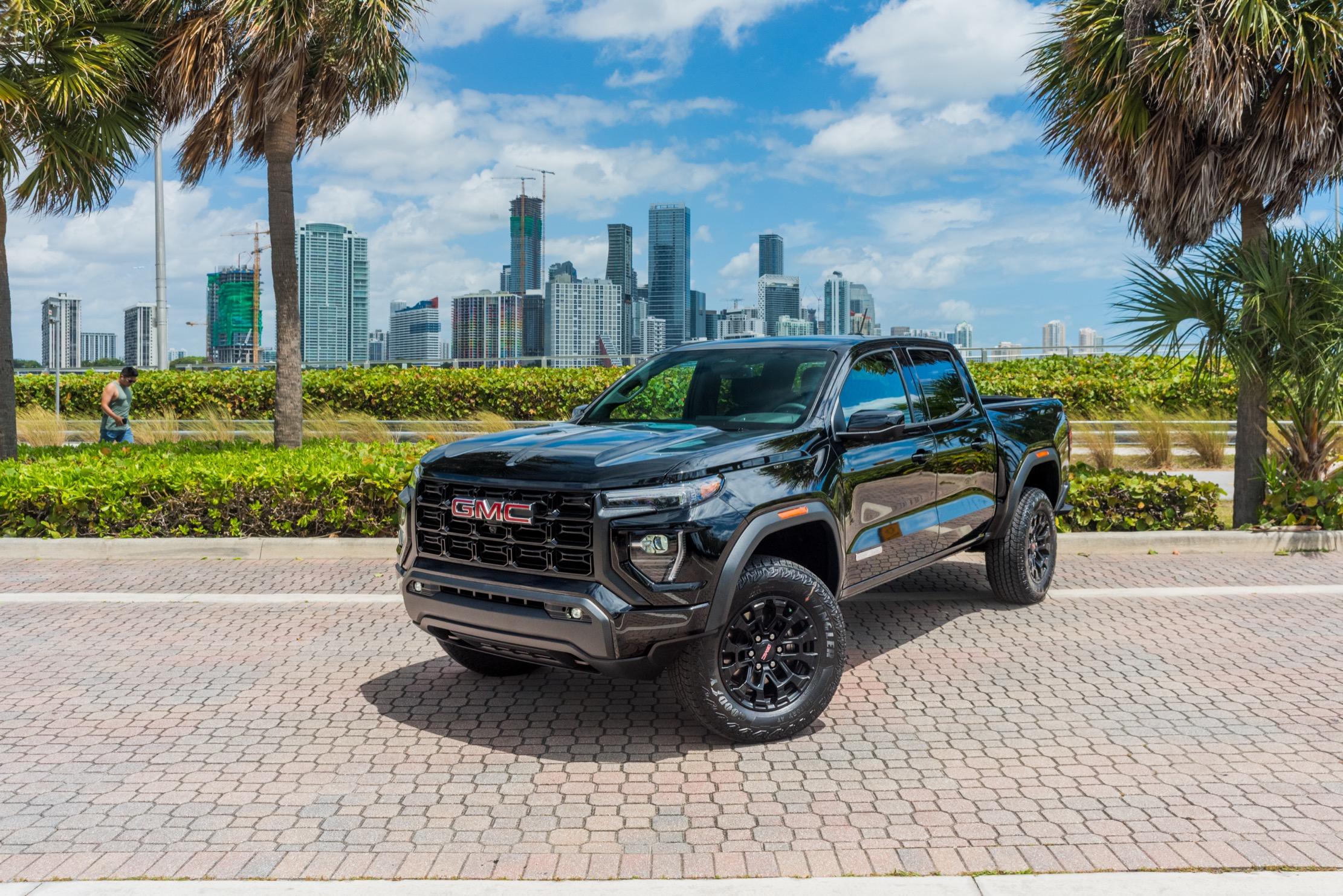
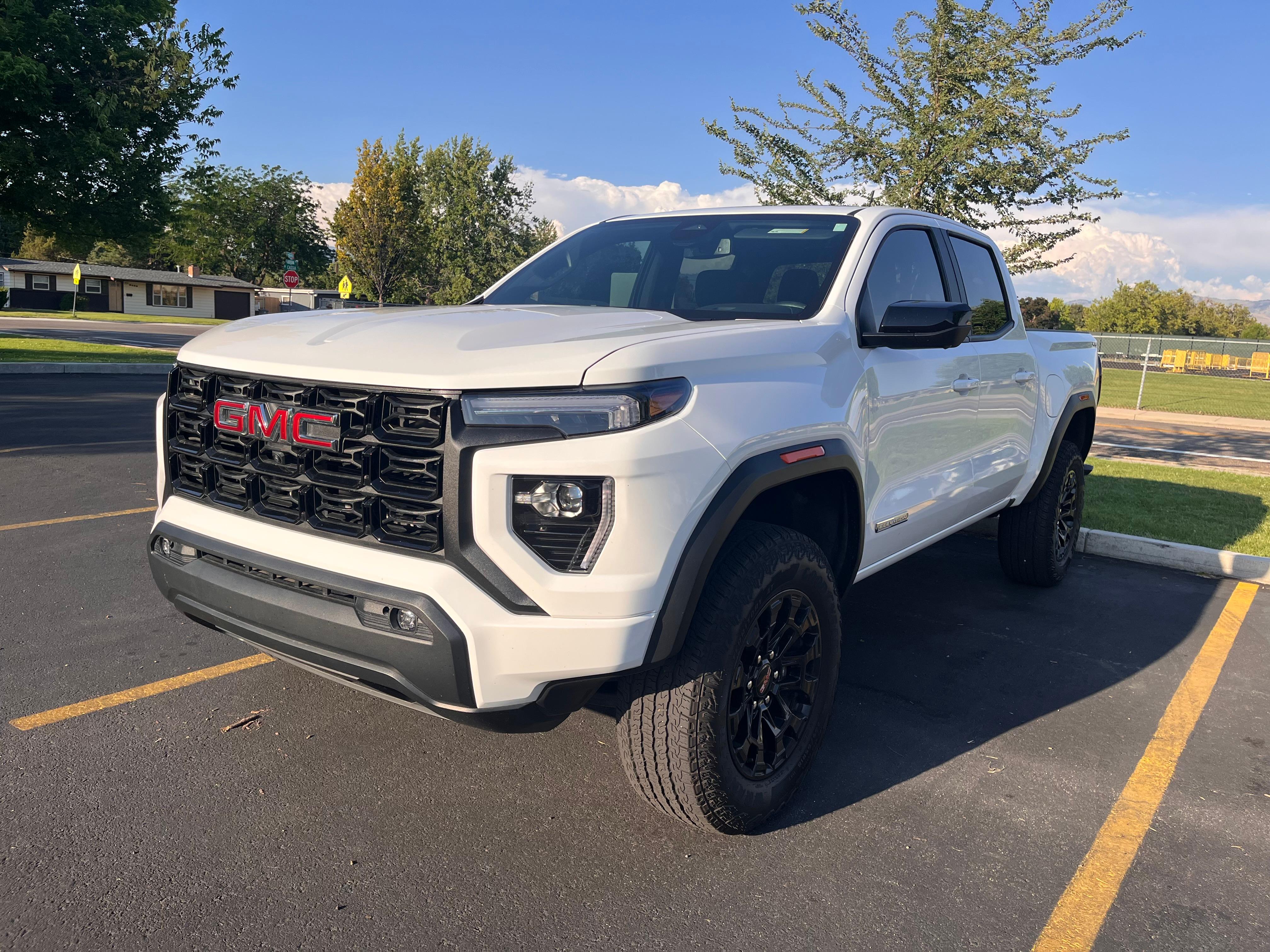
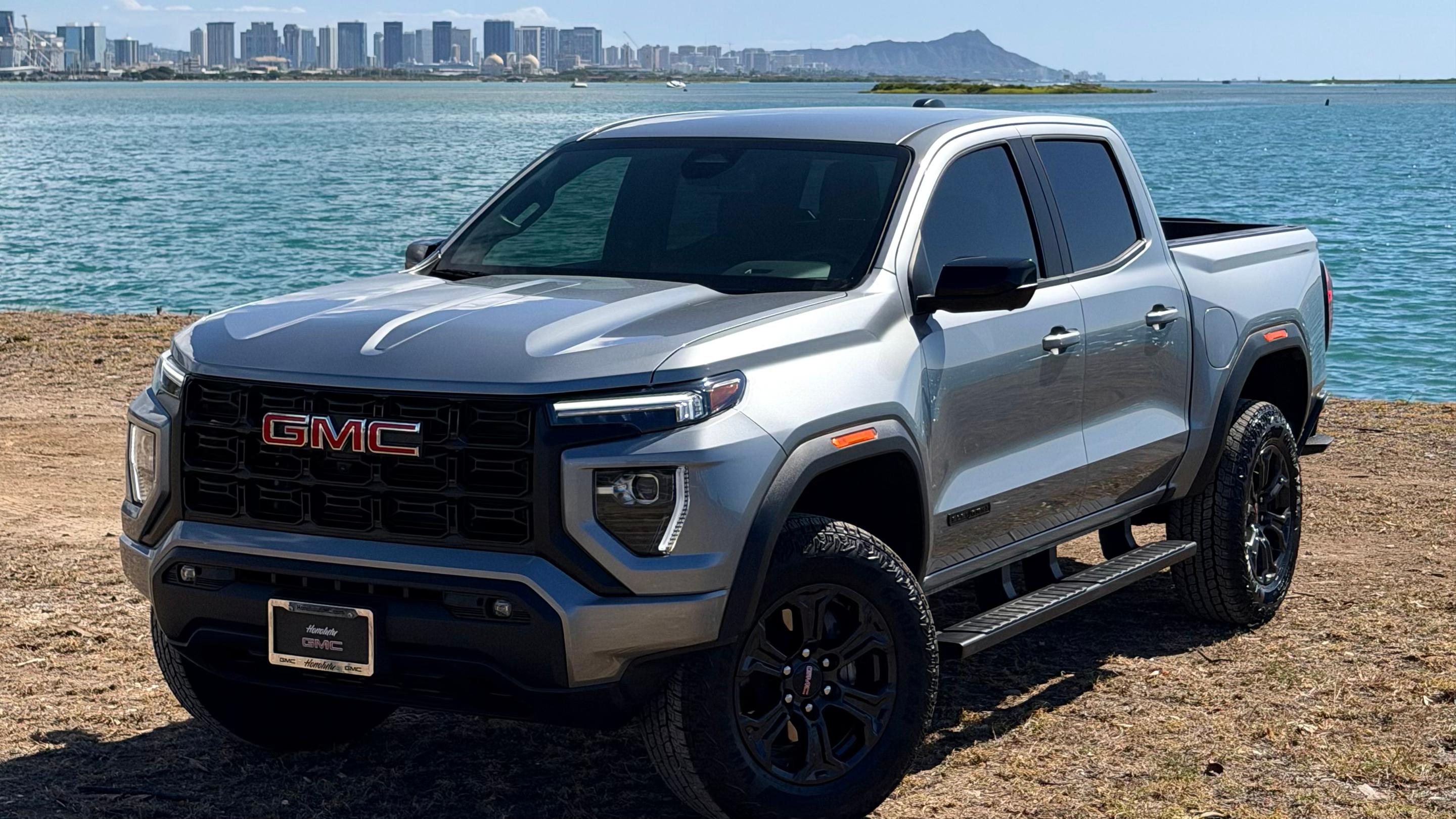
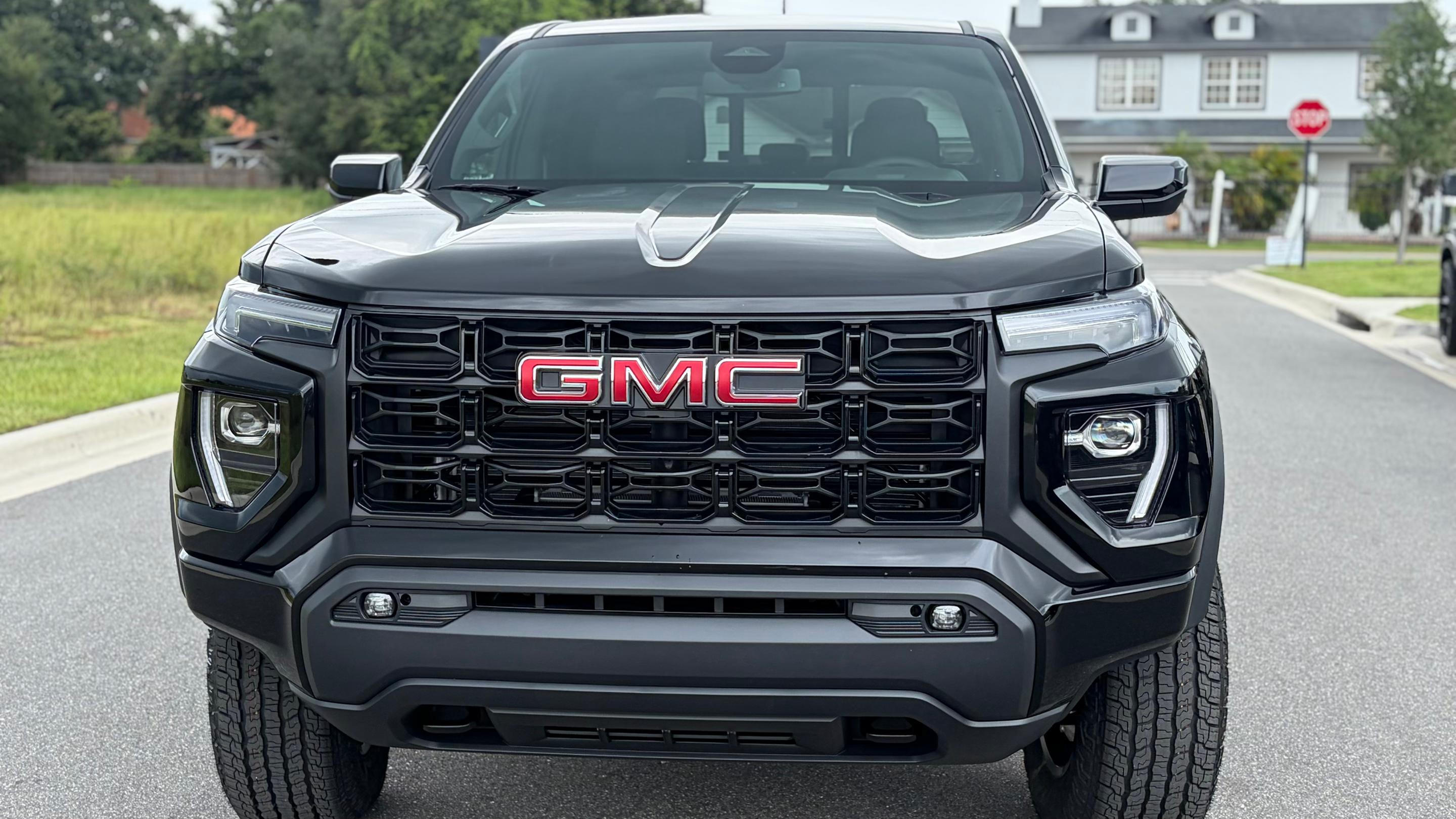
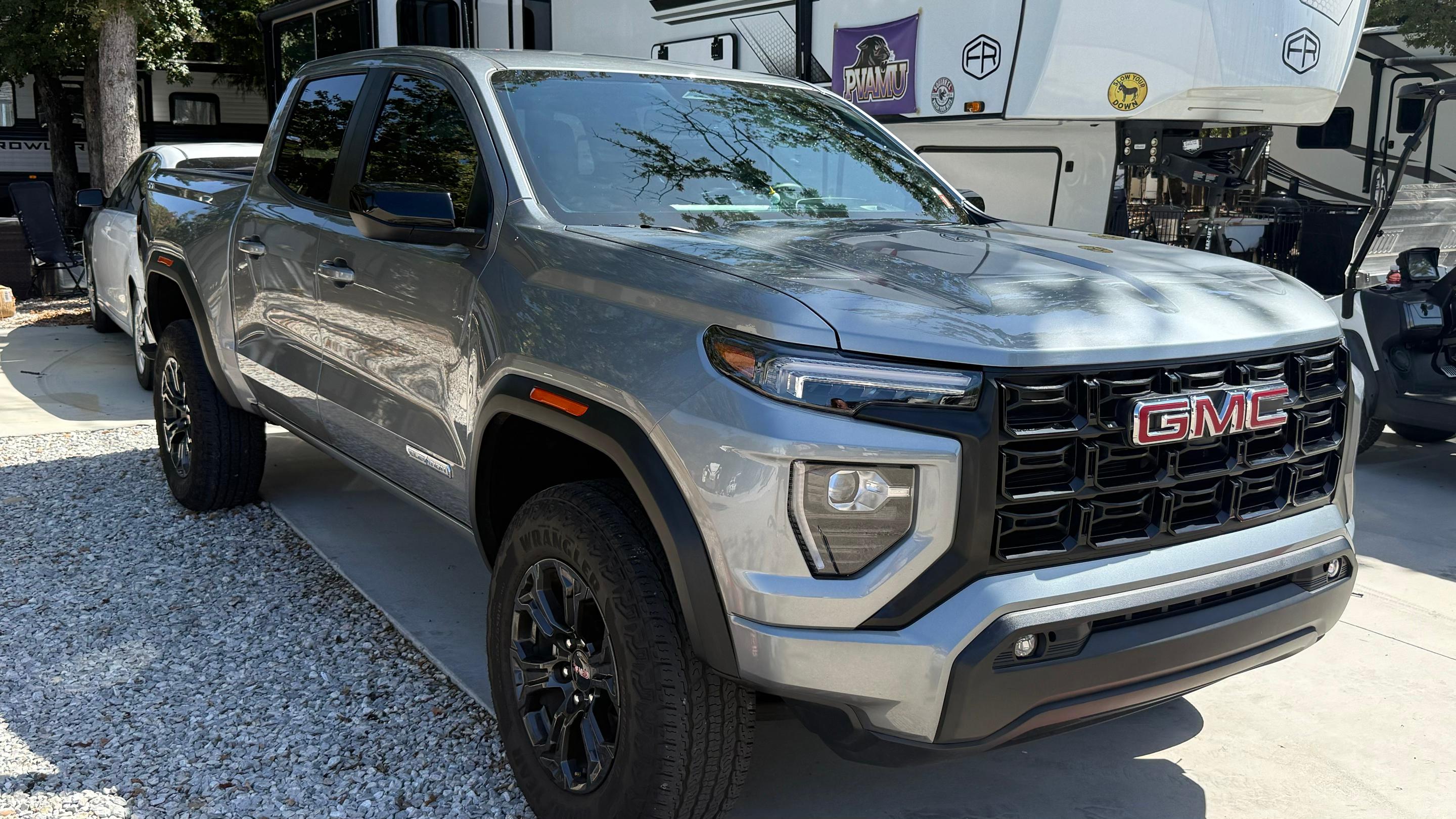
A GMC Canyon truck rental puts you behind the wheel of a midsize pickup with a turbocharged four-cylinder and trims that lean upscale. It's one of the GMC rental options you'll find on Turo, sized for city streets and roomy enough for five.
On Turo, you book your Canyon from a local vehicle owner and arrange pickup and drop-off that fit your plans. Compare trims and model years, then pick the truck that matches your trip.
Canyon specs
Horsepower
310 hp
Torque
430 lb-ft
Fuel economy
20 mpg combined
Seats
5
Turbocharged power for every drive
The Canyon runs on a 2.7L turbocharged inline-four that makes 310 hp and 430 lb-ft of torque. An eight-speed automatic handles the shifting, and you'll find RWD or 4WD depending on the listing. That torque makes highway merges and steep mountain roads feel easy.
Dual-screen tech cockpit
Two big screens keep everything you need in view. An 11.3-in center touchscreen runs navigation, audio, and settings, while an 11-in digital driver display keeps speed and trip info in your sightline.
Wireless Apple CarPlay and Android Auto come standard, so your maps and playlists show up without a cable. Some Canyons add Google built-in (full function requires a subscription) and a 6.3-in head-up display that projects key details onto the windshield. Check the listing to see which tech your truck includes, then set it up before you leave the curb.
Five-seat crew cab and 61.7-in bed
The Canyon's crew cab seats five, so friends or family ride together instead of splitting into two cars. That makes it an easy pick for group trips, airport runs, and weekends away.
Out back, a 61.7-in bed holds the gear that won't fit inside: suitcases, coolers, camping bins, and boxes from a move across town. Keeping bulky or messy items in the bed leaves the cabin open for people and keeps the seats clean. Pack smart, secure everything, and you'll still have room for souvenirs.
Stand out with a Canyon
The Canyon gives you a truck bed in a midsize footprint, so it's easier to park and maneuver than a full-size pickup. That makes it a strong pick for weekend trips, moving-day errands, and city-to-mountain getaways on paved roads. You get the cargo space you need without squeezing a big truck into tight parking garages.
Top Canyon features

Elevation, AT4, Denali, or AT4X: choose your flavor
Three things set the Canyon apart: a wide trim range, a refined cabin, and plenty of ways to see around you.
The Canyon comes in four main trims: Elevation, AT4, Denali, and AT4X. Local vehicle owners on Turo list Canyons across the lineup, so you can choose the version that suits your trip.
Every trim shares the same 310-hp turbo engine and five-seat crew cab, so your choice comes down to features and finish. Elevation keeps things straightforward, Denali leans into refinement, and AT4 and AT4X round out the range. Check the listing to confirm the trim and model year, then match the truck to your plans. It's the simplest way to land the exact Canyon you want.
Denali refinement and Bose audio
The Denali trim is where the Canyon leans hardest into comfort, with a premium cabin made for long highway miles. It's the version to book when you want a pickup that feels polished inside and out.
Music lovers should look for the AT4X, which comes with Bose audio. Your road-trip playlist sounds full and crisp, whether you're cruising a coastal highway or idling in city traffic. Pair that sound with the 11.3-in touchscreen and wireless phone connection, and every drive feels like a private listening session.
Up to 10 camera views and a commanding view
Some Canyons offer up to 10 camera views, which help when you're backing into a parking spot or easing through a crowded lot. You'll see more of what's around the truck, and that takes the stress out of tight spaces.
Add the available 6.3-in head-up display, and key info stays in your line of sight. Elevation, AT4, and Denali trims sit at 9.6 in of ground clearance, giving you a commanding view of the traffic ahead. It's a confident, clear-sighted way to explore a new city or a familiar one.
Others GMC models
Other popular models
Top tips and things to know before renting a Canyon

Get to know your Canyon
A little prep goes a long way with a midsize truck. Here's what to check before and during your trip.
Start with the listing. Features like the head-up display, Google built-in, and camera views vary by trim and model year, so confirm what your truck includes.
Once you're in, take a minute to pair your phone and set up both screens before you drive. Traveling with more than five people? Consider the roomy GMC Yukon or the extra-long GMC Yukon XL for more passengers.
Canyon driving tips
The Canyon drives like a midsize truck, so a few habits make every trip smoother:
Allow extra room when turning and parking, since a midsize truck is still longer than most cars.
Use the camera views when parking in tight spots or busy garages.
Secure cargo in the bed with straps or a cargo net before you drive.
Plan fuel stops around the Canyon's rating of up to 20 mpg combined.
How much does it cost to rent a Canyon?
The cost to rent a Canyon on Turo depends on your location, trip dates, model year and trim, and the local vehicle owner's pricing. Longer trips often qualify for discounts, and if you need a truck for weeks or months, explore long-term car rental on Turo. For the most accurate picture, check live Canyon listings for your dates.
Turo car rental vs. traditional rental
Turo Car rental
App-based experience
No waiting in line
1,600+ unique makes & models
Get the exact car you choose
Delivery options & thousands of pickup locations
Cars rented out by local small businesses
Vehicles and hosts rated by guests
Traditional rental
Standard rental counter experience
Waiting in line
Limited selection
Get a type of vehicle “or similar”
Pickup at retail locations
Owned by large corporations
No vehicle ratings

Skip the rental car counter
On the Turo car rental marketplace, you can rent the perfect car for wherever you’re going from a vibrant community of trusted hosts. Whether you're flying in from afar or looking for a car down the street, searching for a rugged truck or something smooth and swanky, Turo puts you in the driver's seat of an extraordinary selection of cars rented out by local hosts.Frequently asked questions about Canyon rentals on Turo
What documents do you need to rent a Canyon on Turo?
You'll need a valid driver's license and a Turo account that's approved to book. Turo may ask you to verify your identity before your Canyon trip starts.
What type of driver's license do you need to rent a Canyon?
A valid driver's license is what you need for a Canyon. You'll see any specific eligibility details for your Canyon listing when you book.
How old do you have to be to rent a Canyon on Turo?
Age requirements depend on the vehicle and location. You'll see the requirements for your Canyon listing before you book.
Do you get protection when you rent a Canyon on Turo?
Yes. You can choose a protection plan at checkout when you book your Canyon.
Are there discounts on Canyon rentals?
Often, yes. Many local vehicle owners offer discounts on longer Canyon trips, so check each listing to see which trip lengths qualify.
Can you rent a Canyon long-term on Turo?
Yes. You can book a Canyon for days, weeks, or months, depending on the listing's availability.
Do Canyon rentals on Turo include unlimited mileage?
It varies by listing. Some local vehicle owners offer unlimited mileage on their Canyon, while others set a distance limit, so check the listing before you book.
Can someone else drive the Canyon I rent on Turo?
Yes. You can add other drivers to your Canyon trip in the Turo app.
* Any personal insurance you may have that covers damage to the host’s vehicle would kick in before your protection plan, except in limited situations for trips booked in Maryland, but this protects your own wallet. In the US, liability insurance is provided under a policy issued to Turo by Travelers Excess and Surplus Lines Company. Terms, conditions, and exclusions apply. The policy does not provide coverage for damage to a host’s vehicle.
For questions or information about the third party liability insurance for trips in the US, consumers in Maryland and the licensed states listed here may contact Turo Insurance Agency at (415) 508-0283 or claims@turo.agency. For questions about how damage to a host’s vehicle is handled, visit the Turo Support site. When a trip is booked in the state of Washington, physical damage to the host’s vehicle is covered by insurance purchased by Turo, but the Turo insurance does not change the contractual responsibilities of hosts or guests with respect to physical damage to a host’s vehicle.