- Car rental
- SUV rental
- Navigator

Extraordinary selection
From standard cars to supercars, find the perfect car for any occasion or budget.

Protection plans
Choose from a range of protection plans to get the level of protection that's right for you.*

Easy airport pickup
You can skip the rental counter at 20+ airports across Australia.
Top-rated Navigator rental
Average daily prices for a 3-day trip
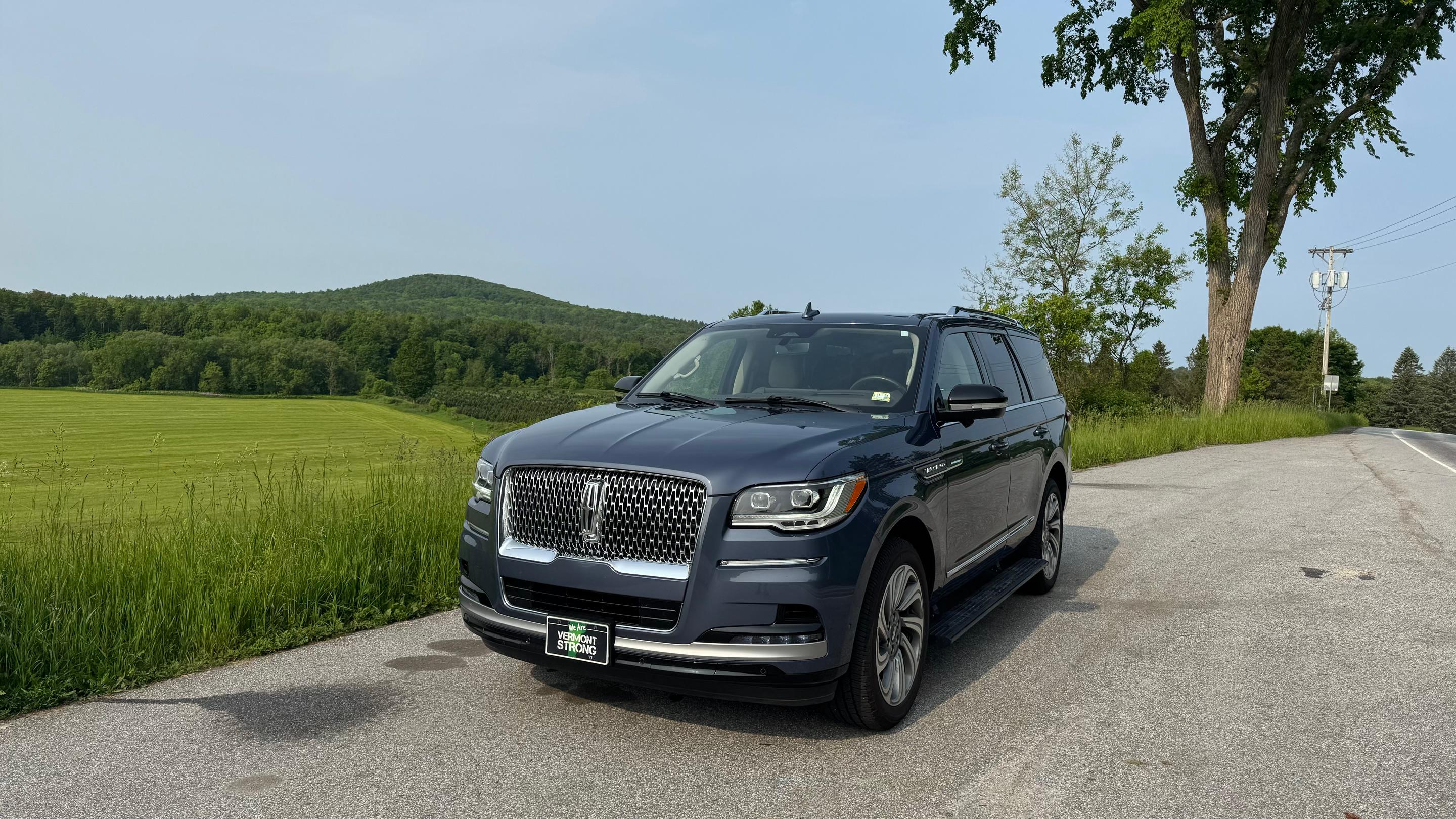
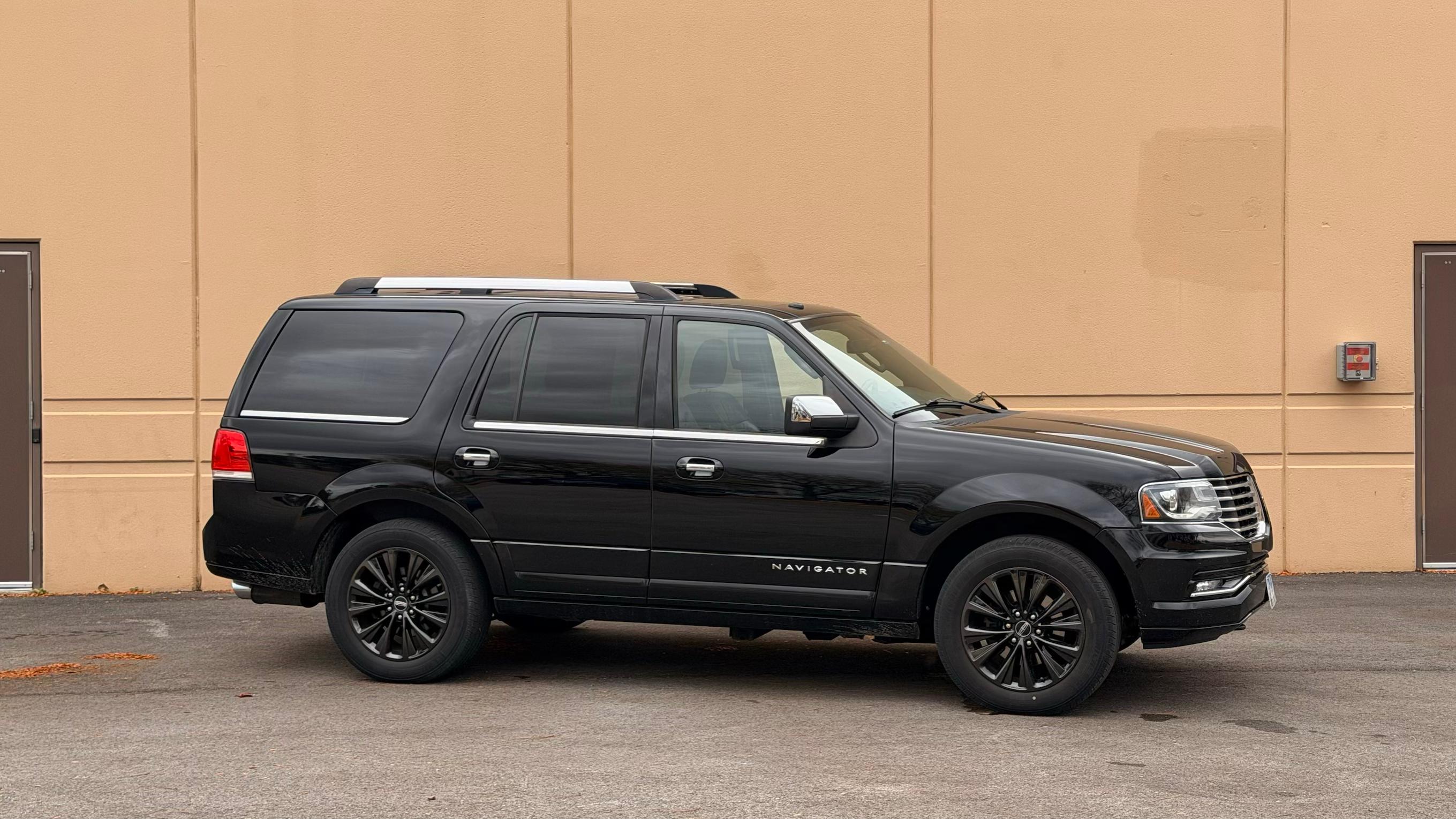
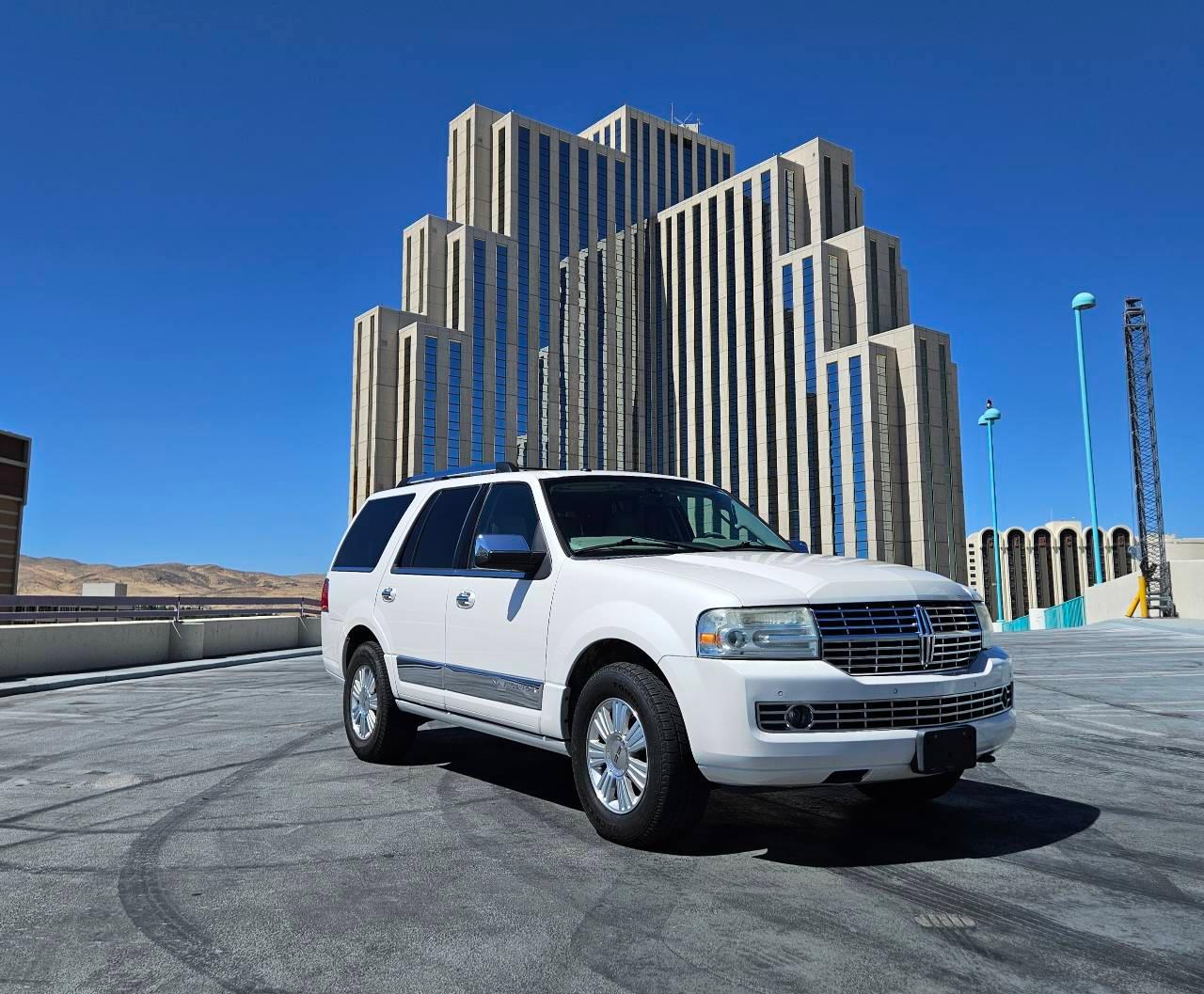
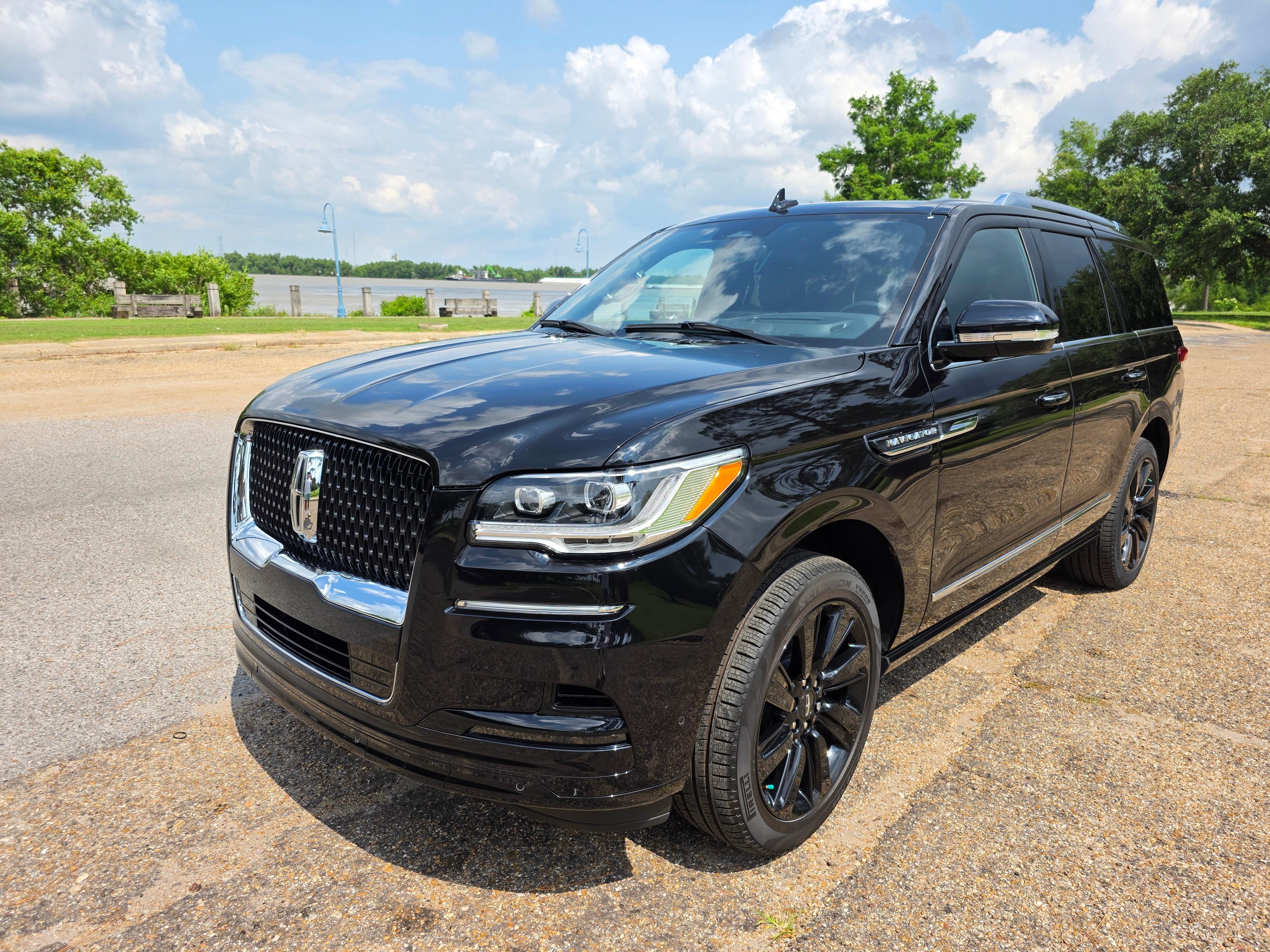
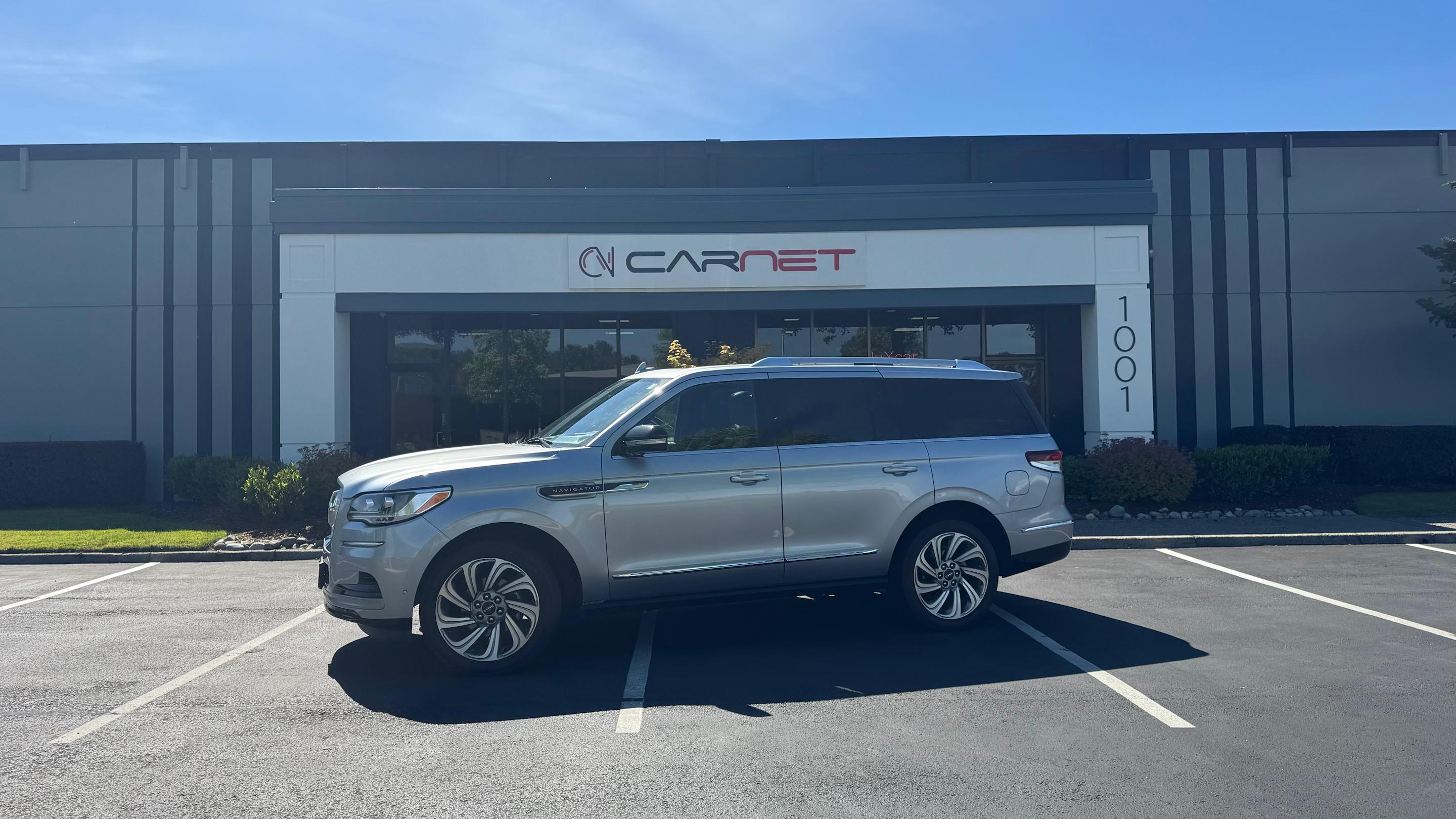
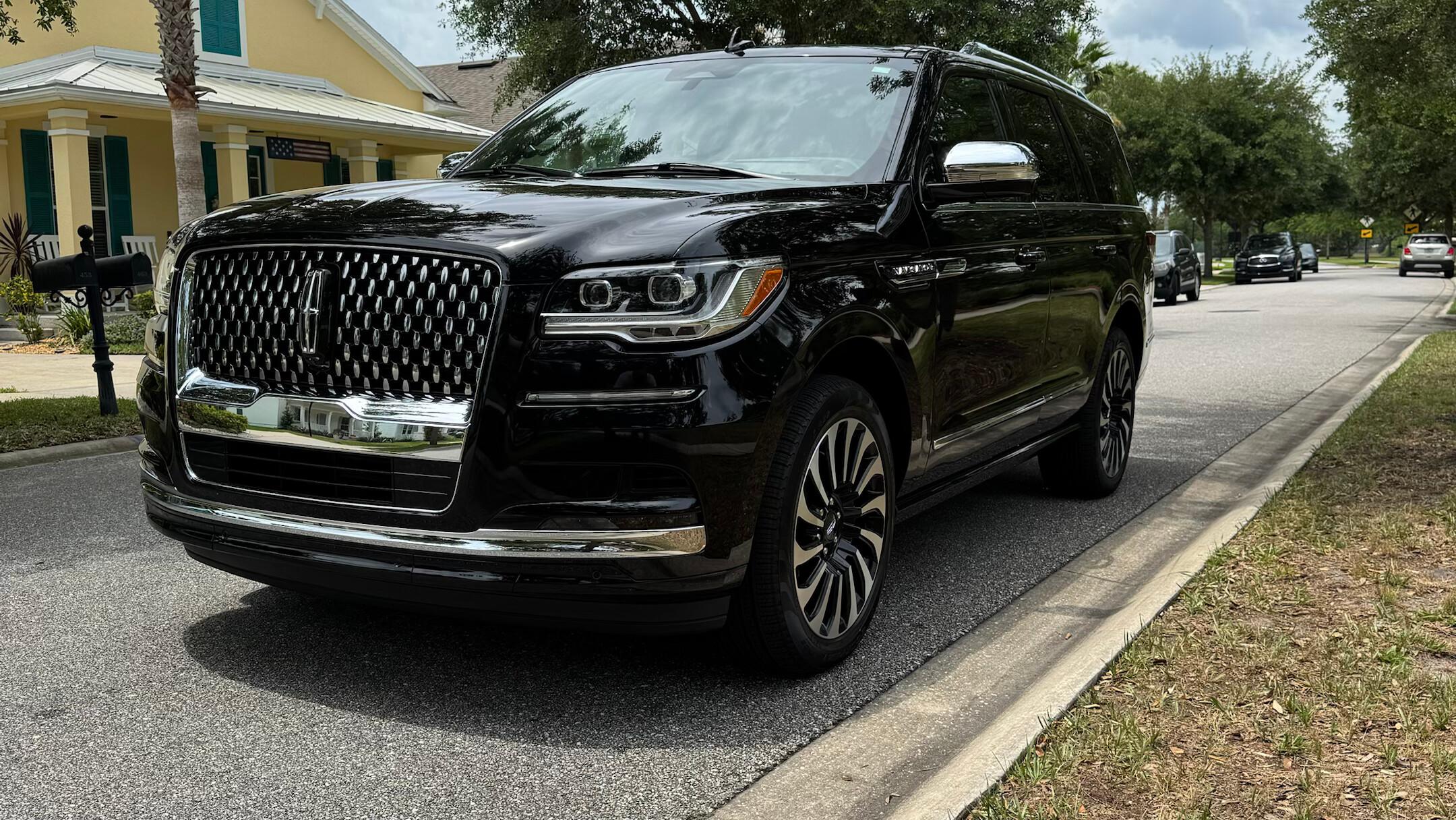

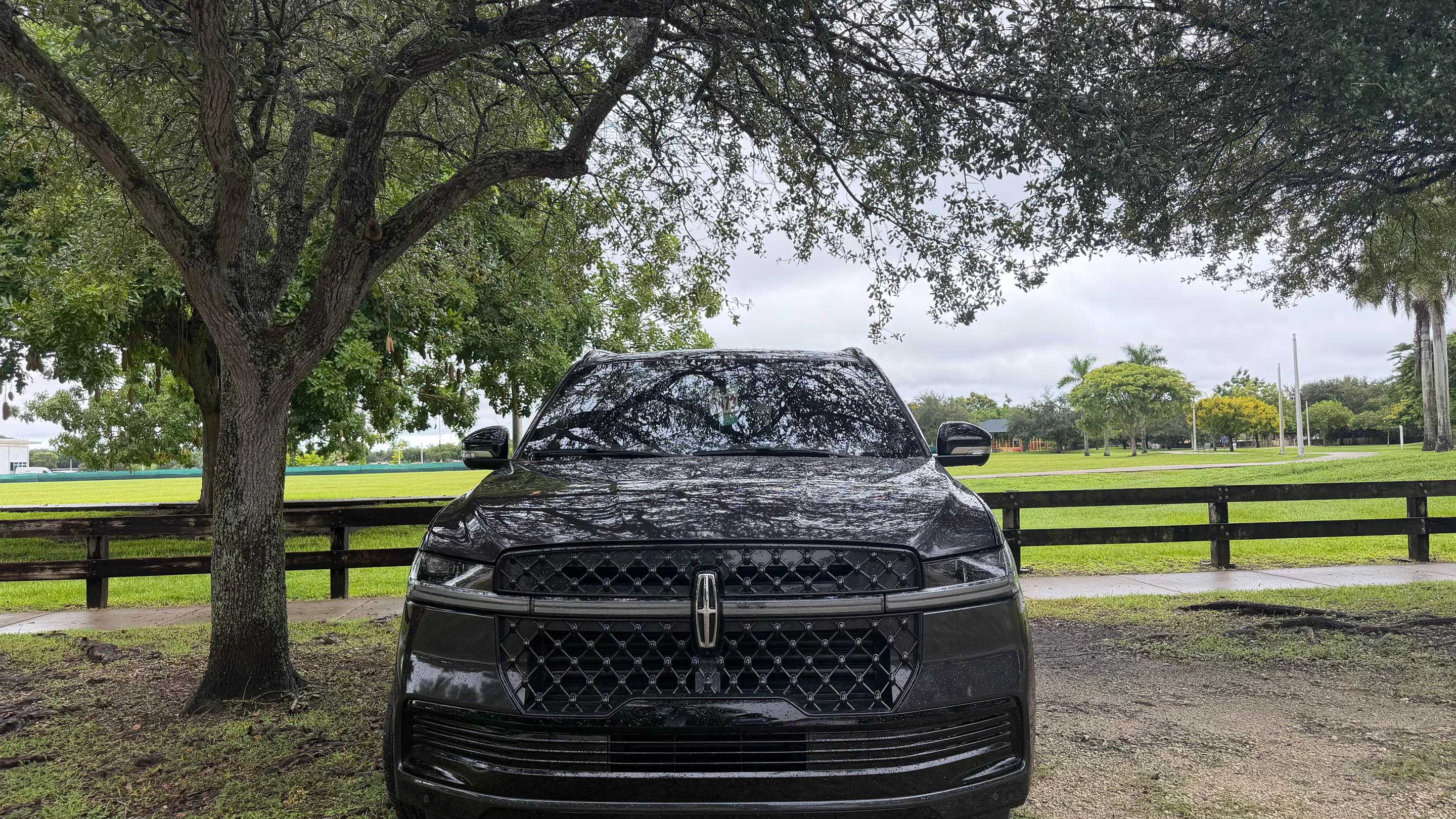
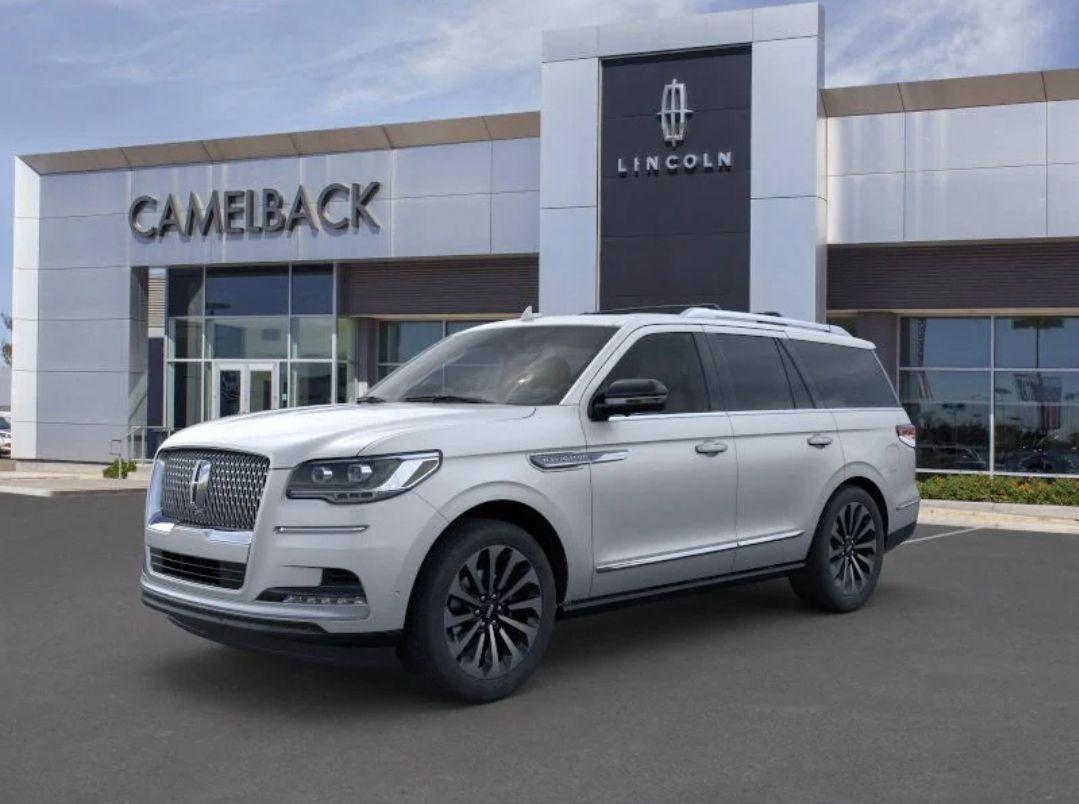
Browse Navigator rentals by destination


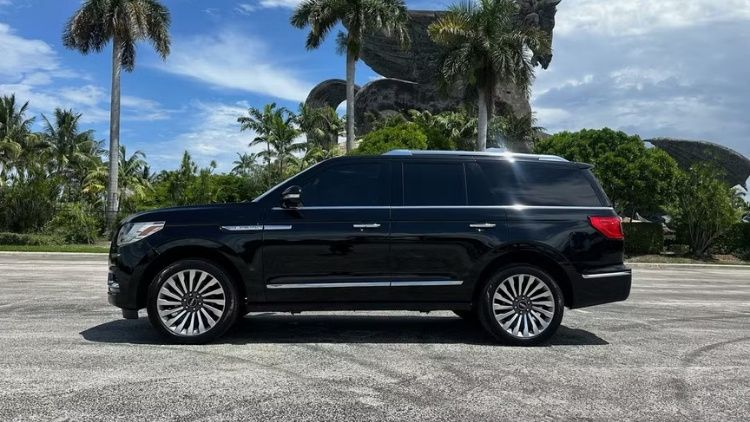
Experience a revolutionary vehicle
Drive a Lincoln Navigator
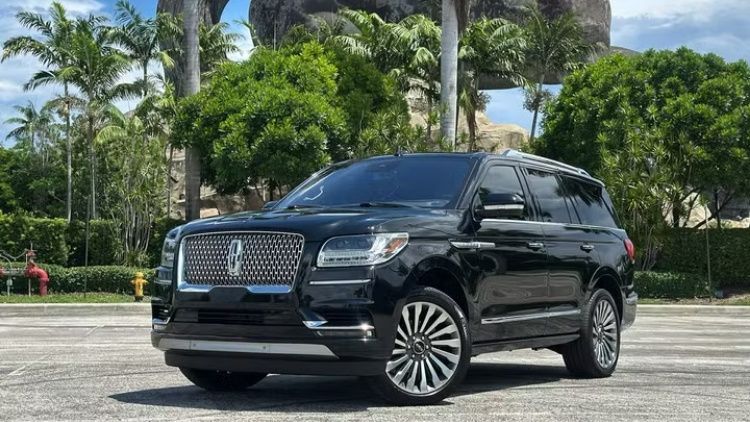
The Lincoln Navigator rental stands out as the ultimate choice for those seeking luxury, space, and driving capability all in one powerful SUV. Whether you’re winding through peaceful countryside backroads or making a grand entrance into the vibrant energy of Las Vegas, the Navigator delivers a smooth, comfortable ride that pampers everyone on board.
Easily select your perfect Lincoln Navigator from a wide range of locations and dates available on Turo, with pickup arranged directly with a local vehicle owner for an easy start to your trip. Combining elegance with versatility, the Navigator ensures your journey is as impressive and effortless as your arrival.
Navigator specs
Weight
5,929 lbs
Acceleration
0–60 mph in 5.5 sec
Top speed
115 mph
Horsepower
440 @ 5,850 rpm
Driving quality that exceeds expectations
Don’t let its size fool you — the Navigator carries a seriously powerful engine. Its adaptive suspension absorbs bumps with ease, while its four-wheel drive capability ensures steady traction, no matter the road or weather. Even on long highway stretches, the roomy cabin stays quiet and comfortable.
Elevated convenience
Everything about the Navigator is built for ease. Driving assist features include turn signal camera views, in-lane repositioning, and lane change assist. Use your phone as a key via Bluetooth for quick, secure entry. Newer models also offer a Lincoln split liftgate for easy, hassle-free cargo loading.
It’s a head-turner
The Navigator turns heads with its bold grille, chrome accents, and undeniable presence. Featuring striking wheels and auto high-beam headlamps, you’ll feel like a VIP every time you pull up. For the ultimate grand entrance, opt for the Navigator L, an extended luxury SUV with an extra-long wheelbase.
Stand out with a Navigator
Wherever you travel, the Lincoln Navigator delivers with a luxurious, tech-savvy interior and powerful performance. With so many thoughtful touches throughout and space to bring the whole team, elevate your experience with a Navigator rental.
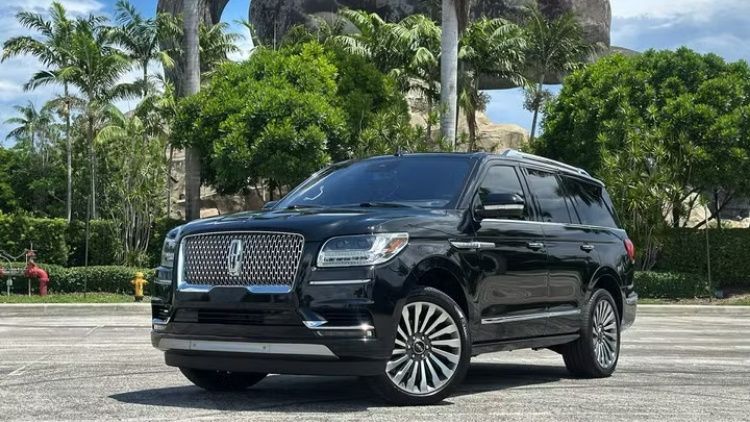
Top Navigator features

Luxury lounge on wheels
While the Navigator is a premium, elite SUV, it continues to surprise drivers with its quality. Its soft leather seats, real wood trim, and ambient lighting feel more like a private jet than a car. The seats even offer massage functions and tailored support, creating a truly relaxing cabin experience.
Big screens and advanced tech
This luxury SUV rental is a tech playground. A large central touchscreen anchors the dash, while rear screens entertain passengers with games, videos, and more. Enjoy easy access to music, podcasts, and navigation through an intuitive infotainment system, with Wi-Fi onboard for up to 10 devices.
Space that works overtime
There’s plenty of room to spare. Whether you’re packing for a vacation, a Costco run, or the whole family plus camping gear, the Navigator covers you. With three rows of seating built for adults to ride in comfort, plus extra cargo capacity, you’re set to conquer any adventure with ease and style.
Other popular models
Top tips and things to know before renting a Navigator

Get to know your Lincoln Navigator
If this is your first time driving a Navigator rental, get to know what sets this luxury SUV apart. It shares the full-size, three-row format of the Jeep Grand Wagoneer, Cadillac Escalade, and GMC Yukon Denali, but the Navigator brings its own blend of handling, comfort, and tech.
Importantly, features can vary depending on the model year and trim, so take a moment to verify your specific vehicle’s equipment, restrictions, and capabilities before you set off.
Lincoln Navigator driving tips
Reserve early: Book ahead to lock in availability, especially on weekends and during school breaks.
Practice in a parking lot: The Navigator’s large size and extensive safety tech, including cameras and sensors, make a few practice laps in a quiet lot worthwhile.
Check height and weight limits: Confirm them before you load the roof rack.
Confirm pickup details early: Message the local vehicle owner ahead of time to confirm your pickup and return location.
How much does it cost to rent a Navigator?
Navigator prices on Turo depend on the model year, trim, trip length, extras, and delivery. Each listing shows its daily price up front, so you can compare options before you book. To save, book early and plan a longer trip. You’ll find discounted prices on trips of 3+, 7+, or 30+ days, and long-term car rental works well for stays of a month or more.
Turo car rental vs. traditional rental
Turo Car rental
App-based experience
No waiting in line
1,600+ unique makes & models
Get the exact car you choose
Delivery options & thousands of pickup locations
Cars rented out by local small businesses
Vehicles and hosts rated by guests
Traditional rental
Standard rental counter experience
Waiting in line
Limited selection
Get a type of vehicle “or similar”
Pickup at retail locations
Owned by large corporations
No vehicle ratings

Skip the rental car counter
On the Turo car rental marketplace, you can rent the perfect car for wherever you’re going from a vibrant community of trusted hosts. Whether you're flying in from afar or looking for a car down the street, searching for a rugged truck or something smooth and swanky, Turo puts you in the driver's seat of an extraordinary selection of cars rented out by local hosts.Frequently asked questions about Lincoln Navigator rental on Turo
What documents and paperwork do you need to rent a car on Turo?
To rent a car on Turo, you must create a Turo account, have a valid driver’s license, get approved to drive on Turo, and be 18 years old or older in the US, 21 years old or older in Australia, or 23 years old or older in Canada.
In the UK, you must be 21 years old or older and have held a UK or EU license for at least one year, or another driver’s license for at least two years. In France you must be 18 years old or older and have held a driver’s license for at least two years, longer for certain makes and models of vehicles.
When you’re booking your first trip, you’ll go through a quick approval process by entering your driver’s license and some other information. In most cases, you’ll get approved immediately, and you’ll be set for all future road trips, day trips, and business trips!
What kind of license do I need to rent a car on Turo?
Turo accepts valid licenses (not expired, suspended, or revoked) that allow for full driving privileges; this includes driver’s licenses issued outside of the US. Licenses that Turo doesn’t accept in the US include any that have expired, have been altered, are conditional, probational, provisional, or restricted. Learner’s permit/instruction permits are not accepted.
Do I need to be a certain age to rent a car on Turo?
To rent a car on Turo in the US, you must be 18 years old or older.
How does car rental insurance work on Turo?
No, you don’t need personal insurance coverage to rent a car on Turo.
In the US, any personal insurance you may have that covers damage to the vehicle owner’s car would kick in before your Turo protection plan. When booking a car in the US, you’ll choose between three protection plans — Premier (eligibility requirements apply), Standard, or Minimum — to get the level of protection that’s right for you. On each trip, you’re covered with third-party automobile liability insurance provided under a policy issued to Turo by Travelers Excess and Surplus Lines Company.*
In New York state, you’ll also choose between Premier (if available), Standard, or Minimum. With each plan, you’re covered with liability insurance of $1,250,000.* Protection plans for New York trips also include access to roadside assistance, priority phone support, and 24/7 customer assistance.
Can I get car rental discounts on Turo?
You can get discounts and low cost car rental on Turo.
On your Account page, make sure you’ve checked the box to receive email notifications, and enable push notifications from the Turo app in your phone settings — we’ll send you occasional promo codes, discounts, and deals.
Additionally, frequent travelers on Turo can get rewarded with the loyalty bonus — earn a promo code for one bonus day when you take trips totaling 10 days in a 90-day period.
Is there long term car rental on Turo?
Yes there is — whether you want to rent a car for three days, three months, or even longer, you can on Turo. You’ll find discounted prices on bookings lasting 3+, 7+, or 30+ days, so you can get the best deals and lowest rates possible by booking longer trips.
Is there unlimited mileage car rental on Turo?
Some local vehicle owners offer unlimited distance for a trip; others set a daily distance limit — you’ll need to check on each rental car individually to see if this service is provided. On the vehicle pages, you’ll see the total miles or kilometres you’re allowed to drive under the heading “Distance included.” You can find cars offering unlimited mileage with every trip by using the “Unlimited distance” filter.
Can other people drive the car that I rented?
Yes, multiple guests can drive the car you rent on Turo, as long as they are all approved to drive. The primary driver (whoever rented the car) can add additional drivers to the trip. Only the primary driver can request to add drivers; local vehicle owners can’t do it for you. We encourage you to request to add additional drivers before your trip starts, though guests can request to add a driver while a trip is in progress.
To speed up the process, have your additional driver create a Turo account and get approved to drive before you request to add them. All drivers must have a valid driver’s license and meet the age requirements for the car you’ve booked. You can request to add drivers any time via the “Trips” tab in the Turo app.
* Any personal insurance you may have that covers damage to the host’s vehicle would kick in before your protection plan, except in limited situations for trips booked in Maryland, but this protects your own wallet. In the US, liability insurance is provided under a policy issued to Turo by Travelers Excess and Surplus Lines Company. Terms, conditions, and exclusions apply. The policy does not provide coverage for damage to a host’s vehicle.
For questions or information about the third party liability insurance for trips in the US, consumers in Maryland and the licensed states listed here may contact Turo Insurance Agency at (415) 508-0283 or claims@turo.agency. For questions about how damage to a host’s vehicle is handled, visit the Turo Support site. When a trip is booked in the state of Washington, physical damage to the host’s vehicle is covered by insurance purchased by Turo, but the Turo insurance does not change the contractual responsibilities of hosts or guests with respect to physical damage to a host’s vehicle.