
posted on September 27, 2026
You’ve listed a car on Turo. Now what? If you’re looking for tips for optimizing your rental car listing, you’ve come to the right place. On Turo, the best way to stand out, attract bookings, and boost your earnings is to ensure your vehicle listing is optimized to stand out in the search results.
Recent changes have simplified vehicle listings on Turo, creating more consistency and highlighting the details that matter most to guests. As a host, this means listing optimization is less about relevant keywords and detailed descriptions, and more about getting photography, pricing, accuracy, and guest communication right.
In this guide, we’ll cover:
- Why an optimized vehicle listing matters on Turo
- 7 tips for optimizing your vehicle listing
- Tip 1: Take photos that make your car stand out
- Tip 2: Check the auto-populated details on your listing
- Tip 3: Consider your delivery options
- Tip 4: Use scheduled messages thoughtfully
- Tip 5: Price your car competitively
- Tip 6: Keep your calendar and availability current
- Tip 7: Build your reputation with guests
- Common listing mistakes to avoid as a Turo host
- FAQs about optimizing your Turo listing
Why an optimized vehicle listing matters
An optimized vehicle listing is one of the best ways to improve your vehicle visibility on the car rental marketplace. Turo uses advanced machine learning models to assign a ranking score to every vehicle listed on the platform. The easiest way to improve your listing’s performance is to make your vehicle stand out, pay attention to performance, and stay active on the platform.
For hosts, that means:
- Making your vehicle stand out: Upload at least 10 high-quality images that showcase your vehicle’s condition, cleanliness, and features so guests can see what your vehicle has to offer.
- Considering delivery options: Offer free or low-cost delivery to airports and hotels to boost your ranking.
- Assessing your pricing settings: Opt into Dynamic Pricing or set your vehicle’s rates as close to Turo’s pricing recommendations as possible.
- Checking your ratings: Maintaining a high host rating is key to standing out in the search results. If you’re listing multiple vehicles, keep in mind your most recent ratings across all listed vehicles will determine your average host rating (and being responsible and guest-focused is the key to boosting your rating).
- Staying active on the platform: Keep your calendar updated, add more listing photos, and respond promptly to messages or requests to change a trip.
As a host, the payout is clear: more visibility leads to more trips and more earnings on Turo.
7 tips for optimizing your listing
Want to create a well-optimized listing on Turo? From high-quality photos to competitive pricing and reviews highlighting excellent customer service, here are six practical ways you can optimize your car rental listing.
Tip 1. Take photos that make your car stand out
Imagery is one of the first things users will see when comparing vehicle listings. Make a winning first impression by ensuring your listing features at least 10 professional, well-composed photos that capture interest from potential guests.
The best photography highlights your vehicle’s features, from sunroofs to leather seats, and even unique cargo configurations (if your rear seats can be folded flat, it’s worth spotlighting it!).
Keep in mind that your photography may be cropped when uploading, so shoot slightly wider to ensure every part of your vehicle is clearly visible. Other tips for making your listing’s imagery shine include:
- Timing your shoot: Avoid harsh, midday sun that can cause glare and shadows, or dark parking lots. Aim to capture imagery shortly after sunrise or right before sunset for warm, soft light.
- Consider your backdrop: Reduce visual noise by picking locations that are clean yet scenic. Scenic landmarks, beachfront spots, and city skylines are all eye-catching backdrops; just make sure no other cars are visible!
- Get your framing right: Make sure your car’s body lines are parallel to the photo frame, and capture all the angles of your vehicle (front, rear, both sides, along with the three-quarter turns).
- Don’t forget the interior: Capture the details that make your listing unique, from the dashboard to the interior space and even the trunk.

Tip from the author: Your listing’s main image is the most important and will decide whether guests click through or scroll past your vehicle. Choose a shot that captures the entire vehicle in a well-lit outdoor setting (bonus points if you can find a scenic backdrop; golden hour by the beach is always a winner!).
Tip 2. Check the auto-populated details on your listing
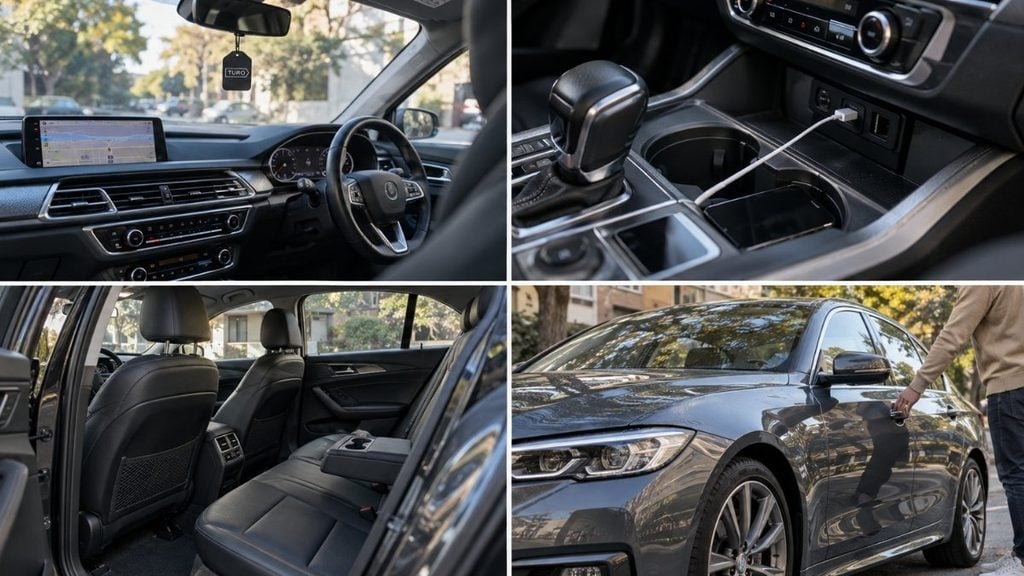
The best vehicle listings highlight features that guests care about: safety, device connectivity, and convenient extras (like GPS navigation and keyless entry).
When listing your vehicle, Turo will automatically identify and add a list of features to your listing (based on the trim package). As a host, it’s important you review and confirm these features (head to the Vehicles tab, and navigate to Details to see your listing in more detail).
Be sure to add in any features that are unique to your vehicle (from USB charging ports to toll passes), and reach out to customer support if the automatically populated features are inaccurate.
You can even add custom features to call out your vehicle’s most distinctive features. Think: leather seats, a premium sound system, or satellite radio. Once you’ve completed your listing, you’ll be able to use the free-form text section under Custom features to list out these selling points.
Accuracy is key to winning trust with guests, so always check and verify your listing’s feature list before going live on Turo.
Tip 3. Consider your delivery options
Offering custom delivery is one of the simplest ways to get your listing in front of more travelers and stand out in the search results. On Turo, you can set up to 10 delivery locations to spots like airports, hotels or train stations, and offer custom delivery within a radius you choose.
You’re in control of your delivery fee, and offering free delivery on longer trips (two days or more) can be a great way to win over guests comparing options.
To view or change your delivery settings, go to your account’s Vehicles page, choose Settings, and then choose Locations.

Tip from the author: Offering airport delivery is a great place to start, as guests love being able to skip the rental counter and head straight to their car upon arrival. Turo has permits in place at 170+ airports in the US and Canada, which detail the rules and guidelines for airport delivery. Find your local airport to get information about where you can park when dropping off your car, and how parking fees are handled.
Tip 4. Use scheduled messages thoughtfully
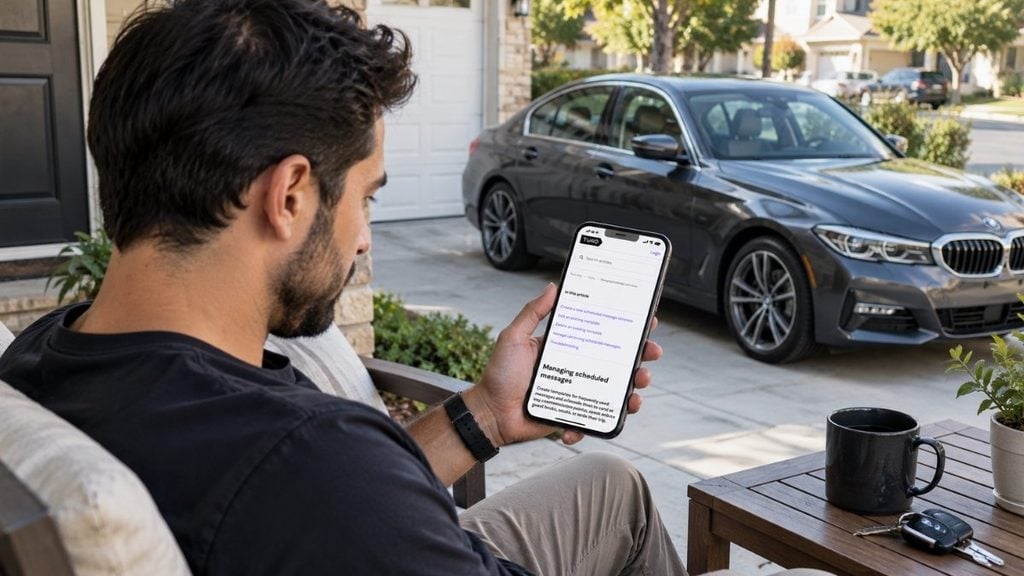
Strong communication is key to scoring positive reviews and glowing customer feedback. Along with optimizing your listing, the best hosts also use scheduled messages to communicate information when a guest books, starts, or ends their trip.
Keep messages clear, brief, and relevant so guests don’t feel overwhelmed with too much information. Consider scheduling messages for timely moments such as:
- 1-hour before pickup: Share pickup details, such as where to find the car, the parking lot name and number, and lockbox or remote access details.
- 75% through the trip: Check in to see how the rental is going and share instructions for how to extend the trip if needed.
- 2-hours before the trip ends: Thank the guest for booking with you, confirm if they need to refuel or recharge the vehicle, and kindly ask for a 5-star review.
While scheduled messages won’t directly impact your search ranking, they do shape the guest experience and can help boost your rating as a host overall.
Tip from the author: Do you need guests to pay for parking during any part of their trip? You must disclose this information in scheduled messages immediately after they book their trip.
Tip 5. Price your car competitively
Setting the right price for your vehicle is another way to boost bookings and increase how often your car is rented on Turo. But simply charging more isn’t the right pricing optimization strategy. Instead, it’s important to offer competitive pricing that is regularly reviewed to keep pace with other hosts, seasonal trends, and local market conditions.
On Turo, dynamic pricing is automatically applied to all vehicle listings. This calculates the optimal daily rate for your vehicle, balancing price with booking probability. It takes into account your vehicle’s make, model, condition, real-time guest searches, past booked prices for similar listings, as well as supply and demand forecasts for your local market.
However, you can change and customize the prices set by dynamic pricing and even adjust prices for a single date, multiple dates, or a date range. Keep in mind you’ll receive a pricing alert if you price your vehicle 20% or more above the recommended price (and your listing may show lower in results and be less likely to get booked during those dates).
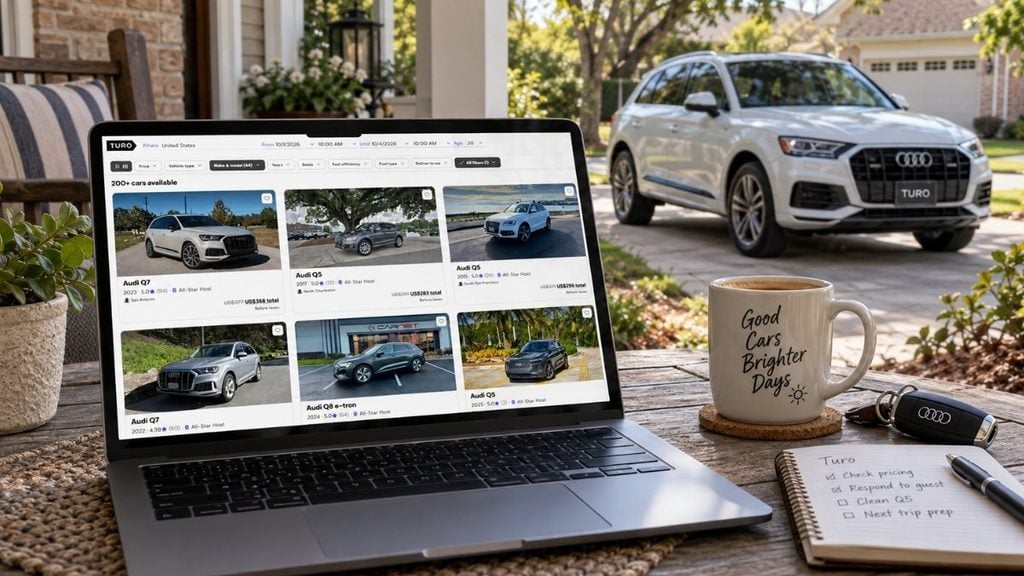
Tip from the author: Turo has created a convenient “Future prices” chart that shows dynamic pricing recommendations for the next 90 days. Prices are updated daily to help you see how rates change over time. To see Future prices, open the Trips tab, open the Calendar view, and click Insights.
Tip 6. Keep your calendar and availability current
Open availability is one of the simplest ways to boost your car’s bookings on Turo. The more often your vehicle is available to rent, the higher your potential earnings.
All bookings are automatically accepted based on the days, times, and locations you’ve set as available. This is done to boost conversion rates and help maximize your earnings, while offering a frictionless booking process for guests.
It’s your responsibility to check your car’s settings and ensure the vehicle’s availability, advance notice, trip buffer, and trip duration preferences are accurate at all times. Jump into your Calendar each week or so to check that your availability and delivery settings are still accurate.
Plus, consider ways to maximize the number of bookings your car receives by:
- Leaving your calendar as open as possible; it sends the right signals to Turo that your car is worth prioritizing in the search results
- Reduce your advance notice buffer to one hour to capture last-minute bookings
- Set your minimum trip duration to any to allow for short trips

Tip 7. Build your reputation with guests
Earning praise and approval from guests is a powerful way to optimize your vehicle listing. On Turo, becoming an All-Star Host is a milestone that’s worth working towards; it signals that you’re one of the highest-rated and most dependable hosts on the platform.
The perks of becoming an All-Star Host speak for themselves. You’ll stand out in search results with a special badge, score a Turo promo code to book your own trips, and ensure your vehicle listings are prioritized to get more bookings coming your way.
To qualify, you need to build a positive relationship with your guests through fast response times, positive reviews, low cancellation rates, and a top-notch cleanliness rating. In practical terms, All-Star Hosts need to achieve:
- At least 85% overall 5-star ratings for all completed trips
- 3% or lower cancellation rate on booked trips
- 80%+ 5-star maintenance rates for all completed trips
- 20+ completed trips (or 80 trip days across five trips)
- 80% 5-star cleanliness ratings for completed trips
Delivering an excellent experience for guests is a must when hosting on Turo. Generally, listings with few or negative reviews are less likely to be prioritized in the search results.
Common vehicle listing mistakes to avoid (and how to fix them)
Forgotten details, poor availability, and low-quality photos can all impact the visibility of your listing on Turo. But there are easy fixes to some of the most common listing mistakes to ensure you boost your earning potential on Turo.
| Common mistake | What to do instead |
|---|---|
| Letting the calendar go stale or leaving availability outdated | Update your calendar regularly so guests see accurate availability; an outdated calendar costs you bookings before a guest even reaches out |
| Assuming auto-populated features are correct | Double-check auto-filled vehicle details against your actual car; mismatched features erode trust and can lead to guest complaints |
| Low-quality, too-few, or outdated photos | Upload a full, current set of 10+ high-quality photos; listings with strong photos convert better and set accurate guest expectations |
| Underpricing or overpricing without checking Turo’s pricing recommendations | Use Turo’s pricing recommendations as your baseline, then adjust for your vehicle and market; guesswork leaves money on the table or scares off bookings |
| Forgetting to disclose parking fees or key guest info | Send this info via scheduled messages to keep guests in the loop at key trip milestones |
Frequently asked questions about optimizing your Turo listing
Can I write a custom description for my Turo listing?
No, as of July 2026, Turo removed free-form vehicle descriptions to keep listings consistent and easier for guests to compare. You can still share guest-facing information through scheduled messages, and use Turo’s pre-populated features list to showcase the unique features of your vehicle.
How do I make my Turo listing rank higher in search?
Turo’s search ranking rewards vehicle owners who respond quickly, keep their calendar accurate, price competitively, and maintain strong reviews. Keeping your listing fresh, updated with professional imagery, and attracting positive reviews can help boost your ranking in the search results. Plus, achieving All-Star Host status can ensure your vehicle is prioritized in the search results.
What happened to the vehicle description section on my listing?
Vehicle features are now auto-populated based on your car’s trim, with safety features shown first. Check that they’re accurate and contact Turo support if anything’s wrong.
How many photos should I upload to my Turo listing?
Aim for at least 10 high-quality photos covering your car’s exterior from multiple angles and the full interior. Turo listings with strong photos tend to get significantly more clicks than those with just a few.
Does Turo have a recommended pricing tool?
Yes; Turo offers dynamic pricing as standard on all listings, which adjusts your rate based on demand, or you can set your own price manually using Turo’s recommended pricing as a benchmark.
List your car and start earning with Turo
Ready to offer a five-star guest experience? With an optimized vehicle listing ready to go, all that’s left is to start earning. Get started as a Turo host.
Share your car, earn extra cash
Cover your car payments or earn some extra cash by sharing your car whenever you’re not using it.
Get startedHit the road
Browse thousands of cars for every occasion and budget near you, or wherever you’re going.
Browse cars
Lucinda Starr
Lucinda Starr is a travel and automotive writer with 5+ years of firsthand experience road-tripping across Australia, New Zealand, and beyond. She writes road trip guides for Turo, drawing on her experience behind the wheel to share practical insights on long-distance drives, destinations, and vehicles. Her travels have taken her across Australia’s East Coast, Victoria’s Great Ocean Road, the Northern Rivers, Byron Bay, and both islands of New Zealand. One of her most memorable journeys was an 11-day, 2,600+ km route from Auckland to Punakaiki and Queenstown. Lucinda has a particular passion for classic, rugged 4WD vehicles and the freedom they bring to exploring new places.