Directions to Parking Garage A1
John Wayne Airport (SNA)
From Terminal A
1. Proceed to Baggage Claim
Follow signs within the terminal for Terminal A Baggage Claim, and use the escalators down to the Baggage Claim area.

2. Follow signs to “Parking A1”
Upon entering the Terminal A baggage claim area from the escalators, exit through the doors on the left side of the baggage claim area (directly in front of the escalators).
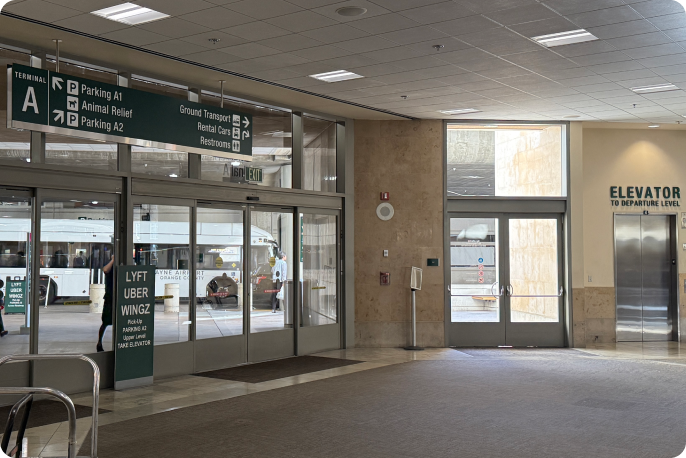
3. Proceed to the garage
Exit the building and turn left toward the “Parking A1” sign. In the garage, take the elevator or stairs to your vehicle using your host’s directions in the Parking Location section of the Turo app.
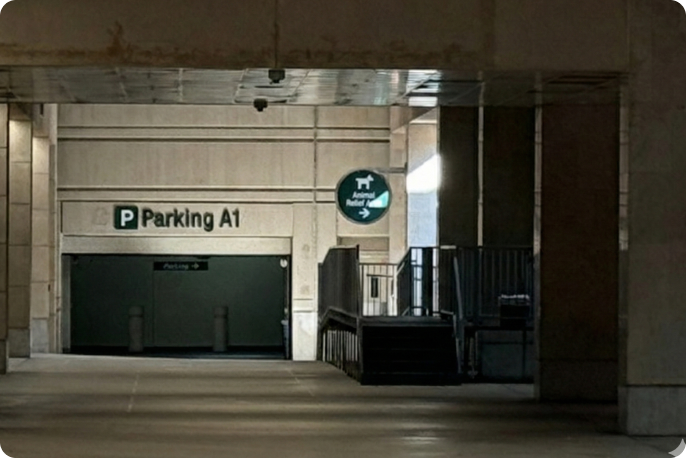
From Terminal B
1. Proceed to Baggage Claim
Follow signs within the terminal for Terminal B Baggage Claim, and use the escalators down to the Baggage Claim area.

2. Follow signs to Terminal A
From the escalators to the baggage claim area, turn left and proceed past the rental car counters, following the signs for Terminal A.
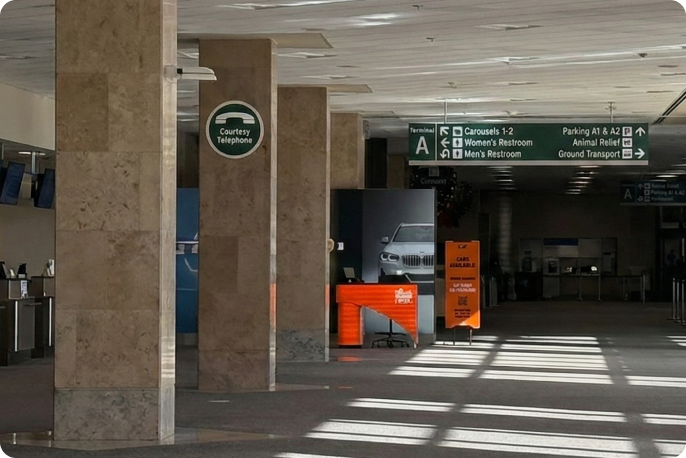
3. Follow signs to “Parking A1”
Upon entering the Terminal A baggage claim area, exit through the doors on the far end of the baggage claim area.
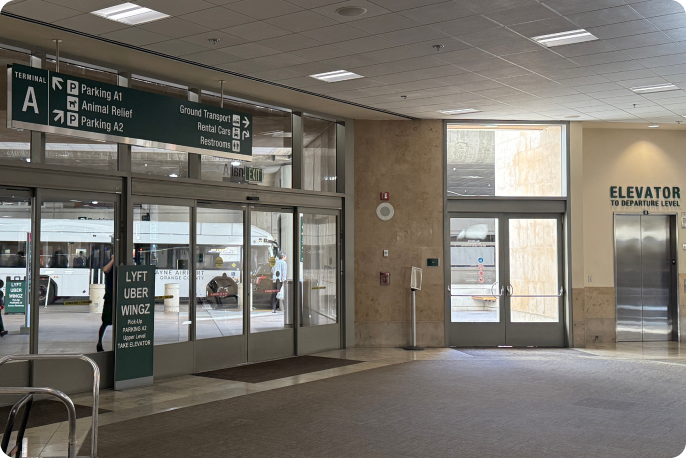
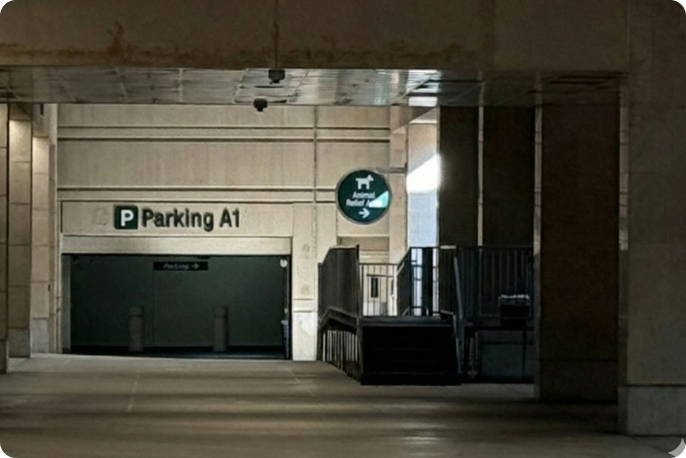
4. Proceed to the garage
Exit the building and turn left toward the “Parking A1” sign. In the garage, take the elevator or stairs to your vehicle using your host’s directions in the Parking Location section of the Turo app.
From Terminal C
1. Proceed to Baggage Claim
Follow signs within the terminal for Terminal C Baggage Claim, and use the escalators down to the Baggage Claim area.

2. Follow signs to Terminal A
From the escalators to the baggage claim area, turn left and proceed past Terminal B and the rental car counters, following the signs for Terminal A.
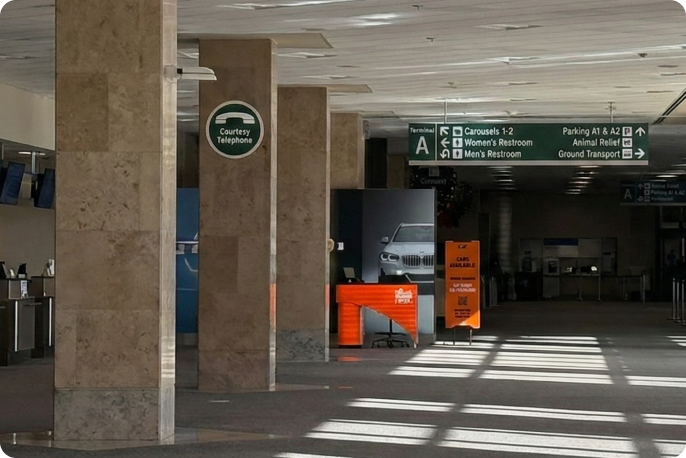
3. Follow signs to “Parking A1”
Upon entering the Terminal A baggage claim area, exit through the doors on the far end of the baggage claim area.
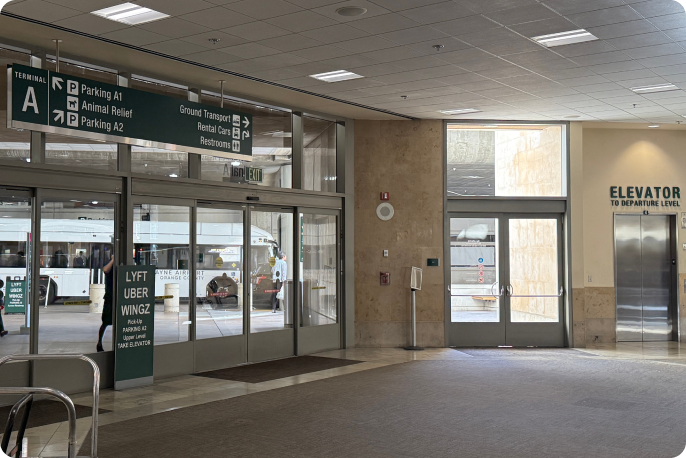
4. Proceed to the garage
Exit the building and turn left toward the “Parking A1” sign. In the garage, take the elevator or stairs to your vehicle using your host’s directions in the Parking Location section of the Turo app.
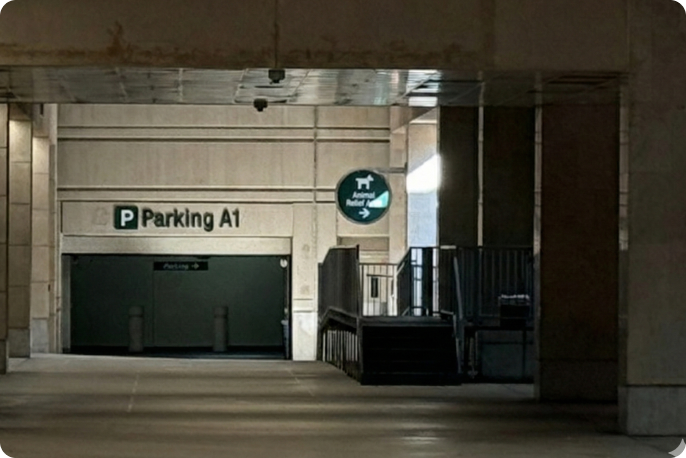
5. Find your vehicle
Exit the building and turn left toward the “Parking A1” sign. In the garage, take the elevator or stairs to your vehicle using your host’s directions in the Parking Location section of the Turo app.