Directions to Long-Term Surface Parking Lot
San Antonio International Airport (SAT)
From Terminal A
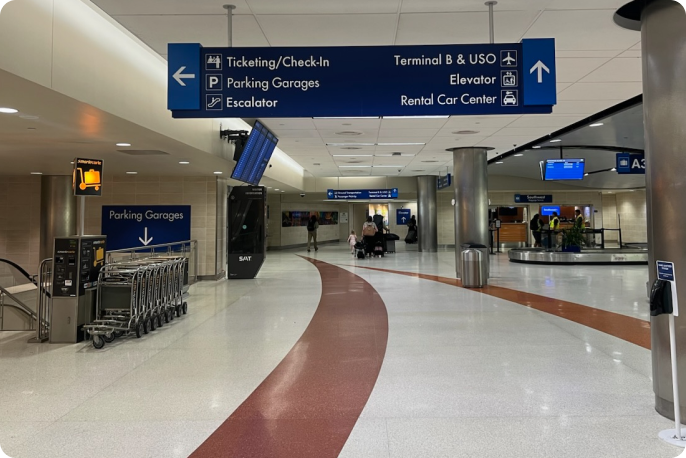
1. Follow signs to ‘Parking Garage’
Head towards Baggage Claim to follow the ‘Parking Garage’ sign.
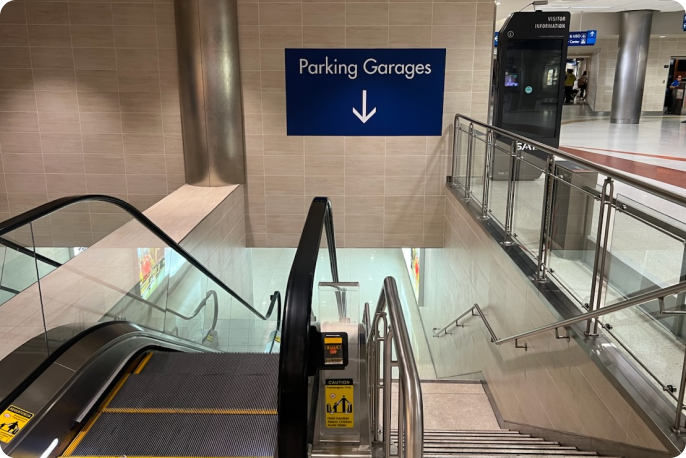
2. Take escalators
Use escalator to go down the stairs.
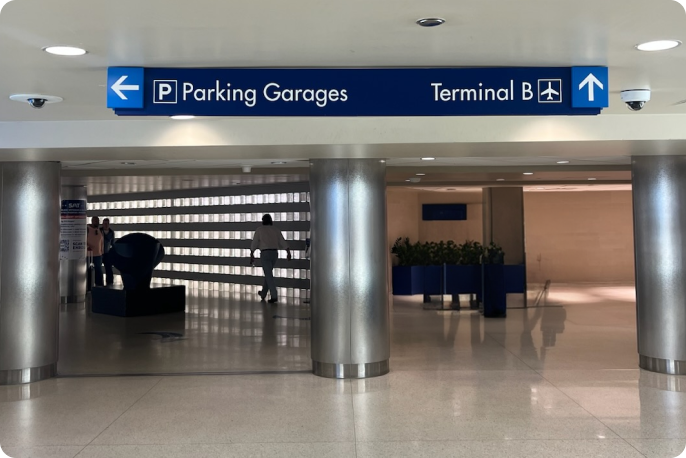
3. Continue to follow “Parking Garages”
Continue to follow “Parking Garages” sign and go through the tunnel.
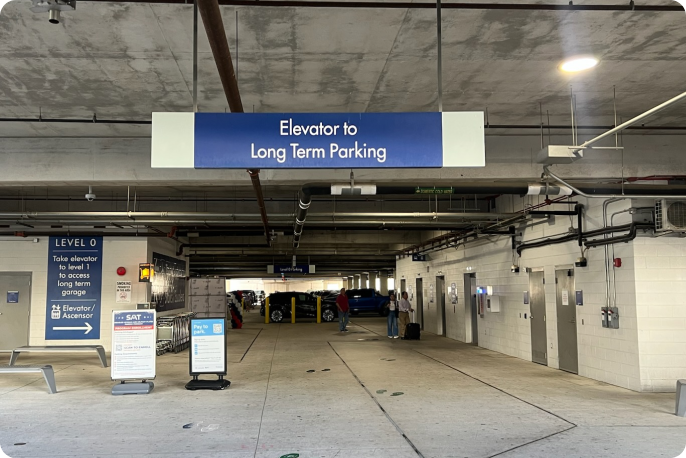
4. Arrive at Short-Term Garage
Once you exit the tunnel, you’ll arrive at level 0 where Short-Term Garage is, along with level 1.
5. Arrive on level 1
Exit elevator and turn right for Long Term Parking Garage
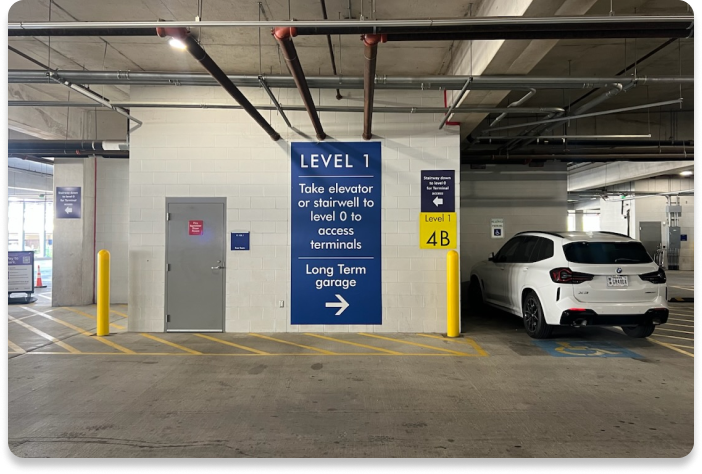
6. Continue towards Long-Term Parking
Continue to follow signage to Long-Term Parking.
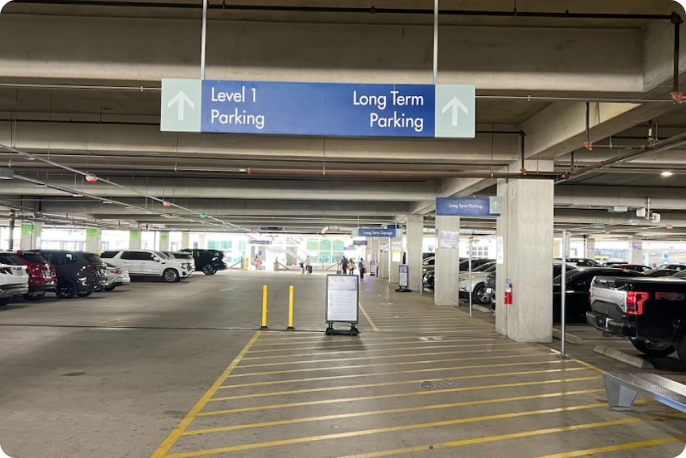
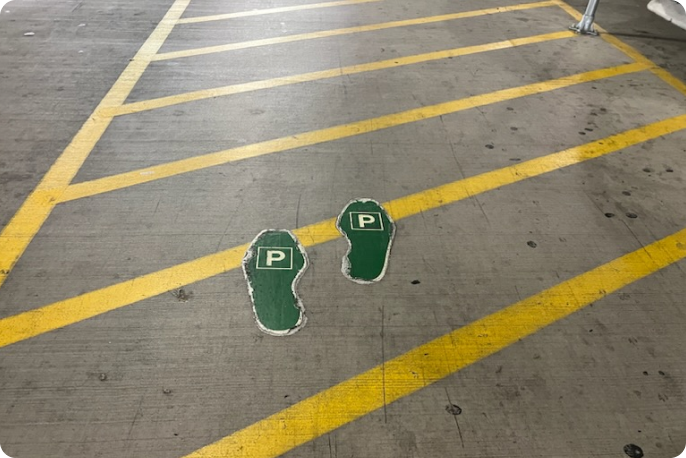
7. Follow green steps
As you continue to walk, follow the green steps towards Long-Term Parking.
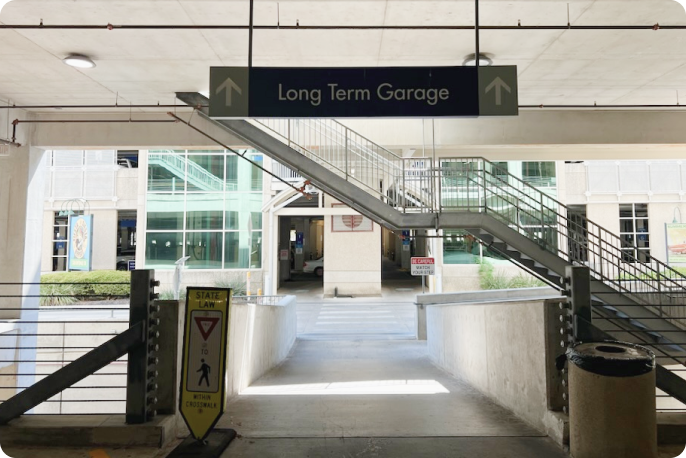
8. Use crosswalk
Use the crosswalk to cross the street.
9. Locate the vehicle
Use the elevator and reference the instructions your host provided to find where the vehicle is parked.
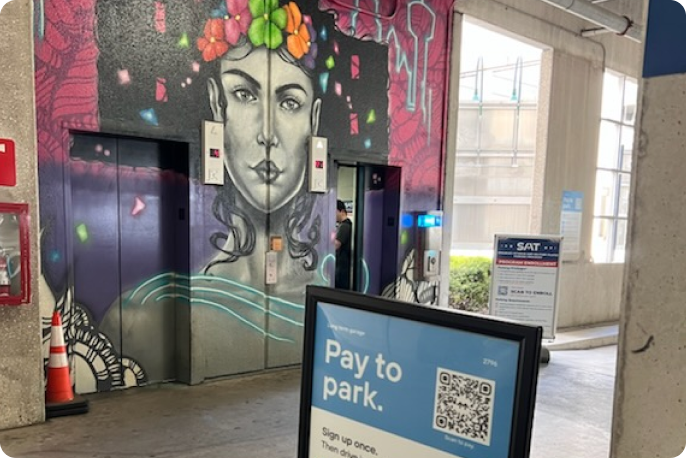
From Terminal B
1. Head towards Parking Garage
Take a right towards Parking Garage signage.
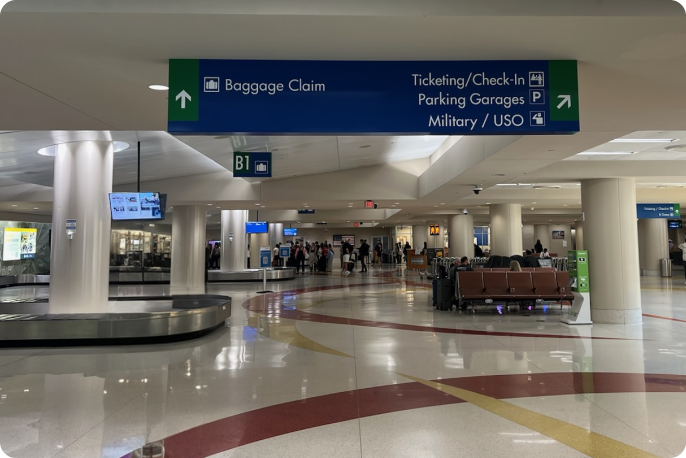
2. Follow signs Parking Garage
Continue to walk and follow signs to Parking Garage.
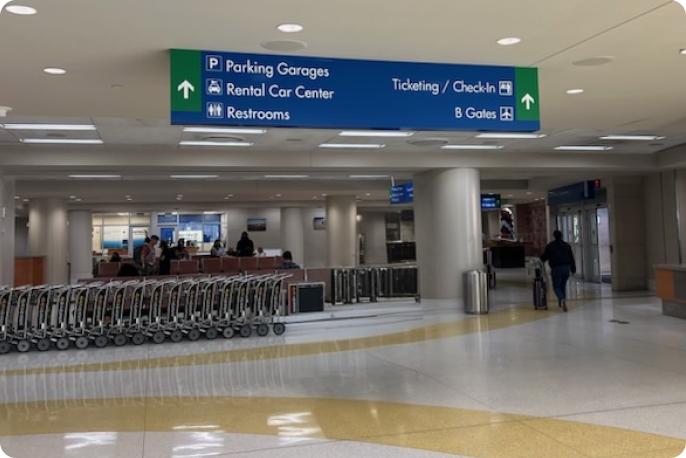
3. Use escalators
Use escalator to go down towards Parking Garage.
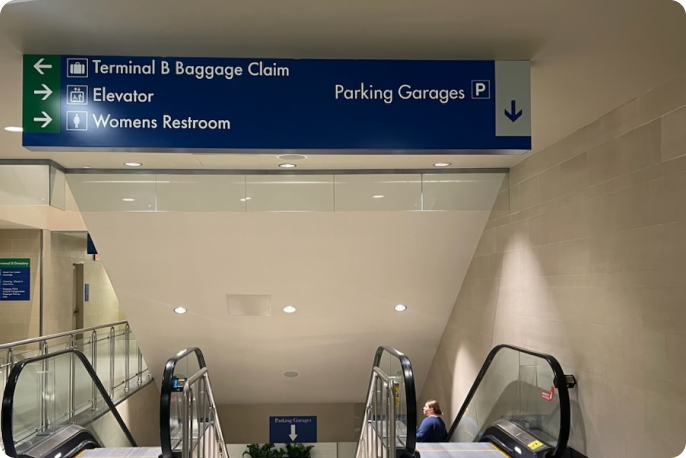
4. Turn left
At the end of the escalators, turn left.
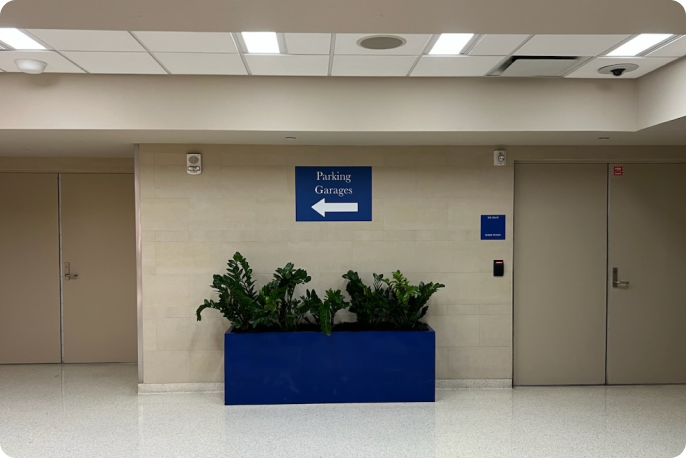
5. Follow Parking Garage
Continue to follow signs to Parking Garage.
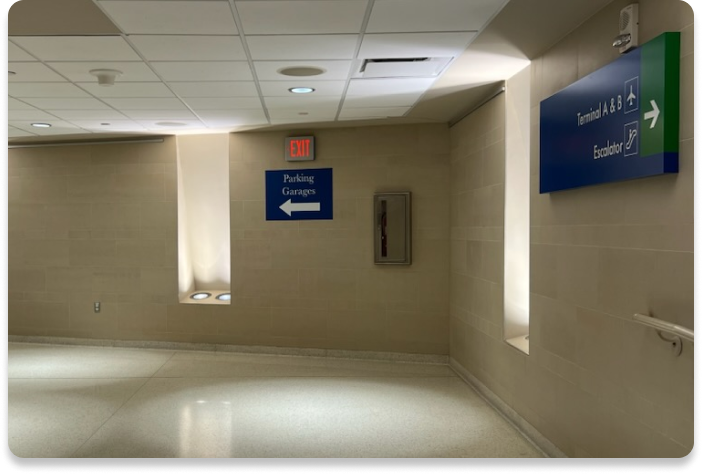
6. Follow Parking Garage through tunnel
Follow Parking Garage sign and walk through the tunnel.
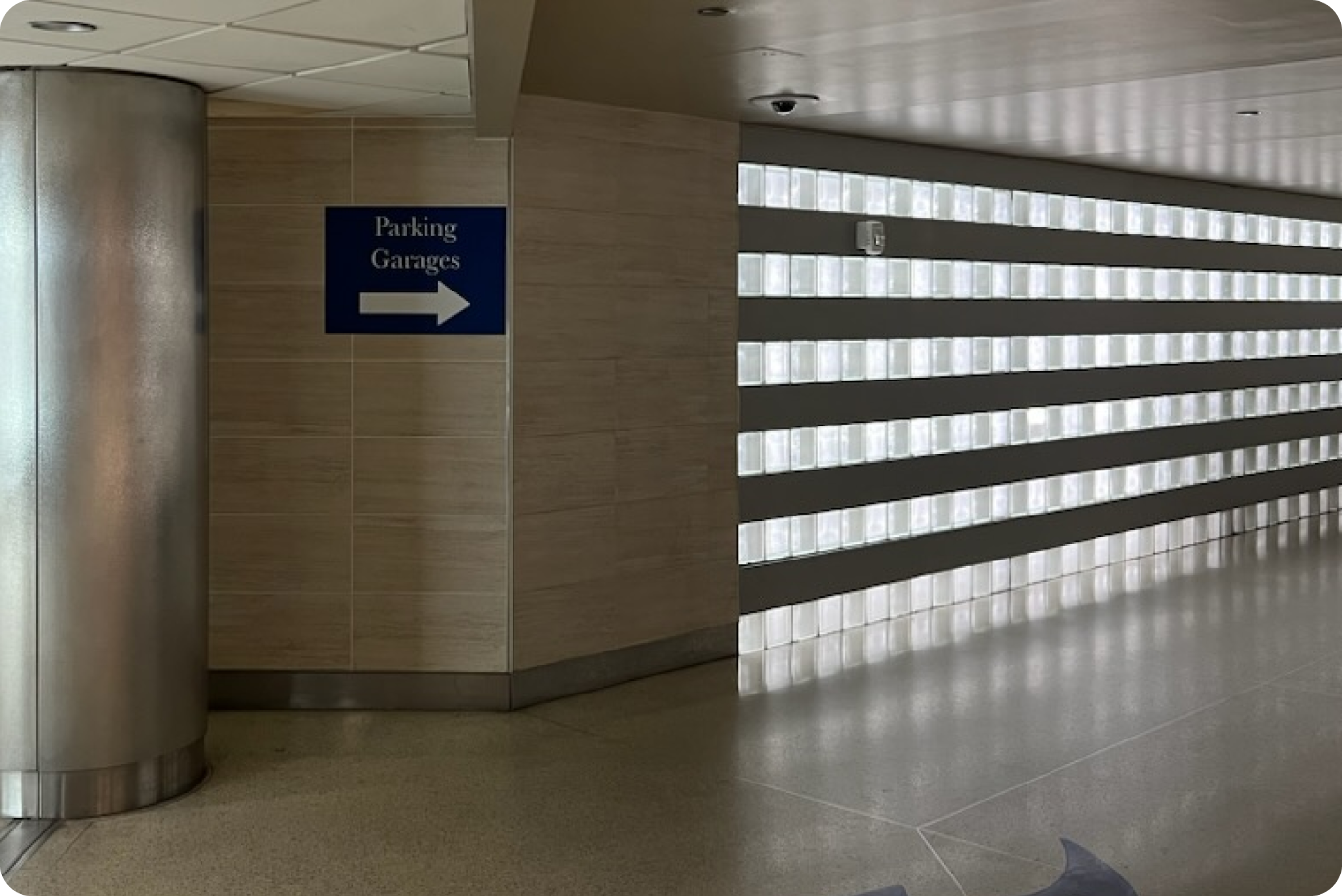
7. Arrive at Short-Term Garage
Once you exit the tunnel, you’ll arrive at level 0 where Short-Term Garage is, along with level 1.
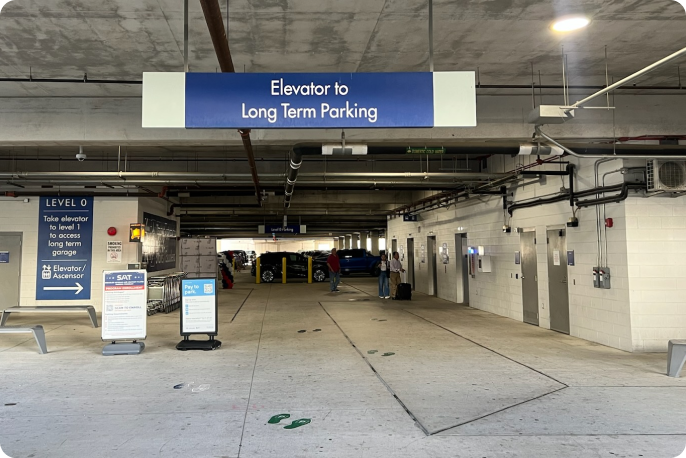
8. Arrive on level 1
Exit elevator and turn right for Long Term Parking Garage
9. Continue towards Long-Term Parking
Continue to follow signage to Long-Term Parking.
10. Follow green steps
As you continue to walk, follow the green steps towards Long-Term Parking.
11. Use crosswalk
Use the crosswalk to cross the street.
12. Locate the vehicle
Use the elevator and reference the instructions your host provided to find where the vehicle is parked.