Directions to Cypress Garage
Fort Lauderdale-Hollywood International Airport (FLL)
From Terminal 1
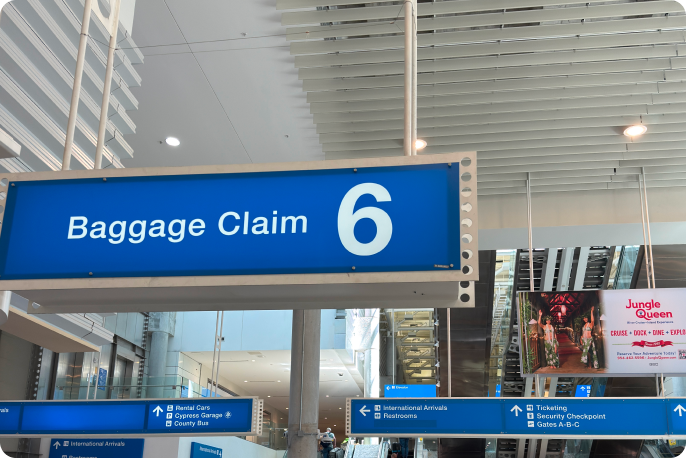
1. Proceed to Baggage Claim
In Terminal 1 Arrivals, proceed to Baggage Claim carousel 6. Follow signs labeled "Cypress Garage" up a level using the escalators.
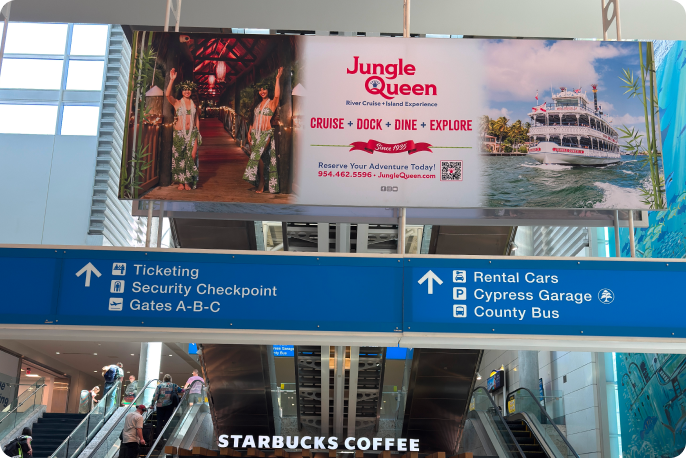
2. Follow signs labeled "Cypress Garage"
Once you've gone up a level, follow signs labeled "Cypress Garage" to sky bridge connecting the Terminal & garage/Rental Car Center.
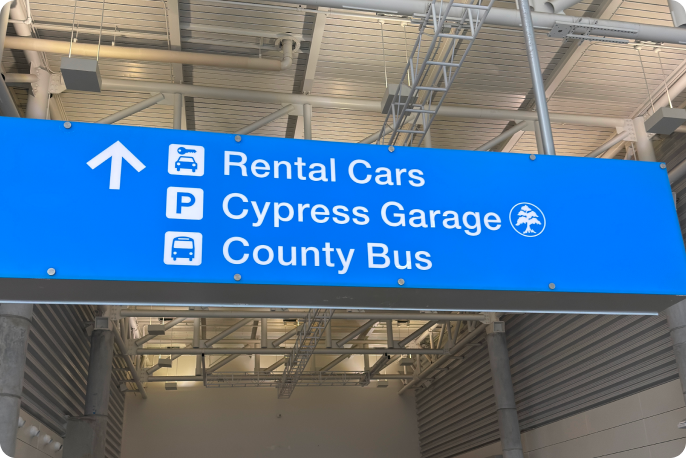
3. Cross sky bridge
Cross the sky bridge to the Cypress Garage/Car Rental Center.
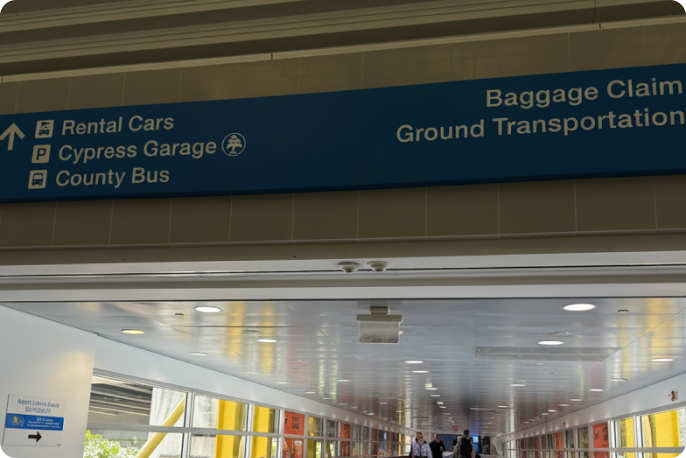
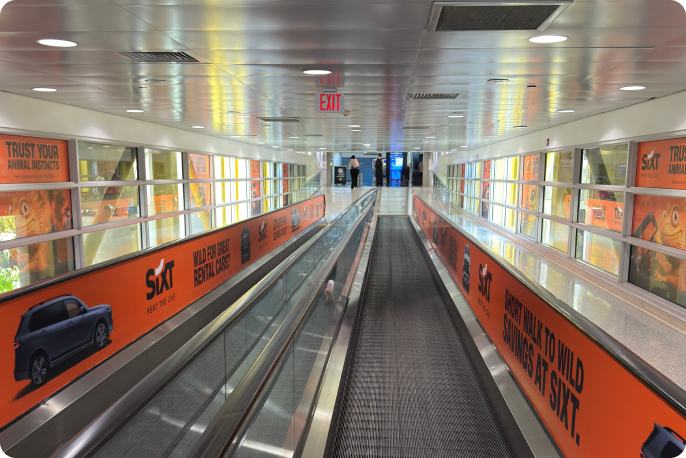
4. Enter Rental Car Center
Once you've entered the Car Rental Center from the sky bridge, turn left & follow signs to elevators.
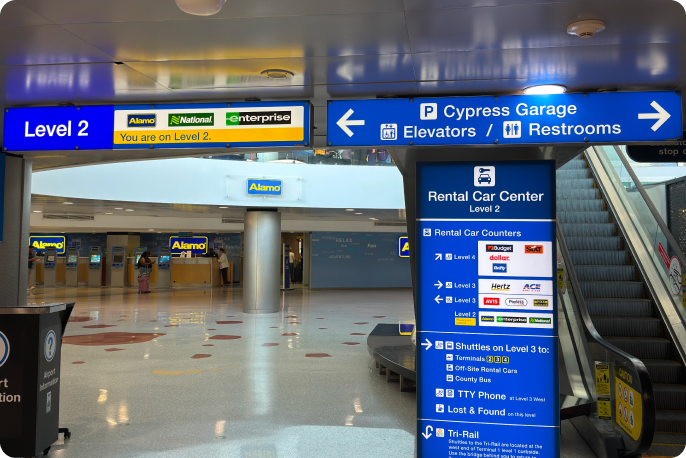
5. Proceed to 7th floor
Inside the Rental Car Center, follow signs labeled "Elevators" & take the elevator to the 7th floor.
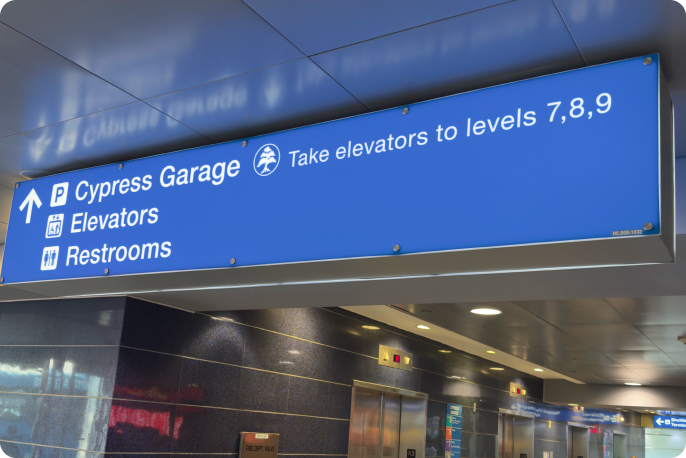
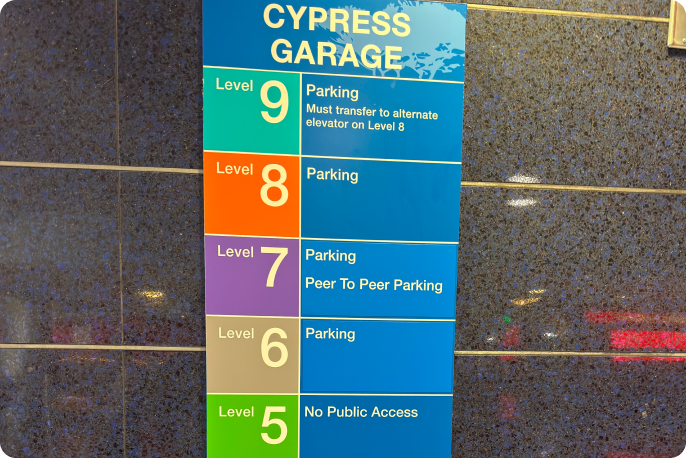
6. Locate your vehicle
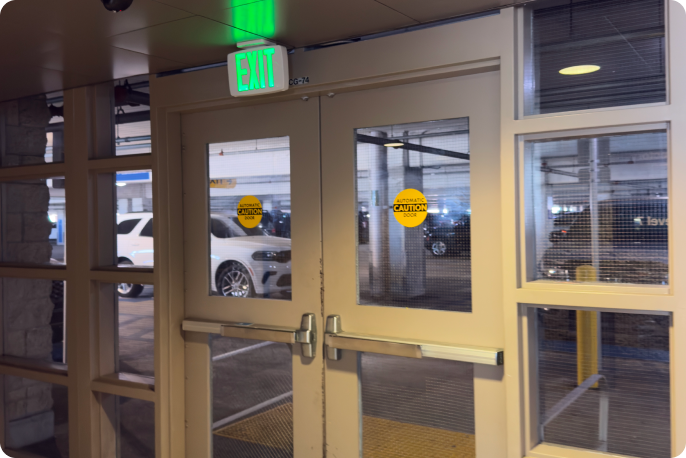
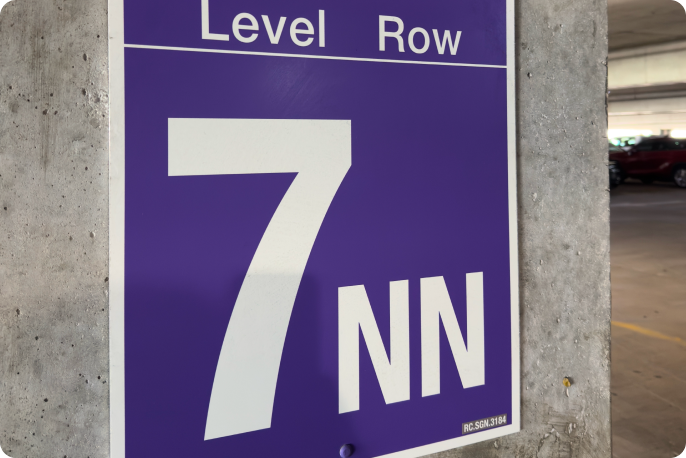
Using the instructions provided by your host, locate the vehicle in the Cypress Garage. The primary permitted locations in the Cypress Garage for Turo vehicles are in zone 7NN; if all spots in 7NN are full, any available parking spots in the Cypress Garage are permitted.
From Terminal 2
1. Exit Terminal 2
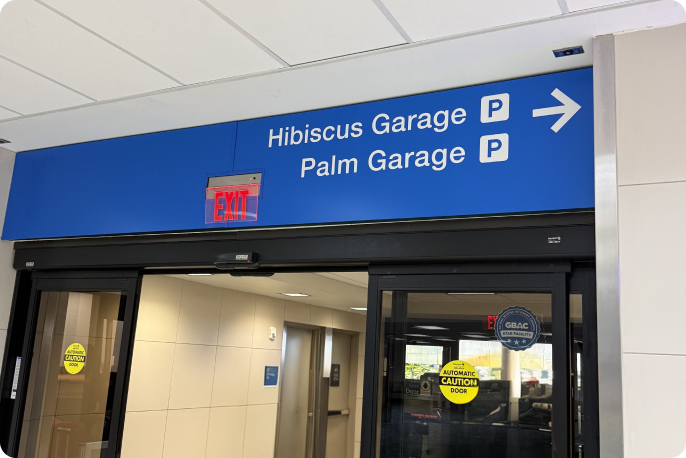
Follow signs labeled "Ground Transportation" down to the lower level & out the door.
2. Proceed to Ground Transportation Areas
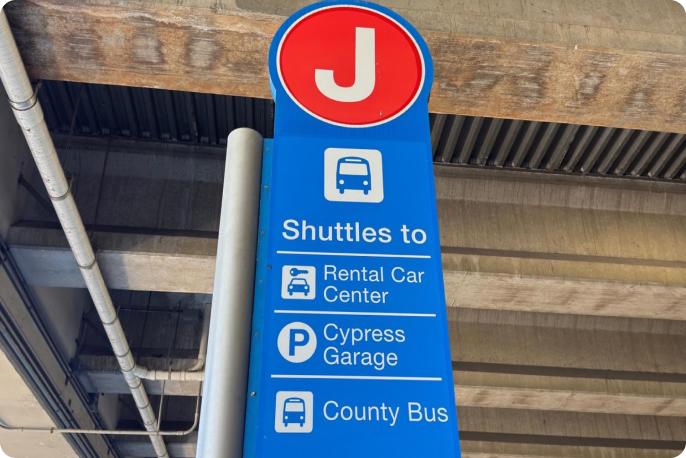
Follow signs labeled "Ground Transportation Areas" to the stop labeled "J" with service to the Cypress Garage.
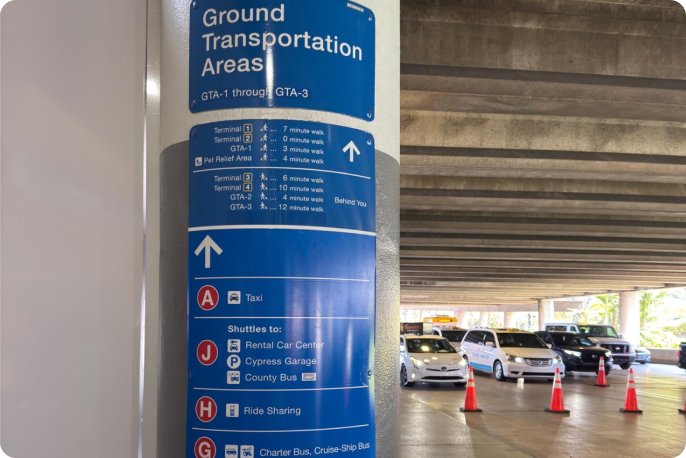
3. Locate the "J" stop
Proceed to the shuttle stop labeled "J", board the shuttle to Cypress Garage.
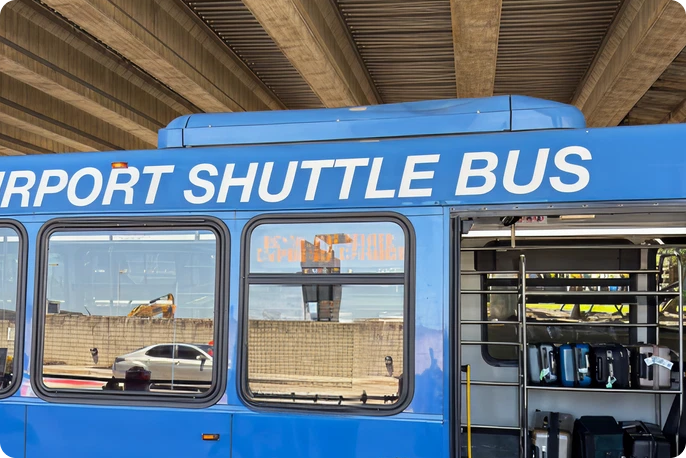
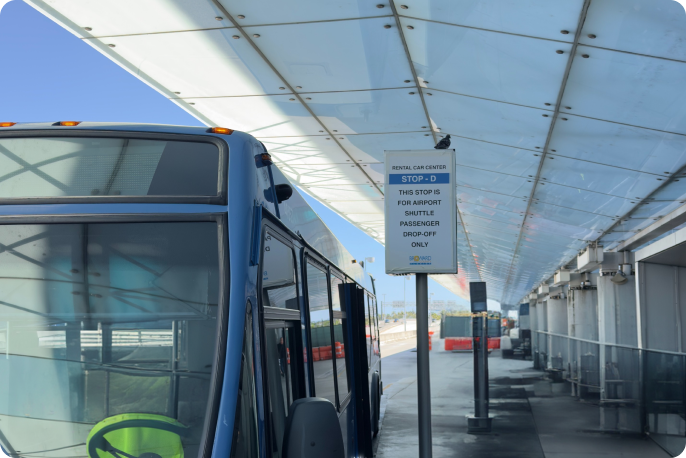
4. Exit shuttle at "Stop-D" (Cypress Garage & Rental Car Center)
After taking the shuttle to the Cypress Garage, exit the shuttle at "Stop-D"; enter the Rental Car Center through the main door.
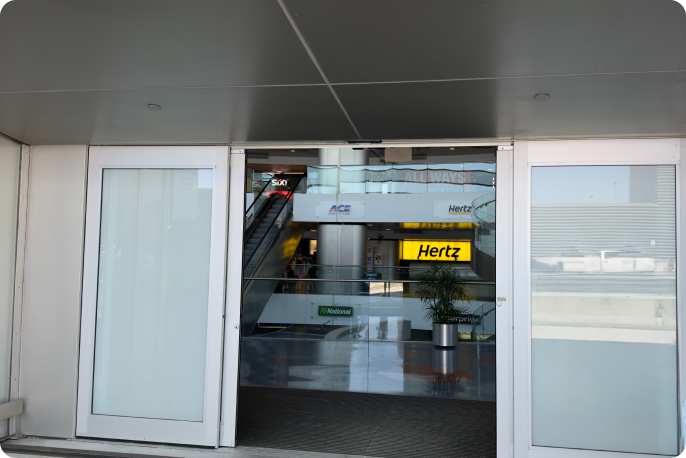
5. Proceed to 7th floor
Inside the Rental Car Center, follow signs labeled "Elevators" & take the elevator to the 7th floor.
6. Locate your vehicle
Using the instructions provided by your host, locate the vehicle in the Cypress Garage. The primary permitted locations in the Cypress Garage for Turo vehicles are in zone 7NN; if all spots in 7NN are full, any available parking spots in the Cypress Garage are permitted.
From Terminal 3
1. Exit Terminal 3
Follow signs labeled "Ground Transportation" down to the lower level & out the door.
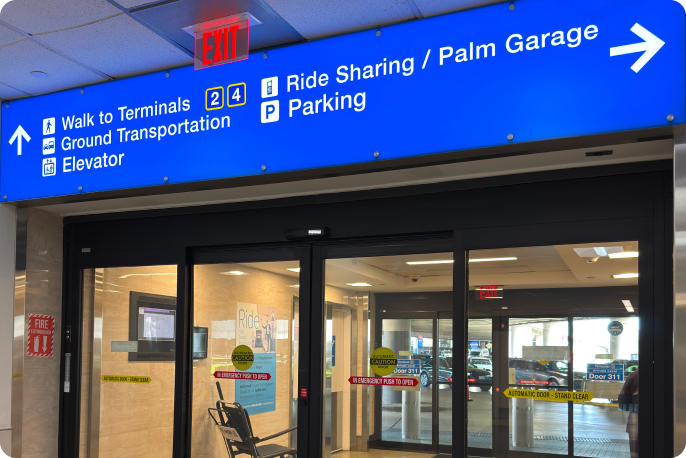
2. Proceed to Ground Transportation Areas
Follow signs labeled "Ground Transportation Areas" to the stop labeled "D" with service to the Cypress Garage.
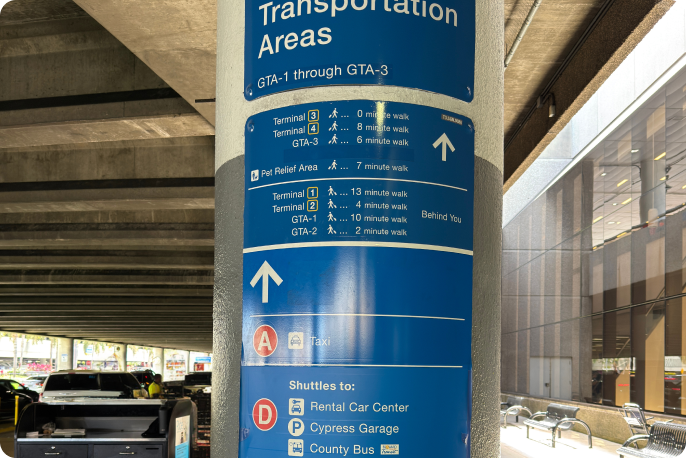
3. Locate the "D" stop
Proceed to the shuttle stop labeled "D", board the shuttle to Cypress Garage.
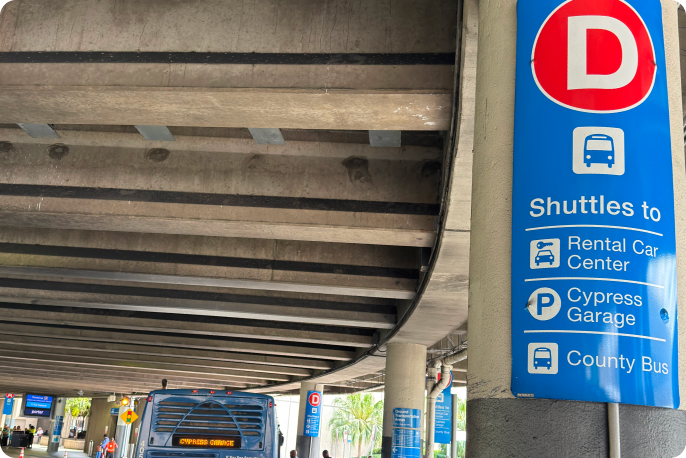
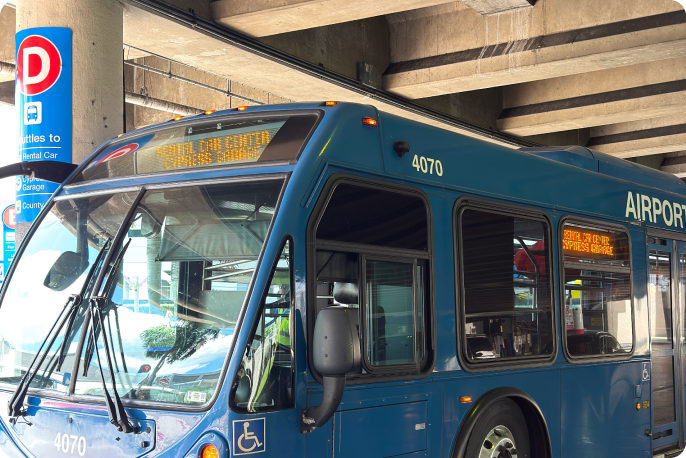
4. Exit shuttle at "Stop-D" (Cypress Garage & Rental Car Center)
After taking the shuttle to the Cypress Garage, exit the shuttle at "Stop-D"; enter the Rental Car Center through the main door.
5. Proceed to 7th floor
Inside the Rental Car Center, follow signs labeled "Elevators" & take the elevator to the 7th floor.
6. Locate your vehicle
Using the instructions provided by your host, locate the vehicle in the Cypress Garage. The primary permitted locations in the Cypress Garage for Turo vehicles are in zone 7NN; if all spots in 7NN are full, any available parking spots in the Cypress Garage are permitted.
From Terminal 4
1. Exit Terminal 4
Follow signs labeled "Ground Transportation" down to the lower level & out the door.
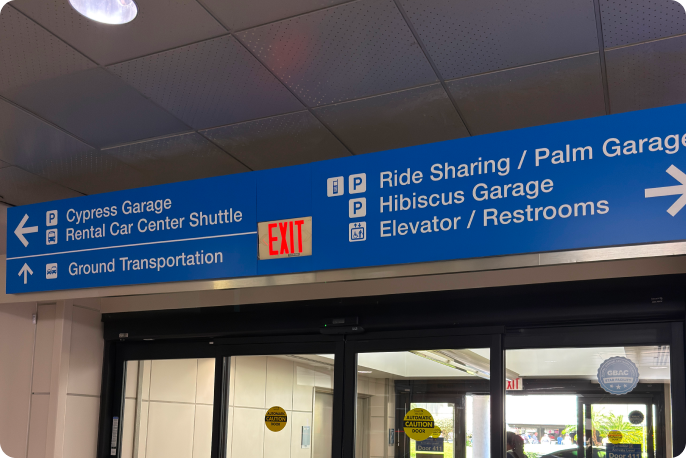
2. Proceed to Ground Transportation Areas
Follow signs labeled "Ground Transportation Areas" to the stop labeled "D" with service to the Cypress Garage.
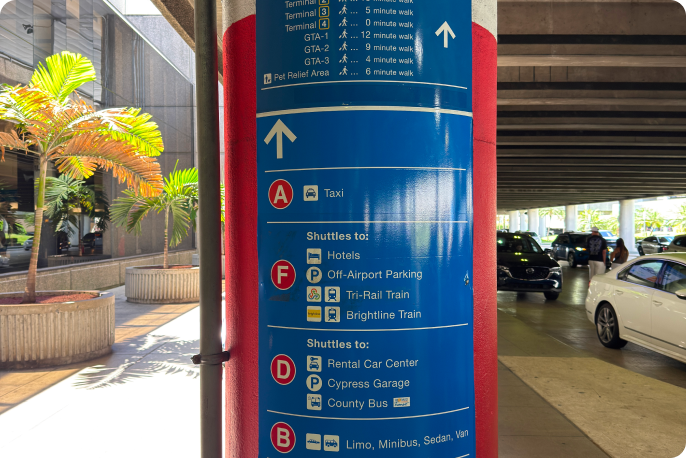
3. Locate the "D" stop
Proceed to the shuttle stop labeled "D", board the shuttle to Cypress Garage.
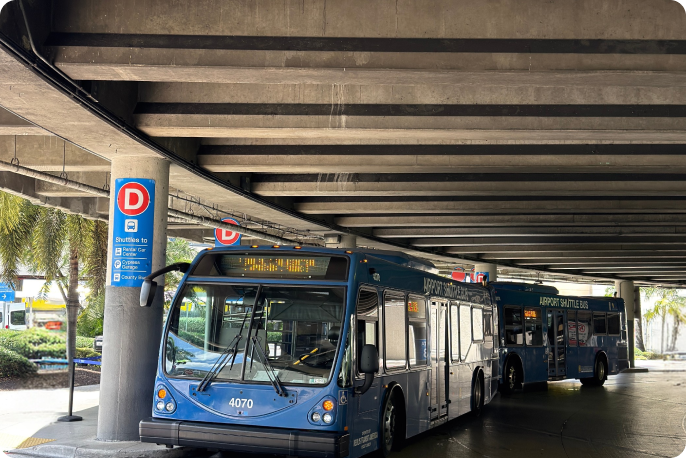
4. Exit shuttle at "Stop-D" (Cypress Garage & Rental Car Center)
After taking the shuttle to the Cypress Garage, exit the shuttle at "Stop-D"; enter the Rental Car Center through the main door.
5. Proceed to 7th floor
Inside the Rental Car Center, follow signs labeled "Elevators" & take the elevator to the 7th floor.
6. Locate your vehicle
Using the instructions provided by your host, locate the vehicle in the Cypress Garage. The primary permitted locations in the Cypress Garage for Turo vehicles are in zone 7NN; if all spots in 7NN are full, any available parking spots in the Cypress Garage are permitted.