Directions to Peer-to-Peer Turo Lot
Dallas Fort Worth International Airport (DFW)
From Terminal A
1. Proceed down the elevator across from baggage claim
From Terminal A baggage claim, follow signs to "Rental Cars" and proceed to the purple Rental Car Center shuttle pick-up area. Go down the elevator.

2. Follow "Ground Transportation" signs to "Rental Cars"
Exit the elevator and follow the "Ground Transportation" signs towards the purple Rental Car Center shuttle pick-up area.
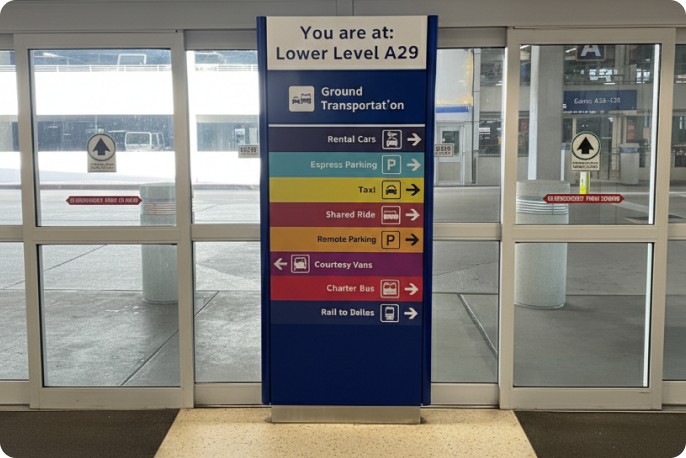
3. Continue along pedestrian pathway
Use the pedestrian pathway to reach the purple Rental Car Center shuttle pick-up area.
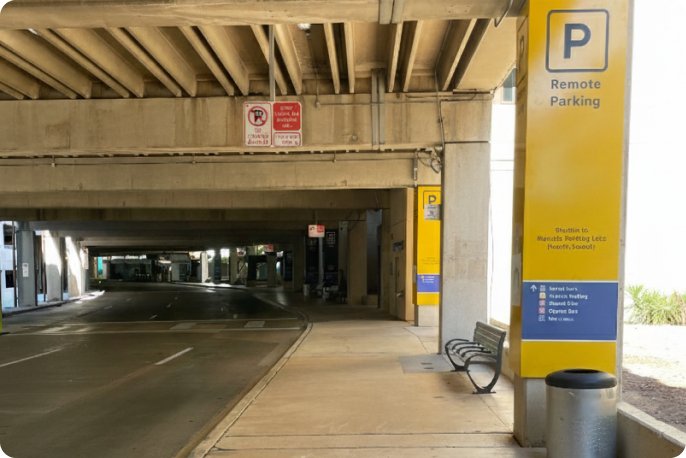
4. Board and ride the purple Rental Car Center shuttle
Take the purple Rental Car Center shuttle that runs from the terminal to the Rental Car Center. This shuttle runs every 10-15 minutes, and is available 24/7.
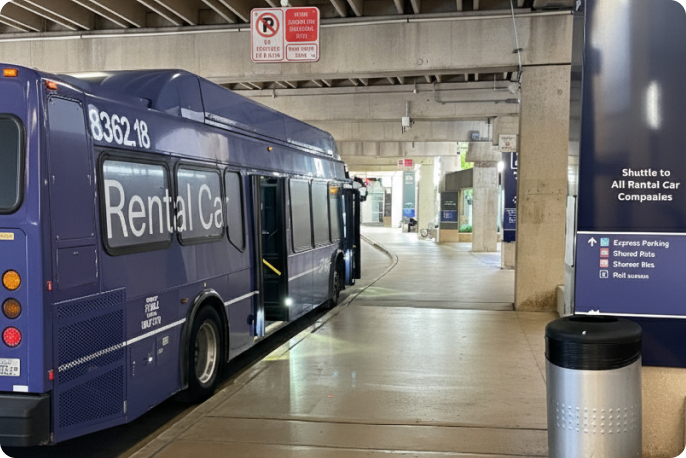
5. Exit the Rental Car Center shuttle
Once you arrive at the Rental Car Center, exit the shuttle and follow the "Turo" sign.
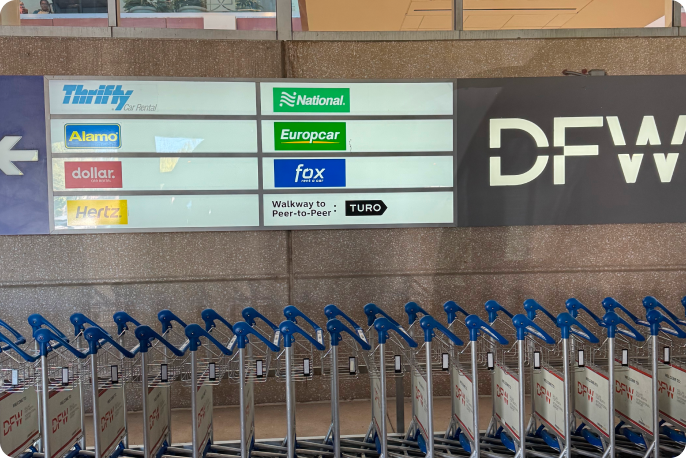
6. Proceed left and continue along the pedestrian walkway
Turn to your lefthand side and continue down the pedestrian walkway at the Rental Car Center.
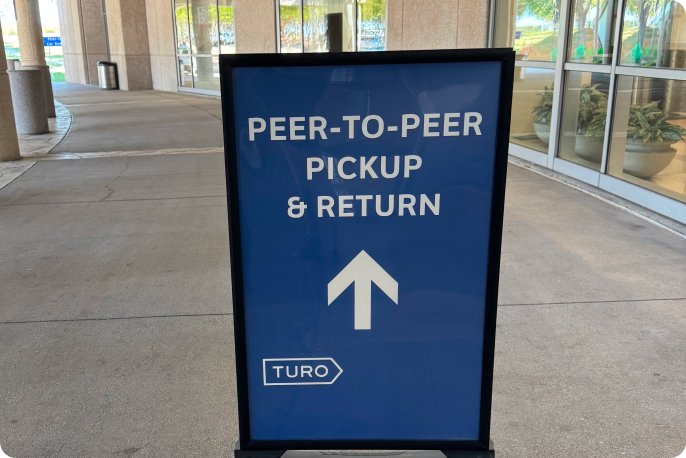
7. Locate the "Peer-to-Peer Car Rental Lot" sign
Along the pathway, locate the "Peer-to-Peer Car Rental Lot" sign at the end of the Rental Car Center building.
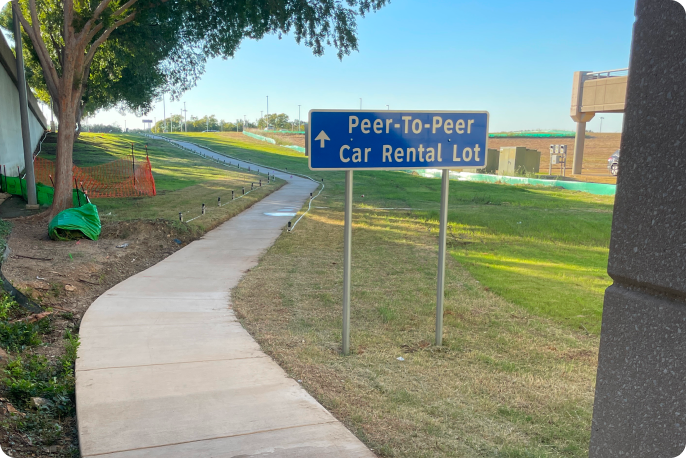
8. Find your vehicle
Upon arrival, check the Turo app for the exact parking location of your vehicle.
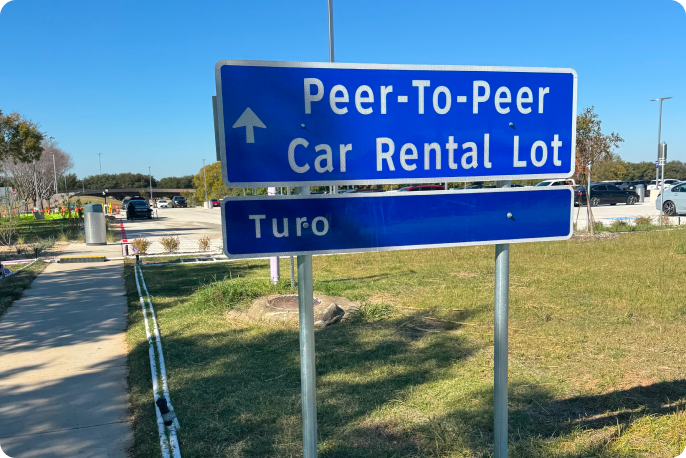
From Terminal B
1. Proceed to the elevator near baggage claim
From Terminal B baggage claim, follow signs, "Elevator to Lower Level," and proceed to the Rental Car Center shuttle pick-up area.
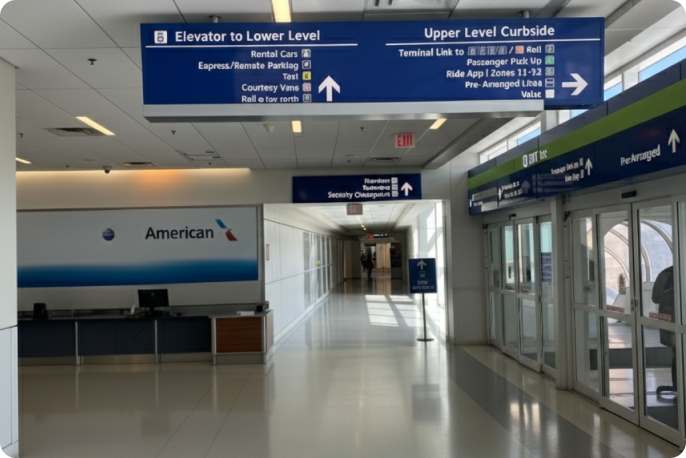
2. Locate and ride the elevator to the lower level
Enter the elevator and ride down to the lower level.
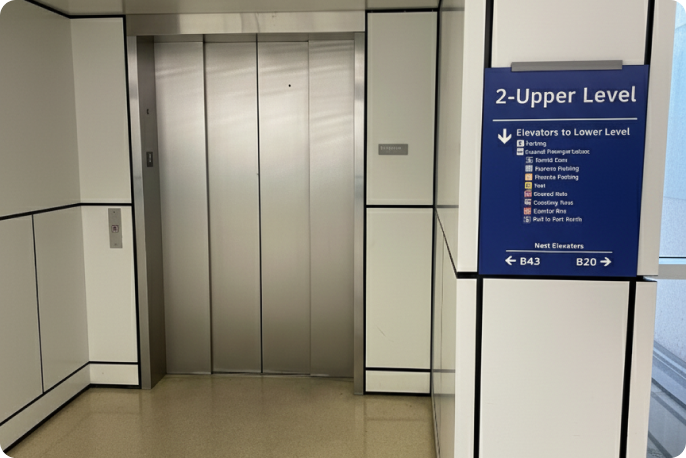
3. Exit the elevator
Exit the elevator and locate the "Ground Transportation" sign. Follow towards the purple Rental Car Center shuttle pick-up area.
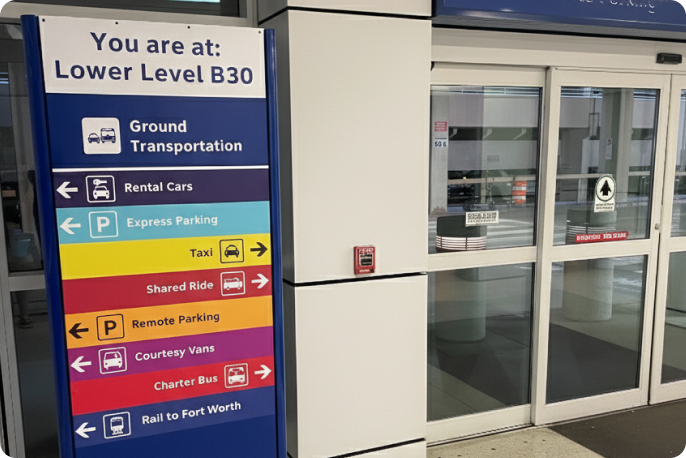
4. Continue along pedestrian pathway
Use the pedestrian pathway to reach the purple Rental Car Center shuttle pick-up area.
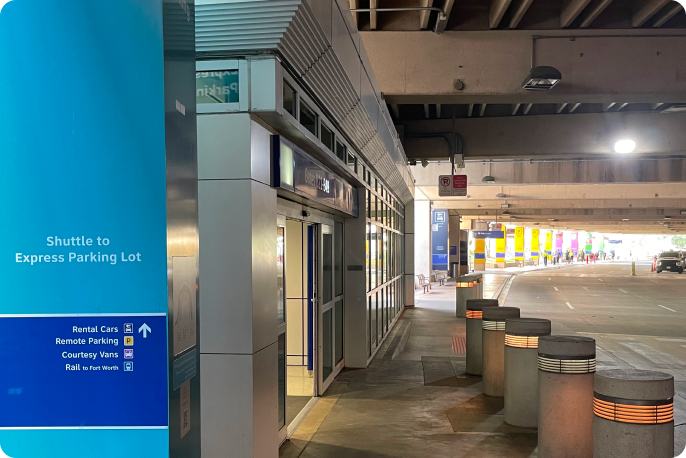
5. Locate the purple Rental Car Center shuttle area.
Continue along the pathway until you locate the purple Rental Car Center shuttle area.
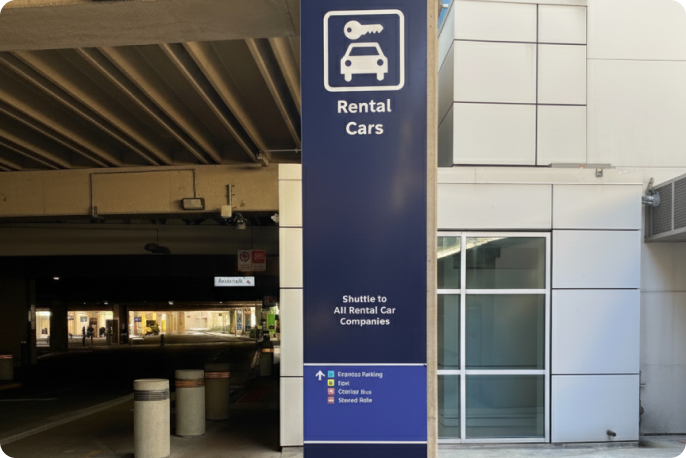
6. Board and ride the purple Rental Car Center shuttle
Take the purple Rental Car Center shuttle that runs from the terminal to the Rental Car Center. This shuttle runs every 10-15 minutes, and is available 24/7.
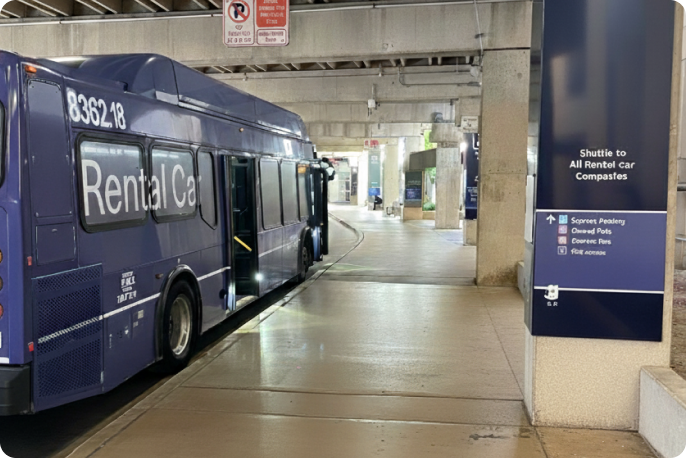
7. Exit the Rental Car Center shuttle
Once you arrive at the Rental Car Center, exit the shuttle and follow the "Turo" sign..
8. Proceed left and continue along the pedestrian walkway
Turn to your lefthand side and continue down the pedestrian walkway at the Rental Car Center.
9. Locate the "Peer-to-Peer Car Rental Lot" sign
Along the pathway, locate the "Peer-to-Peer Car Rental Lot" sign at the end of the Rental Car Center building.
10. Find your vehicle
Upon arrival, check the Turo app for the exact parking location of your vehicle.
From Terminal C
1. Follow "Ground Transportation" signs near baggage claim
From Terminal C baggage claim, follow signs for "Ground Transportation" to the lower level.
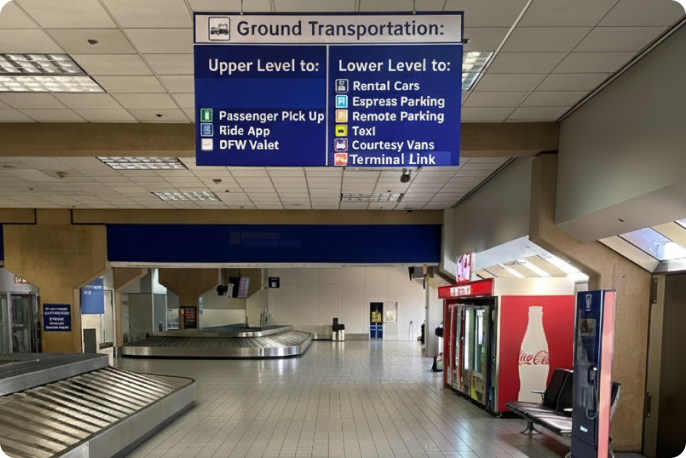
2. Continue towards the "Escalator to Lower Level" signs
Walk towards the "Escalator to Lower Level" sign. Head down the escalator.
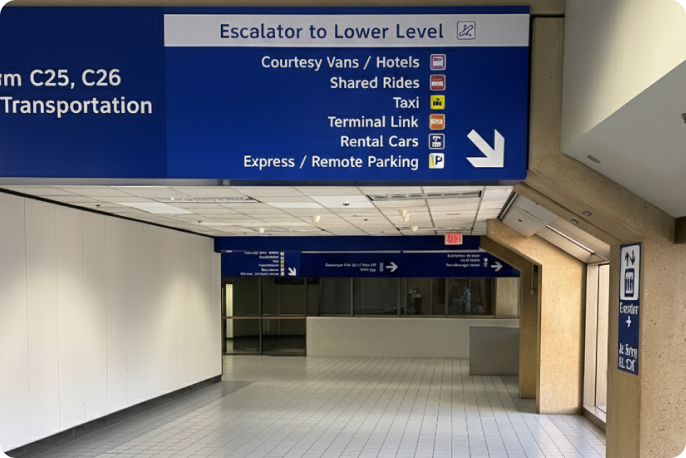
3. Locate the "Ground Transportation" sign
Step off the escalator and follow the "Ground Transportation" signs towards the purple Rental Car Center shuttle pick-up area.
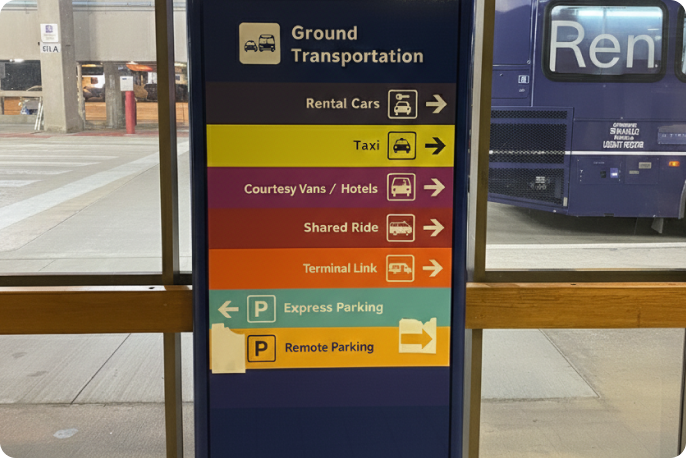
4. Board and ride the purple Rental Car Center shuttle
Take the purple Rental Car Center shuttle that runs from the terminal to the Rental Car Center. This shuttle runs every 10-15 minutes, and is available 24/7.
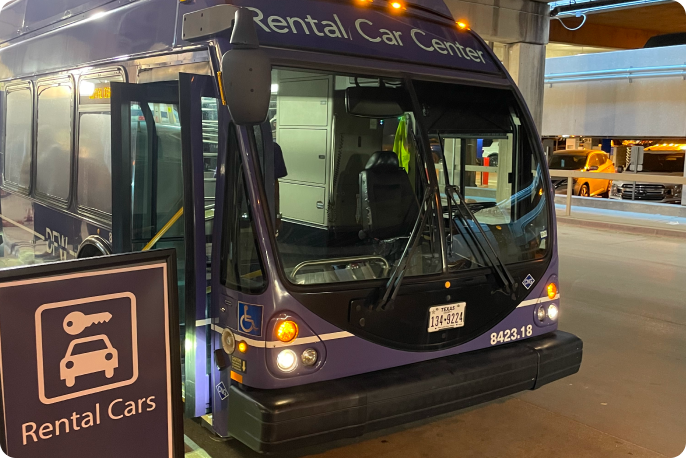
5. Exit the Rental Car Center shuttle
Once you arrive at the Rental Car Center, exit the shuttle and follow the "Turo" sign..
6. Proceed left and continue along the pedestrian walkway
Turn to your lefthand side and continue down the pedestrian walkway at the Rental Car Center.
7. Locate the "Peer-to-Peer Car Rental Lot" sign
Along the pathway, locate the "Peer-to-Peer Car Rental Lot" sign at the end of the Rental Car Center building.
8. Find your vehicle
Upon arrival, check the Turo app for the exact parking location of your vehicle.
From Terminal D
1. Follow "Ground Transportation" signs near baggage claim
From Terminal D baggage claim, follow signs for "Ground Transportation."
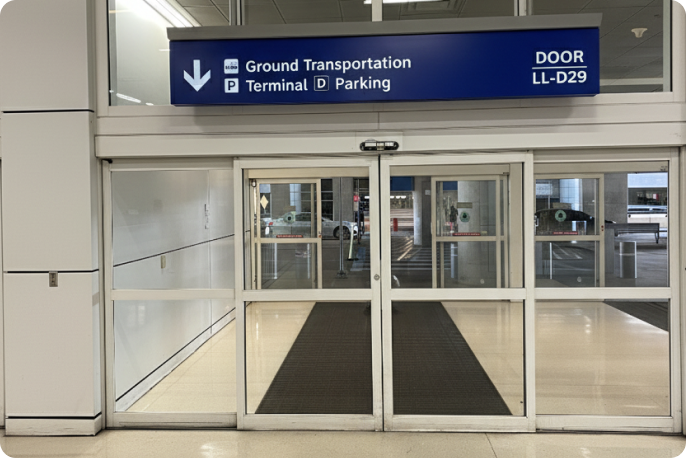
2. Locate directional signs for "Rental Car"
Continue through the baggage claim doors and locate directional signage for "Rental Car."
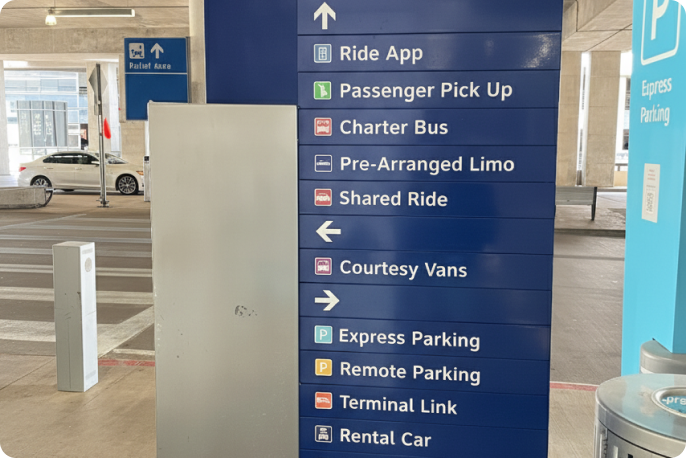
3. Continue along pedestrian pathway
Use the pedestrian pathway to reach the purple Rental Car Center shuttle pick-up area.
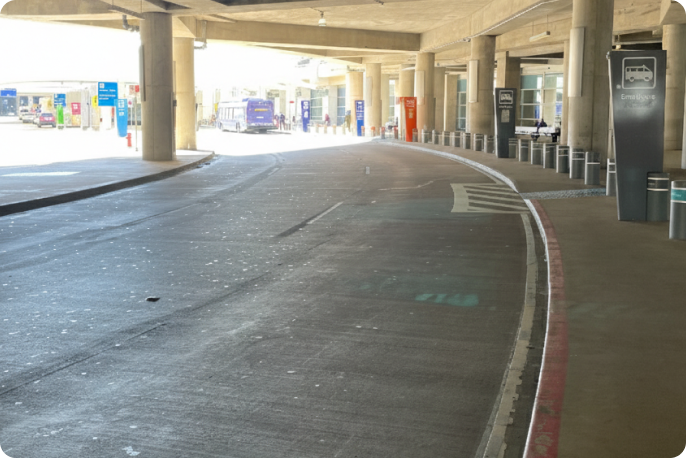
4. Locate the purple Rental Car Center shuttle area.
Continue along the pathway until you locate the purple Rental Car Center shuttle area.
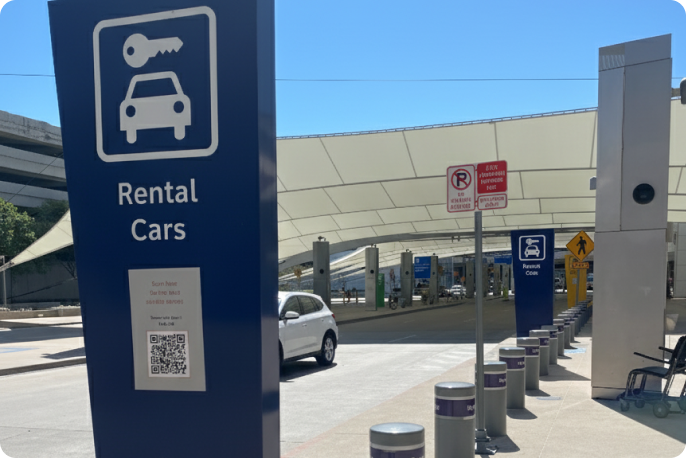
5. Board and ride the purple Rental Car Center shuttle
Take the purple Rental Car Center shuttle that runs from the terminal to the Rental Car Center. This shuttle runs every 10-15 minutes, and is available 24/7.
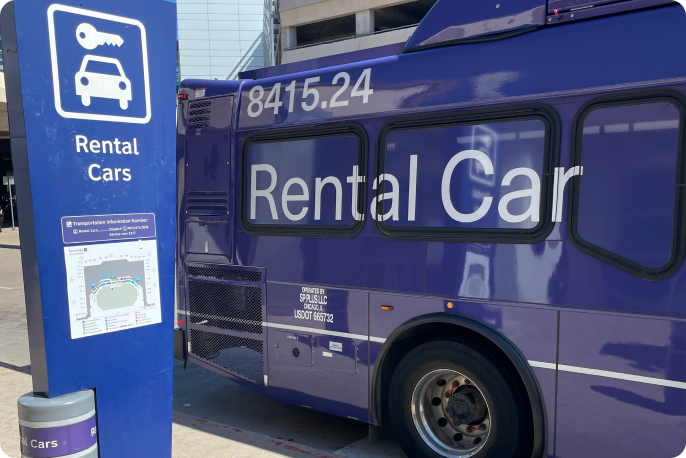
6. Exit the Rental Car Center shuttle
Once you arrive at the Rental Car Center, exit the shuttle and follow the "Turo" sign..
7. Proceed left and continue along the pedestrian walkway
Turn to your lefthand side and continue down the pedestrian walkway at the Rental Car Center.
8. Locate the "Peer-to-Peer Car Rental Lot" sign
Along the pathway, locate the "Peer-to-Peer Car Rental Lot" sign at the end of the Rental Car Center building.
9. Find your vehicle
Upon arrival, check the Turo app for the exact parking location of your vehicle.
From Terminal E
1. Proceed to the elevator across from baggage claim
From Terminal E baggage claim, follow signs, "Elevator to Lower Level," and proceed to the purple Rental Car Center shuttle pick-up area.
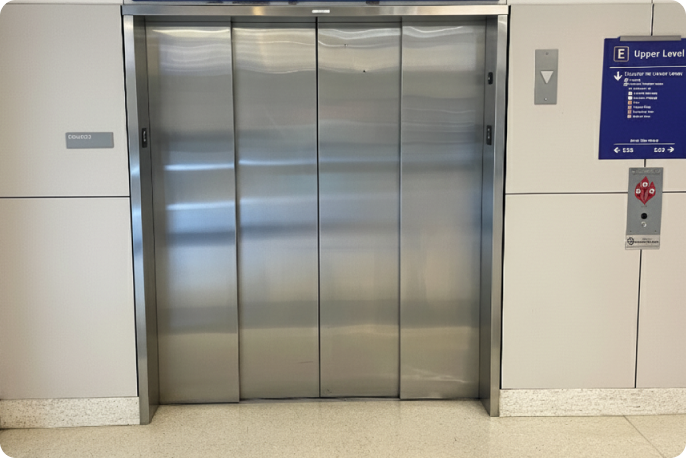
2. Exit the elevator
Exit the elevator and locate the "Ground Transportation" sign. Follow towards the purple Rental Car Center shuttle pick-up area.
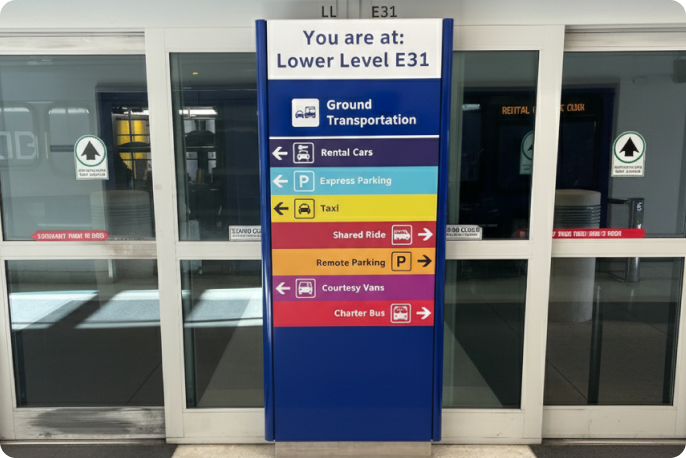
3. Board and ride the purple Rental Car Center shuttle
Take the purple Rental Car Center shuttle that runs from the terminal to the Rental Car Center. This shuttle runs every 10-15 minutes, and is available 24/7.
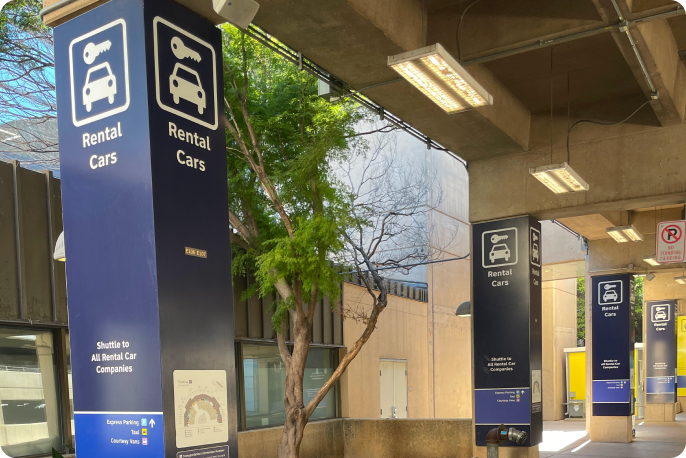
4. Exit the Rental Car Center shuttle
Once you arrive at the Rental Car Center, exit the shuttle and follow the "Turo" sign.
5. Proceed left and continue along the pedestrian walkway
Turn to your lefthand side and continue down the pedestrian walkway at the Rental Car Center.
6. Locate the "Peer-to-Peer Car Rental Lot" sign
Along the pathway, locate the "Peer-to-Peer Car Rental Lot" sign at the end of the Rental Car Center building.
7. Find your vehicle
Upon arrival, check the Turo app for the exact parking location of your vehicle.