Directions to Economy Red Lot
San Antonio International Airport (SAT)
From Terminal A
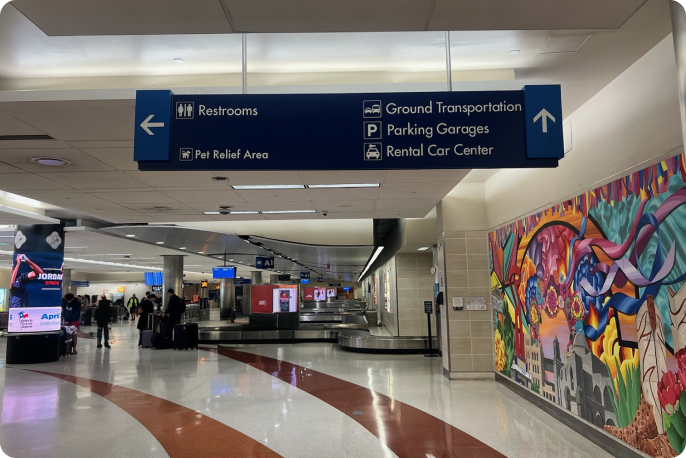
1. Follow signs to Ground Transportation
From arrivals, follow signs to Ground Transportation
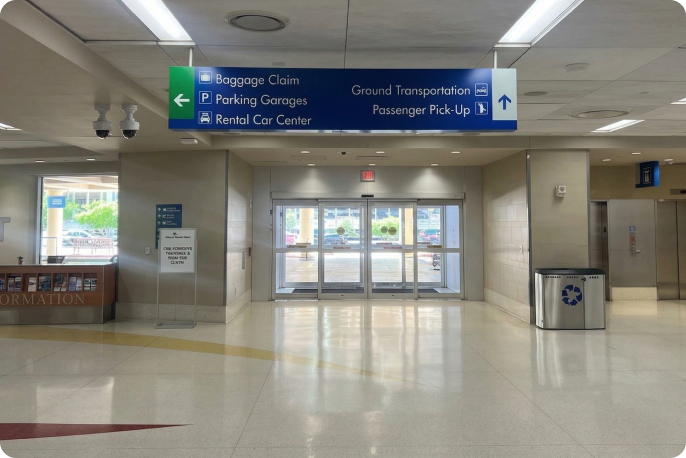
2. Exit doors
Continue to follow the Ground Transportation sign and exit through the doors.
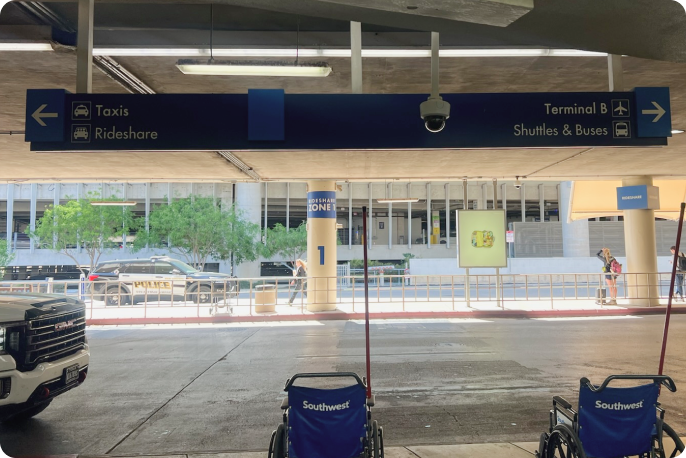
3. Follow Terminal B and Shuttle & Buses
After exiting, follow Terminal B and Shuttle & Busses sign.
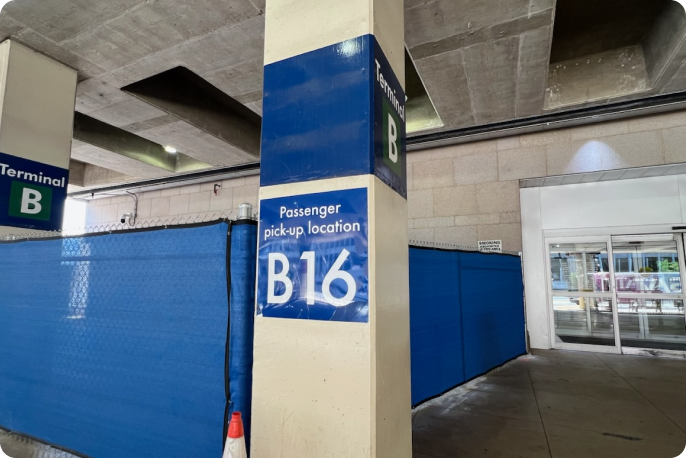
4. Locate Post B16
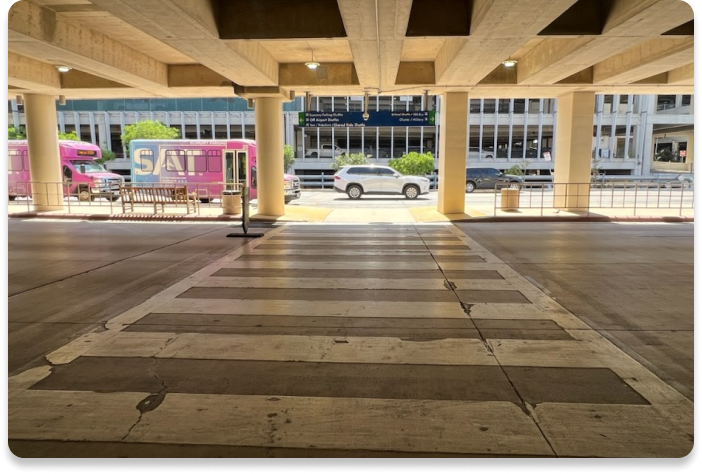
Locate B16 and cross the street.
5. Cross the street
Once you cross the street, locate economy parking shuttle for Red Lot.
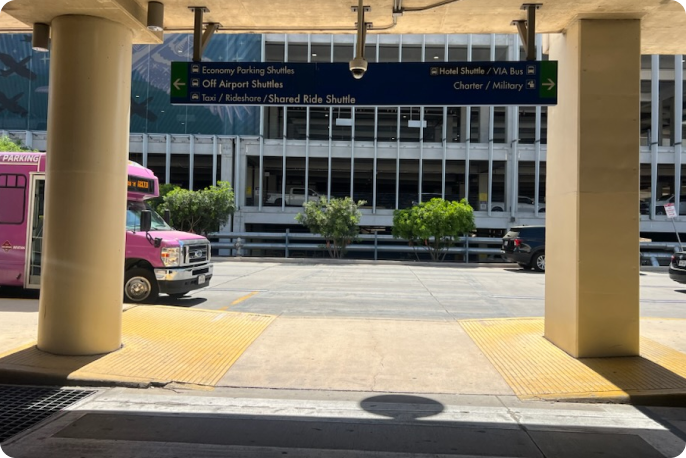
6. Locate shuttle
Once you cross the street, locate the Economy parking shuttle.
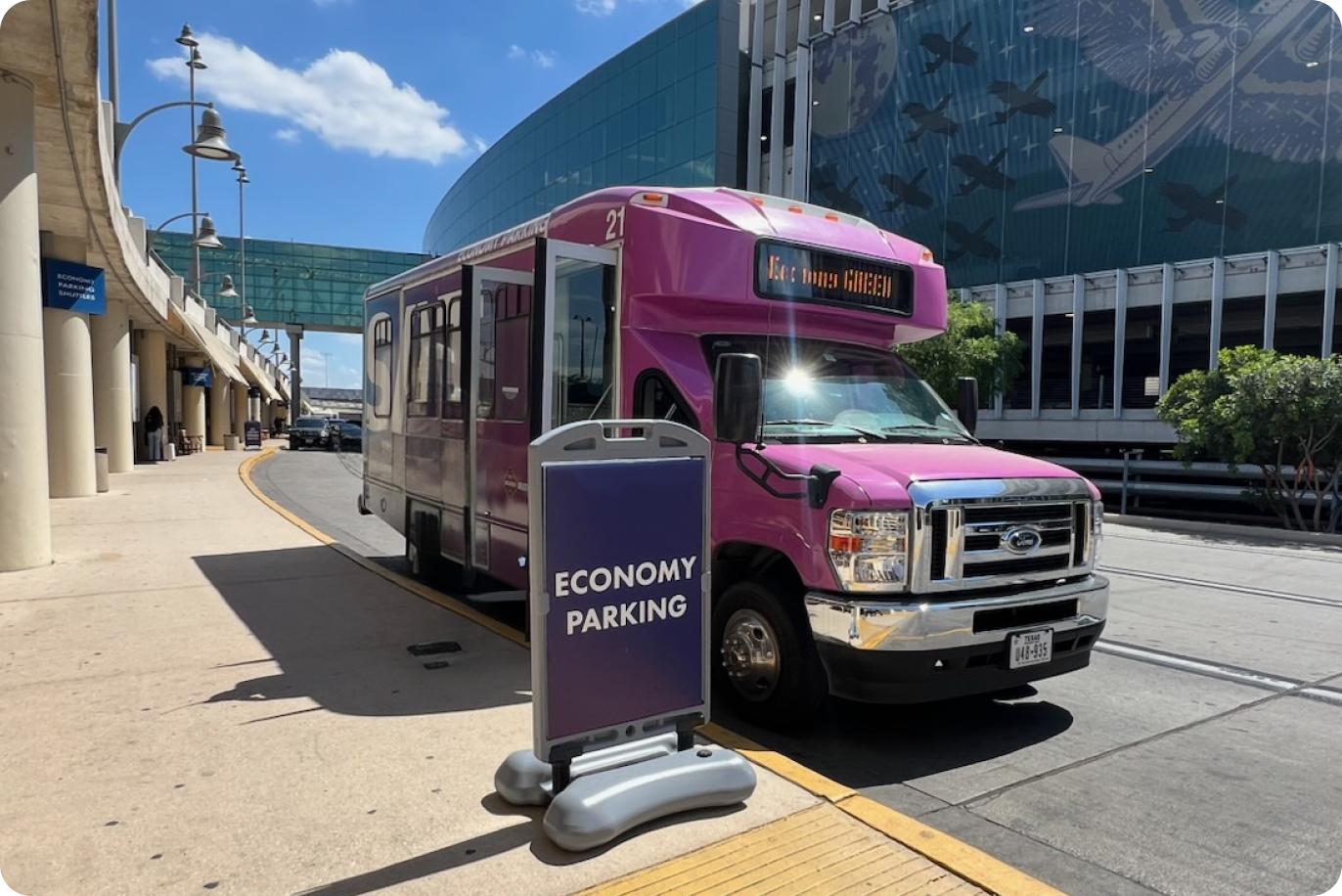
7. Board the shuttle
Board the shuttle and reference the instructions your host provided to find where the vehicle is parked.
From Terminal B
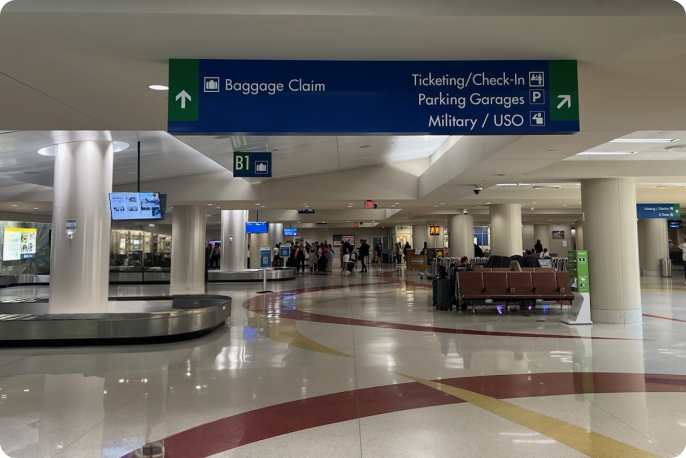
1. Head towards Parking Garage
Take a right towards Parking Garage signage.
2. Exit doors
Continue to follow the Ground Transportation sign and exit through the doors.
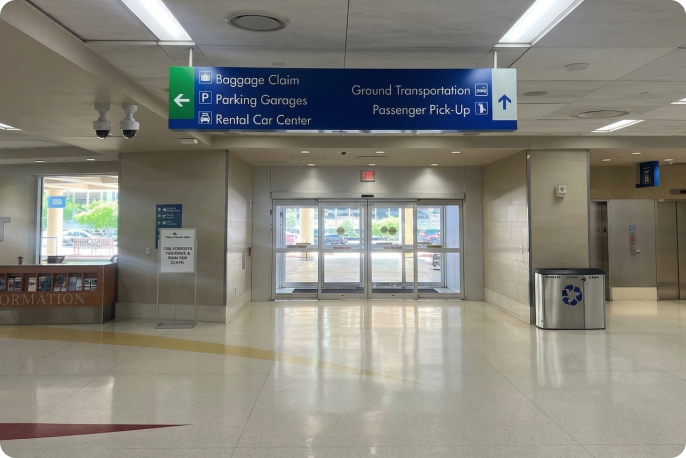
3. Locate Terminal B Post 16
Locate B16 and cross the street.
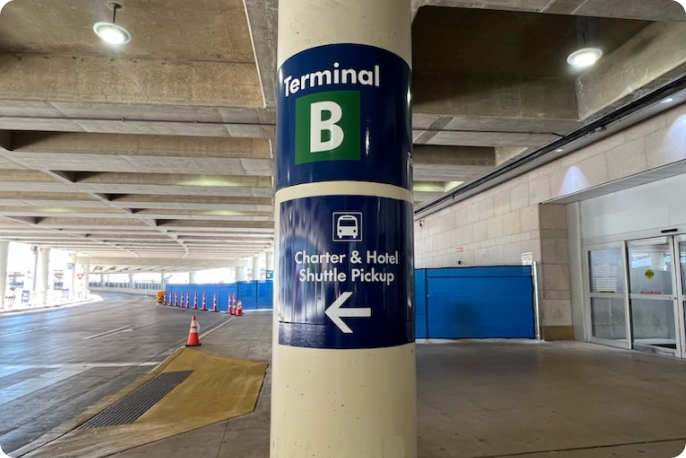
4. Cross the street
Once you cross the street, locate economy parking shuttle for Red Lot.
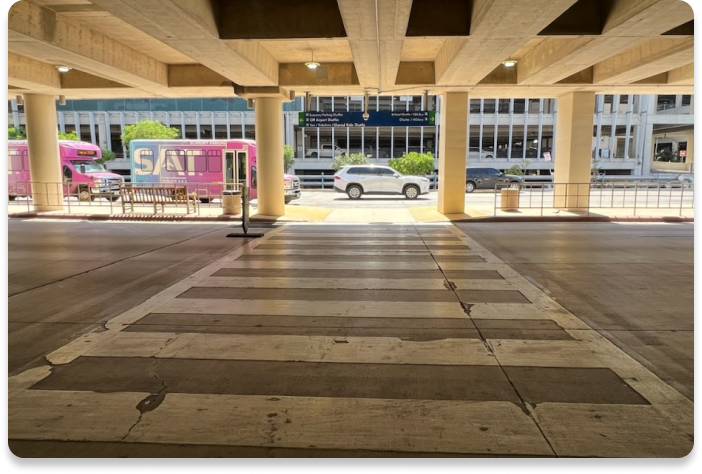
5. Board the shuttle
Board the shuttle and reference the instructions your host provided to find where the vehicle is parked.