Directions to Lot C
Kona International Airport (KOA)
From Baggage Claim A
1. Exit the Baggage Claim
From Baggage Claim A head to the curb, turn right, and head south until you reach the airport sign.


2. Cross the street
Once you reach the sign, use the crosswalk to cross the street toward the old rental car building.

3. Cross to Lot C
Go behind the building and follow the path through the parking lot.

4. Cross the street
Following the path through the parking lot will eventually take you to a crosswalk.

5. Stay right
Continue along the path staying to your right until you hit Lot C.

6. Find your vehicle
Upon arrival to the lot, reference the instructions your host provided to find where the vehicle is parked.

7. Option to prepay
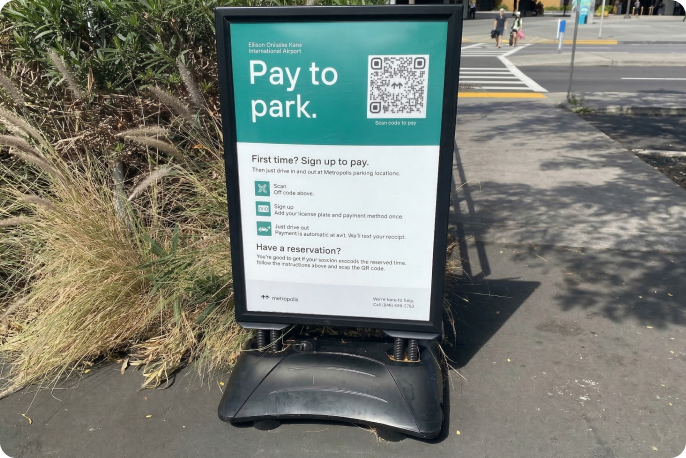
Make sure to use the payment sign before driving off to make exit a smooth process; otherwise, you can use the cash lane.
From Baggage Claim B
1. Exit the Baggage Claim
From Baggage Claim B head to the curb, turn left, and head north until you reach the airport sign.

2. Cross the street
Once you reach the sign, use the crosswalk to cross the street toward the old rental car building.
3. Cross to Lot C
Go behind the building and follow the path through the parking lot.
4. Cross the street
Following the path through the parking lot will eventually take you to a crosswalk.
5. Stay right
Continue along the path staying to your right until you hit Lot C.
6. Find your vehicle
Upon arrival to the lot, reference the instructions your host provided to find where the vehicle is parked.
7. Option to prepay
Make sure to use the payment sign before driving off to make exit a smooth process; otherwise, you can use the cash lane.